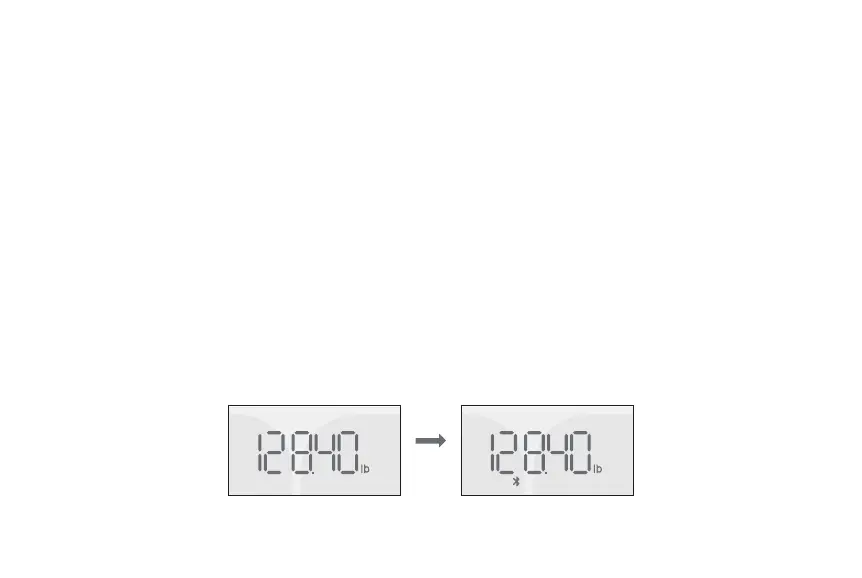
In this section, measurements refer to full measurements with a user’s Runcobo app already setup.
Measurements with Bluetooth Connections
When measuring with your Runcobo app open, the Bluetooth connection will be used. Your measurement
data will be sent to your app through the Bluetooth.
1. Make sure your phone’s Bluetooth is on. Login to your Runcobo app.
2. Step onto the scale to turn on the scale, then step off to let the scale calibrate. Wait until you see the
scale displays “CAL” and followed by “00”, then step on the scale again to measure.
3. On your scale, the Bluetooth icon will appear. On your app's "Measurements" screen the circles will spin
until stabilized to display the measurements.
Measurements


 To Next Page