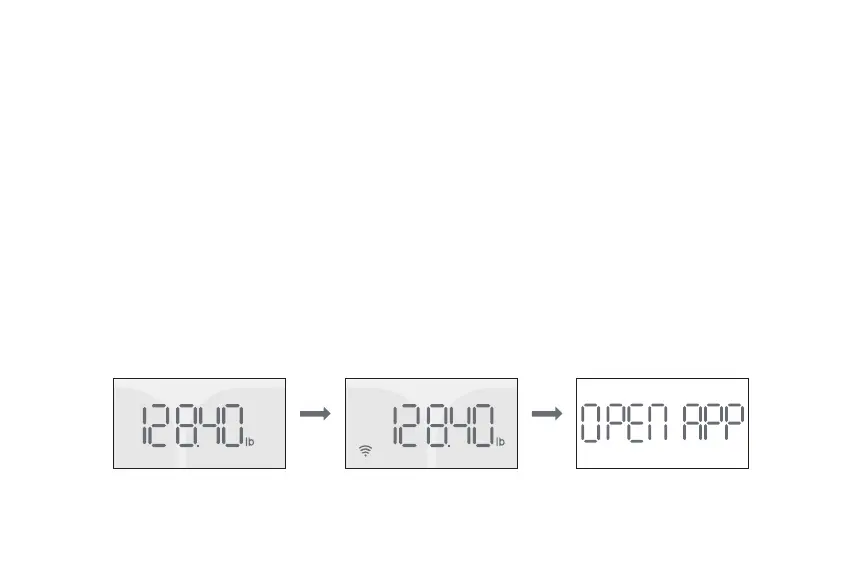
Measurements with Wi-Fi Connections
You don’t need to open your Runcobo app before you use the Wi-Fi connections. You may disable your
phone’s Bluetooth. Your measurement data will be uploaded to the cloud server first then to your app.
1. Don’t open your Runcobo app.
2. Step onto the scale to turn on the scale, then step off to let the scale calibrate. Wait until you see the
scale displays ‘CAL’ and followed by ‘00’, then step on the scale again to measure.
3. On your scale, the Wi-Fi icon will appear. When completed, the scale will display “OPEN APP”. It means
your measurement data is already sent to the cloud server. You now can open your app to read your
measurements. You can open the app now, or you can choose later time to read your data.


 To Next Page