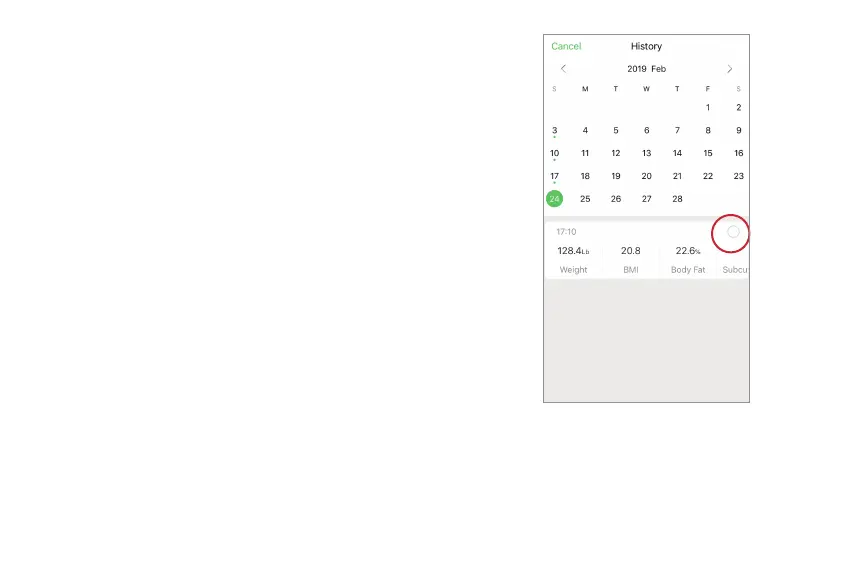
2. On your “History” screen. Select a date and
then select the desired data you want to
compare. Then it will go back to your
“Measurements” screen, displaying the
comparisons against the data you just selected.
If you don’t make any selections, the default
comparison setting is to compare to your earliest
measurements you made. If your reference data
set is deleted, you will compare with your default
data. No comparison if you only have one set of
measurements.


 To Next Page