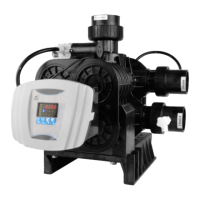
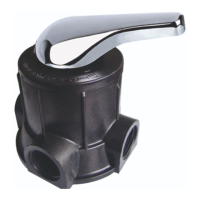
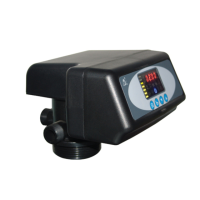
MODEL:F67Q/F71Q/F68Q/F69Q/F116Q/F117Q
49
③ Press or continuously until in service status, the digital
display area shows:4-12M;
④ Press , 12 flashes;
⑤ Press continuously until 12 change to 15;
⑥ Press again and hear a sound “Di” , the frame stop
flickering,the program returns to enquiry status.;
⑦ If you want to adjust other parameters, you can adjust as above
3-5 steps; if not, press to exit the program inquiry status. The display
are shows the current working status.



 To Next Page