NOTICE:
IF YOU ARE NOT A RUSSOUND CERTIFIED INSTALLER,
YOU WILL NOT BE ABLE TO INSTALL AND CONFIGURE
THIS PRODUCT
INTERNET CONNECTION REQUIRED
FOR PRODUCT INSTALLATION
There are two things that must be done at the time of installation of this
product that require a working internet connection:
1. Enter valid Russound Certied Installer credentials. The XZone4 is
shipped in a locked state. It cannot be operated without rst being congured
by a Russound Certied Installer.
If you are a custom installation professional and wish to become authorized as a
Russound Certied Installer, please contact your Russound Sales Representative
for more information.
Note: If you are a Russound Certied Installer and you plan on installing this
product on a job site that may not have working internet access, please
congure the unit at your shop or other location where internet access is
available BEFORE you take it to the job site.
2. Firmware may be updated easily through Web Cong conguration. An
internet connection is required for obtaining the most recent rmware.
Note: If an internet connection will not be available at the place of installation,
please download the latest rmware from the Russound website to a laptop
before going to the job site.
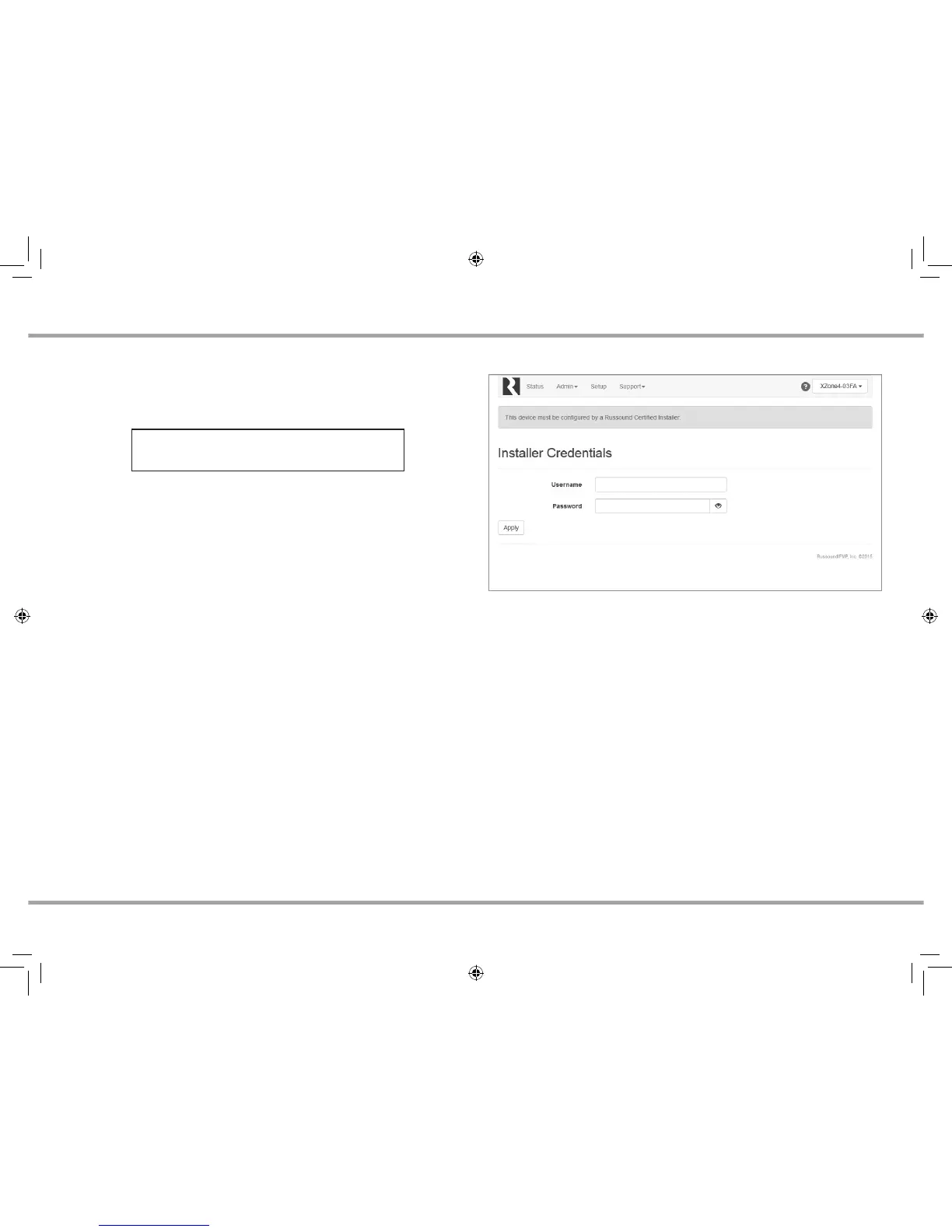
Installer Credential Entry
When the XZone4 is shipped from Russound, it will only operate in a "locked"
state. In this state, no audio or control is available. In order to unlock the system,
valid Russound Certied Installer credentials must be entered using the Web
Cong.
When the XZone4 is rst powered on, a message will appear on any compatible
user interfaces and the MyRussound App indicating that the device must be
unlocked. The message will contain the IP address of the XZone4. Using your
mobile device or computer, browse to the XZone4 IP address (type http:// and
then the IP address).
If you are using the MyRussound App, the IP address appears as a link that will
direct you to Web Cong via your local web browser.
If you do not have a valid Russound Certied Installer credential, please
contact your Russound Sales Representative.
Lockdown Feature
RUSSOUND CERTIFIED INSTALLER REQUIRED
XZone_Manual.indd 2 3/3/16 11:31 AM



 To Next Page