Key Programming Features
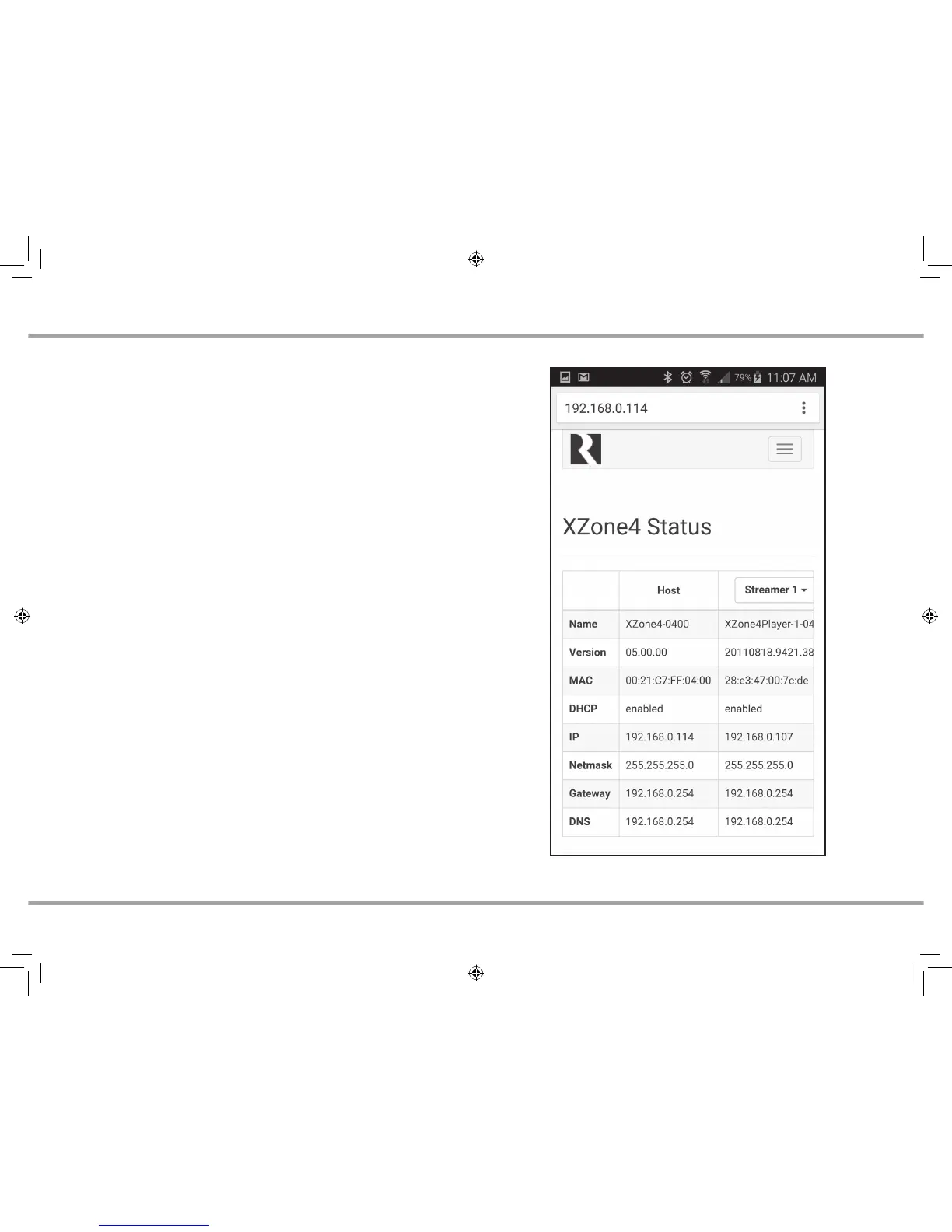
The XZone4 has a programming feature called Web Config. This programming
feature allows the installer to connect to the XZone4 via its IP address or Host
Name using any smartphone, tablet, or laptop and configure it.
Web Config is designed to be used with a web browser. With Web Config, the
XZone4 can be completely configured, quickly and easily.
Web Cong Features
• General network configuration (DHCP/static IP)
• Firmware Updates
• Configure Zone Output Type – Speaker Level Outputs can be enabled
or disabled. Variable Line-Level Output is always active
• Assign device name (zone name) for each zone
• Zone Volume Trim
• Set AirPlay password for each zone (if desired)
• Enable/disable or re-order streaming services for each zone
• Enable/disable front panel LED’s (for use in installations where light
pollution is a concern, such as bedrooms)
• Enable/disable All On Participation for each zone
WEB CONFIGURATION
Web Config status page.
XZone_Manual.indd 4 3/3/16 11:31 AM



 To Next Page