Helpline 00800 31133113
2
User Manual
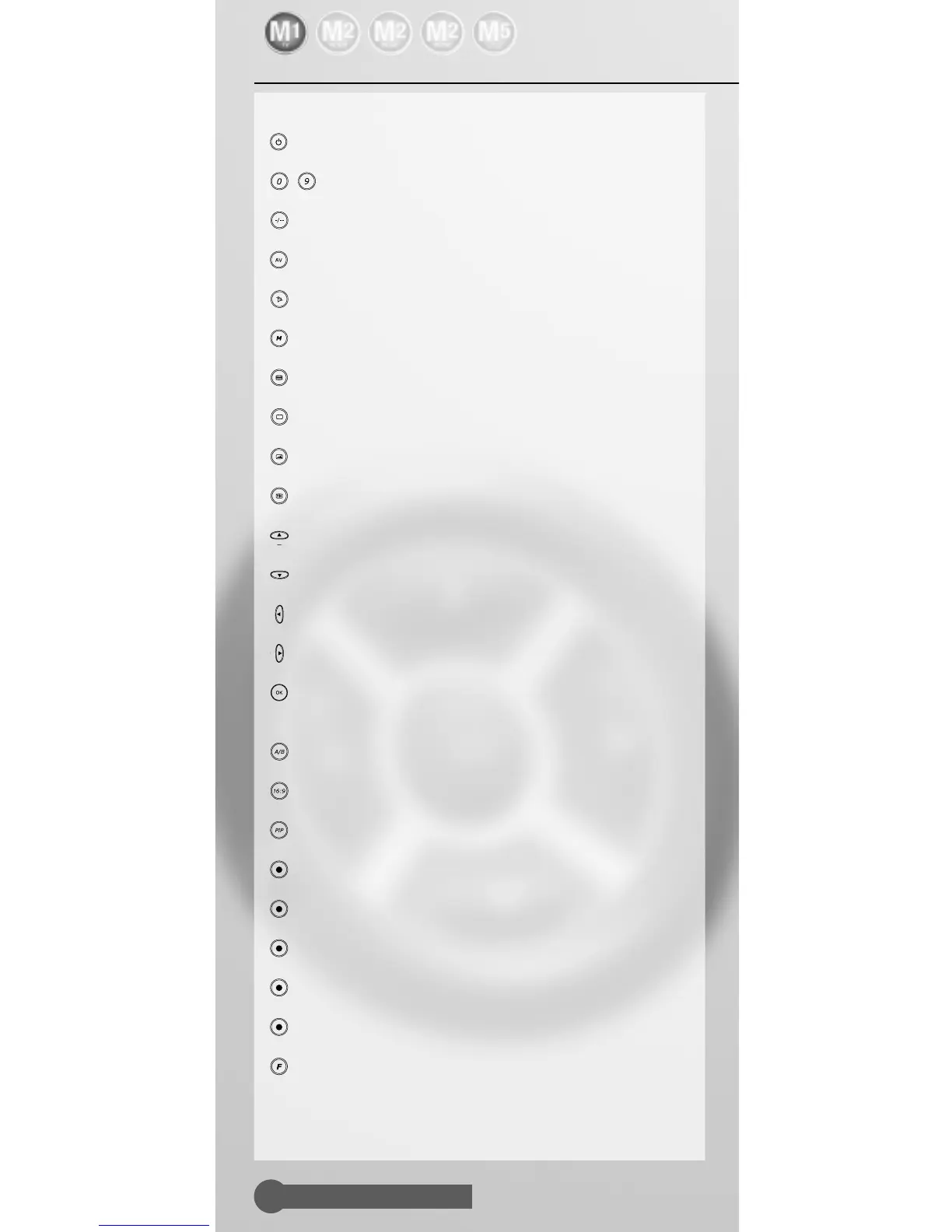
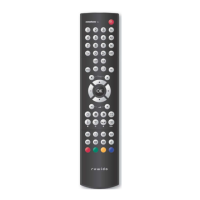
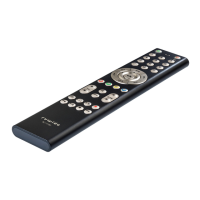
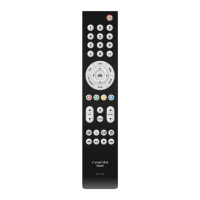
Key assignment
a Power/standby
b – Numerical keypad
c Switching between 1-digit to 2-digit input
d Switching to AV
e Mute
f Menu ON/OFF
g Teletext ON
h Teletext OFF
i Teletext display with image
j Function depending on TV set model
k Programme + Cursor up in menu
l Programme - Cursor down in menu
m Volume - Cursor left in menu
n Volume + Cursor right in menu
o Confirmation key (function depending on device)
Standard settings
p Selection of sound channel A/B
q 16:9 switching
r Picture-in-picture
s -red Fastext red
t -green Fastext green
u -yellow Fastext yellow
v -blue Fastext blue
w -white Info
x Function key for the programming of the remot
control, shift key
Please note:
Certain devices may not support all functions.



 To Next Page