29
SECTION VI
ALTITUDE ALERT
____________________________________
____________________________________
In the Air Traffic Control environment, an unauthorized
deviation in assigned altitude can compromise safety. The
Ryan TCAD provides a means to alert the pilot prior to
arrival at an assigned altitude, or inadvertent changes in
cruise altitude.
ENGAGING
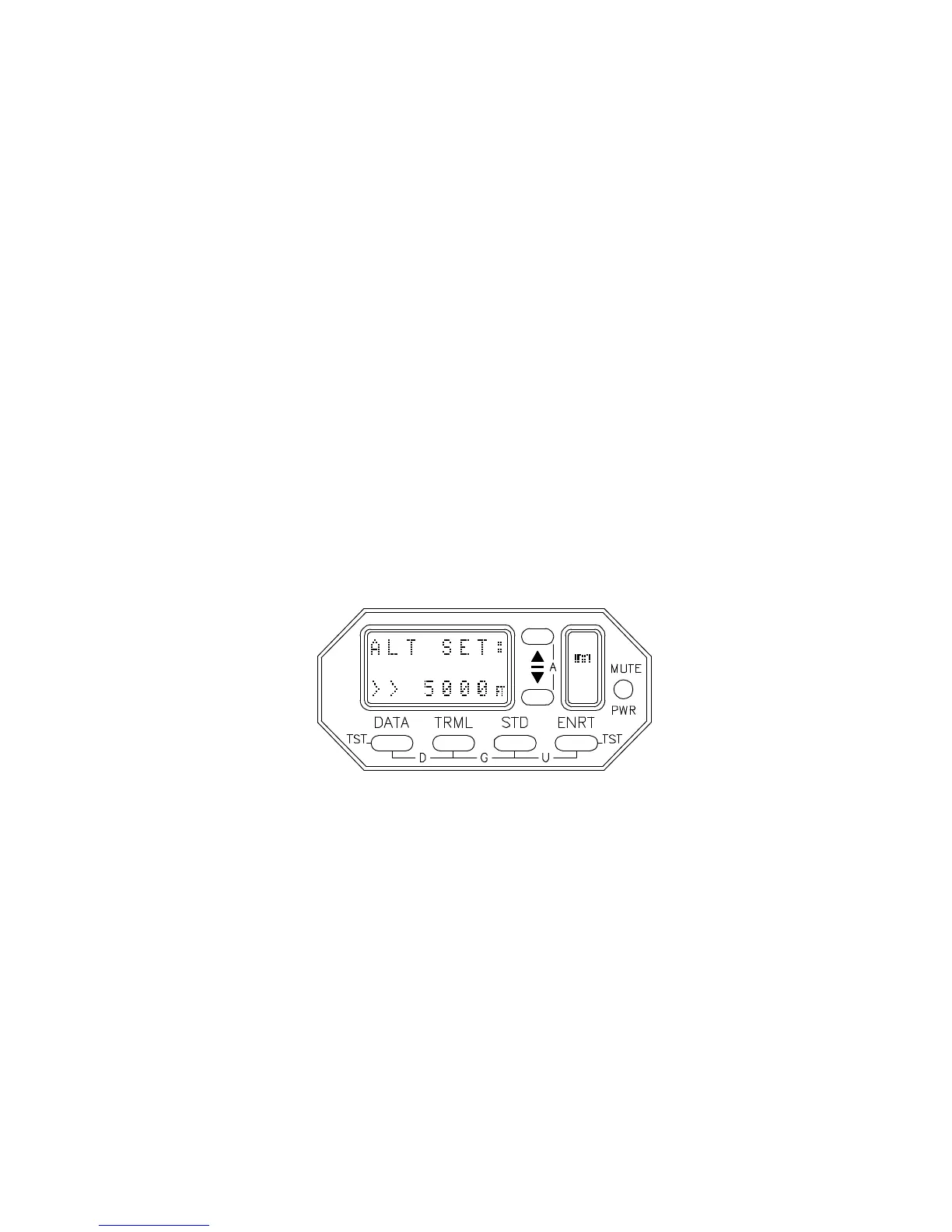
The Altitude Alert function is activated by pressing the s
and t buttons simultaneously. When this is done, ALT
SET: is displayed on the upper display line, with the last
entered altitude appearing on the lower line.
The s and t buttons can be used separately to adjust the
displayed altitude to an assigned or desired altitude (or flight
level). If no button presses occur for 8 seconds, the Altitude
Alert will engage at the displayed altitude, and TCAD will
return to the collision alert display. If desired, the Altitude
Alert can be manually engaged by pressing the s and t
buttons simultaneously while the ALT SET: message is
displayed.


 To Next Page