9
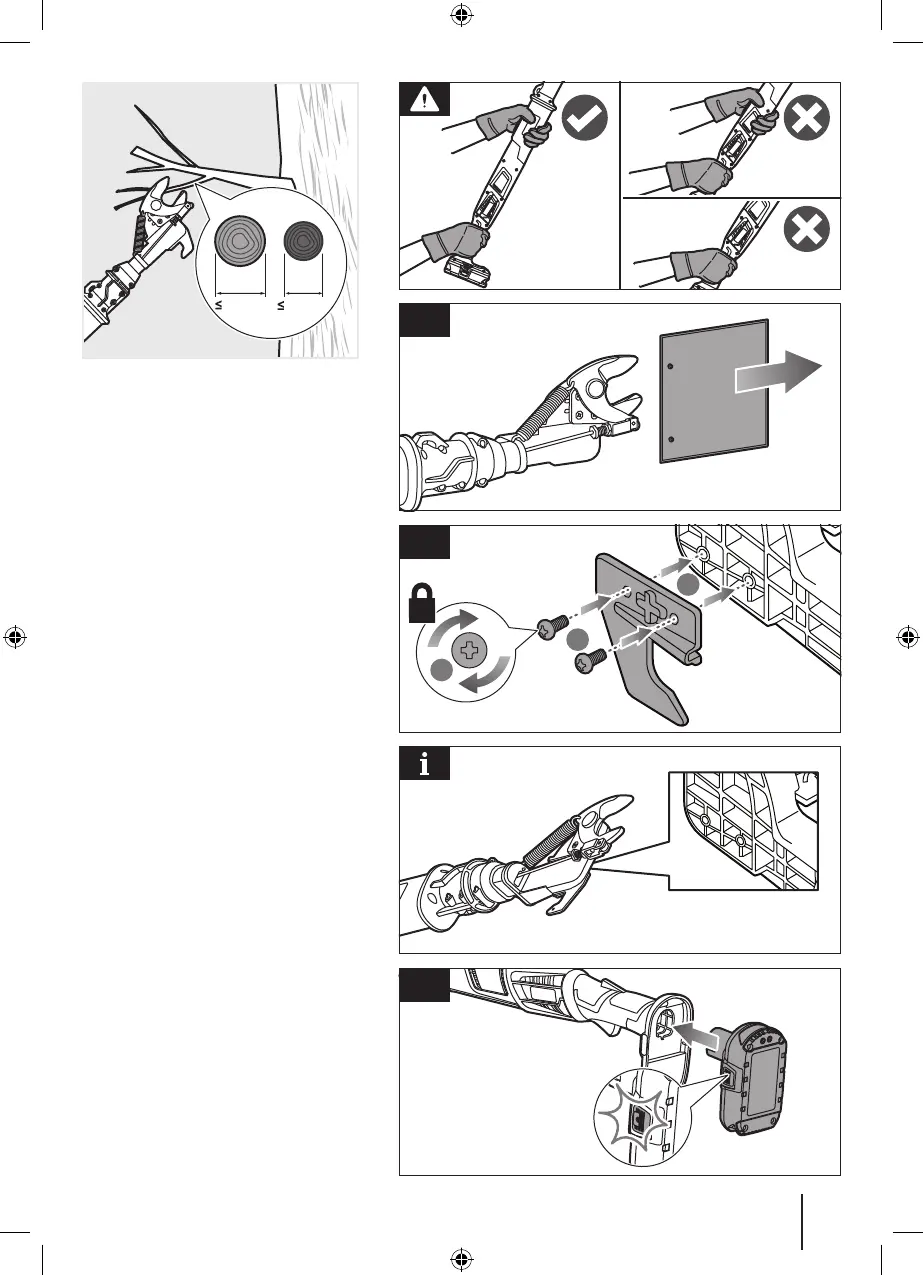
32mm
28mm
1
1
2
3
2
3
OPERATING THE PRODUCT
WARNING: During operation, hold the
product with both hands.
1. Remove the blade cover.
2. Install the hook. Insert the screws and
turn them clockwise to tighten.
NOTE: The hook can be attached to the
other side of the product.
3. Install the battery pack in the product.
Make sure the latch on each side of the
battery pack clicks into place and that the
battery pack is securely attached before
using the product.


 To Next Page