15
1
2
1
1
2
3
4
2
1
2
3
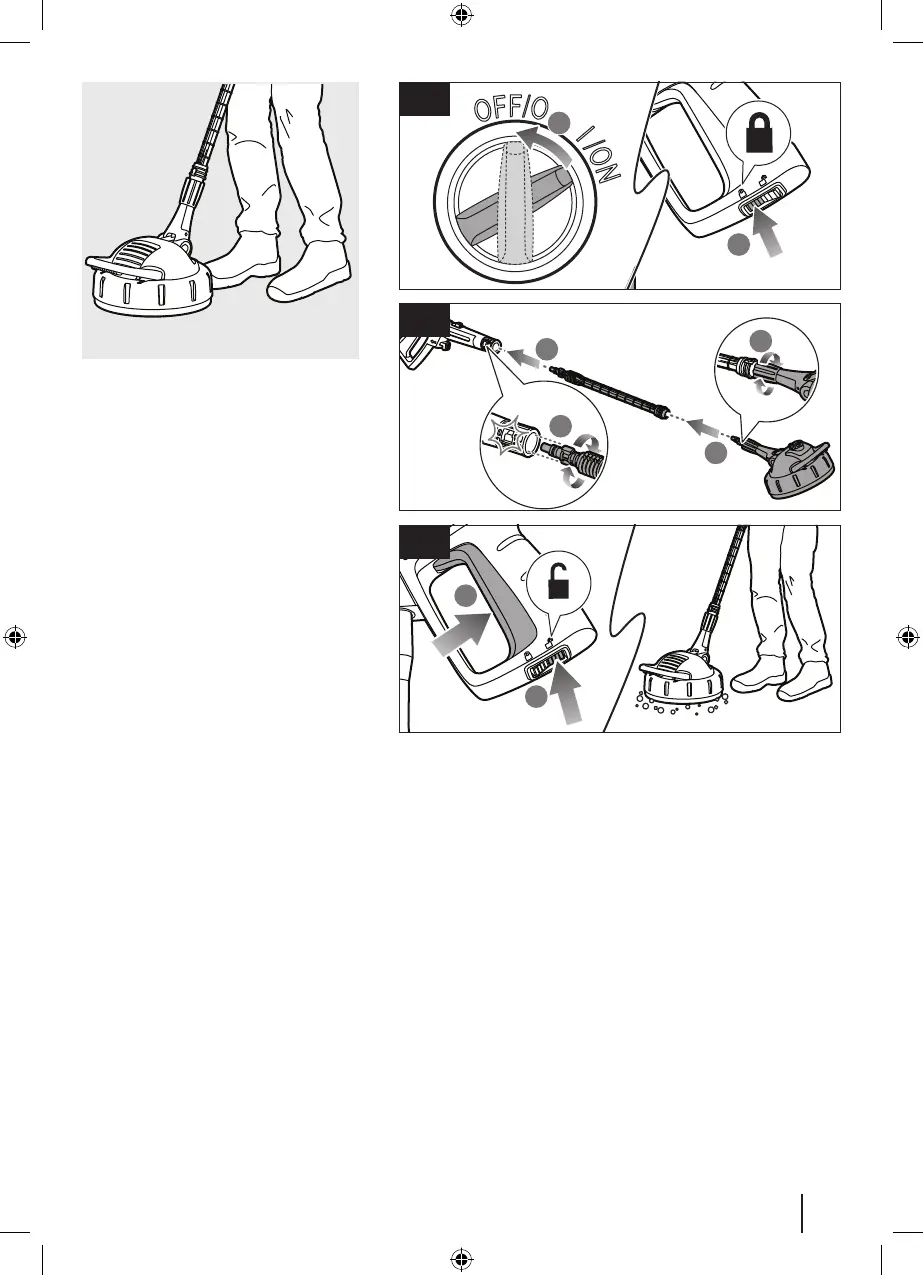
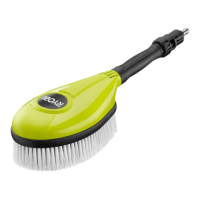
USING THE SURFACE CLEANER
1. Turn the on/off switch to the off position
Set the trigger handle lock to the lock
position.
2. Insert the surface cleaner extension into
the trigger handle. Turn the extension
until it clicks into place. Insert the
surface cleaner into the extension. Turn
the surface cleaner clockwise until it is
secured.
3. Set the trigger handle lock to the unlock
position. Squeeze the trigger to operate
the product.


 To Next Page