EasyManua.ls Logo

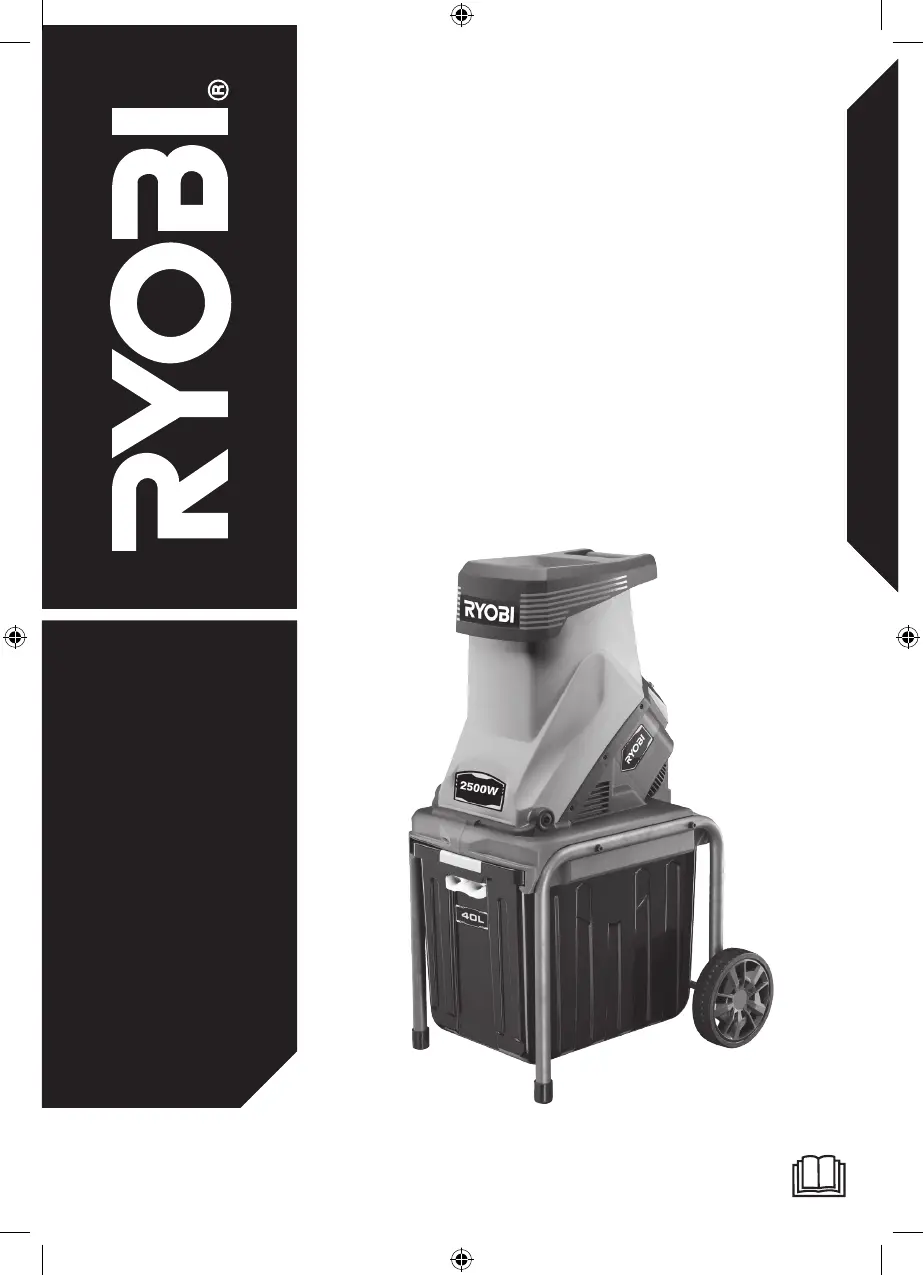
Ryobi RSH2545B - User Manual

Ryobi RSH2545B
28 pages
Print Icon
To Next Page IconTo Next Page
Loading...
ORIGINAL INSTRUCTIONS
Electric Impact
Shredder
RSH2545B

Questions and Answers

  • V
    vmillerJul 28, 2025
    What to do if my Ryobi RSH2545B Paper Shredder motor does not run?
    • S
      shelly68Jul 28, 2025
      If the motor of your Ryobi Paper Shredder isn't running, there could be several reasons. First, the overload protection might be activated. In this case, follow the instructions in the “Overload protection device“ section in this manual. Second, the safety interlock switches may not be engaged; check that the collection box is properly fitted and that the shredder housing is fully closed with the shredder housing knob properly screwed in. Finally, there might be a power failure, so check the power supply cable, plug, and the supply circuit breaker.
  • G
    Gabriel NguyenAug 7, 2025
    Why is my Ryobi Paper Shredder not drawing in the material?
    • B
      Brett JohnsonAug 8, 2025
      If your Ryobi Paper Shredder isn't drawing in the material, it could be because the material is jammed in the feeding chute. Immediately turn off the product and follow the instructions in the “Clearing a blockage“ section of this manual. Another possibility is that the cutting blades are blocked.
  • J
    Jennifer GilmoreAug 17, 2025
    What to do if the Ryobi RSH2545B motor does not run?
    • M
      Michelle MooreAug 17, 2025
      If the motor of your Ryobi Paper Shredder isn't running, here are a few things to check: * The overload protection may be activated. In this case, follow the instructions in the “Overload protection device“ section. * The safety interlock switches might not be engaged. Make sure to check the collection box's safety interlock and ensure it's properly engaged. * There could be a power failure. Examine the power supply cable, plug, and the supply circuit breaker.

Summary

INTENDED USE

Product Purpose and Limitations

Defines the shredder's intended use, materials, and operational environment.

GENERAL SAFETY RULES

User Training and Responsibilities

Emphasizes reading instructions, operator age limits, and user accountability.

Operational Preparation and Pre-checks

Details required protective gear, operating surface, and pre-use equipment inspections.

Electrical Safety Guidelines

Covers proper plug use, voltage matching, RCD connection, and ventilation safety.

ELECTRIC IMPACT SHREDDER SAFETY RULES

Safe Operation Practices

Outlines crucial rules for safe operation, including body/clothing placement and handling blockages.

OVERLOAD PROTECTION DEVICE

Understanding Overload Protection

Explains the overload protection feature, its activation, and reset procedure.

CLEARING A BLOCKAGE

Step-by-Step Blockage Removal

Provides detailed instructions and safety warnings for clearing jams and blockages.

TRANSPORTATION AND STORAGE

Guidelines for Moving and Storing

Offers advice on cleaning, cooling, securing, and storing the shredder safely.

MAINTENANCE

Cleaning, Blade Care, and Checks

Covers cleaning procedures, blade maintenance, fastener checks, and chemical precautions.

RESIDUAL RISK

Understanding Potential Hazards

Lists residual risks like noise, dust, and contact, with mitigation advice.

KNOW YOUR PRODUCT

Product Component Identification

Identifies key parts of the shredder for user reference.

SHREDDING GUIDE

Shredding Twigs and Small Branches

Provides specific methods for shredding twigs and branches effectively.

Shredding Plants and Foliage

Guides on shredding plants, weeds, and foliage, including moisture considerations.

Shredding Dry Sticks and Clearing

Advises on shredding dry sticks for cleaning and proper end-of-task procedures.

SYMBOLS ON THE PRODUCT

Understanding Product Safety Symbols

Explains the meaning of various safety symbols displayed on the product.

SYMBOLS IN THIS MANUAL

Understanding Signal Words and Icons

Clarifies the meaning of signal words (Danger, Warning, Caution) and icons used in the manual.

TROUBLESHOOTING

PRODUCT SPECIFICATIONS

REPLACEMENT PART

RYOBI WARRANTY APPLICATION CONDITIONS

AUTHORISED SERVICE CENTRES

DECLARATION OF CONFORMITY

Ryobi RSH2545B Specifications

General IconGeneral
Power2500 W
Noise level106.5 dB
Product colorBlack, Green
Cutting systemBlade
Material throughput- kg/h
Collection box capacity40 L
Weight and Dimensions IconWeight and Dimensions
Weight13400 g

Related product manuals