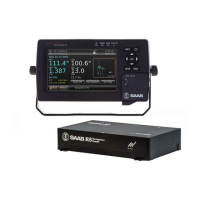
R5 SUPREME - Navigation System
OPERATION
7000 118-301, A3 Page 64
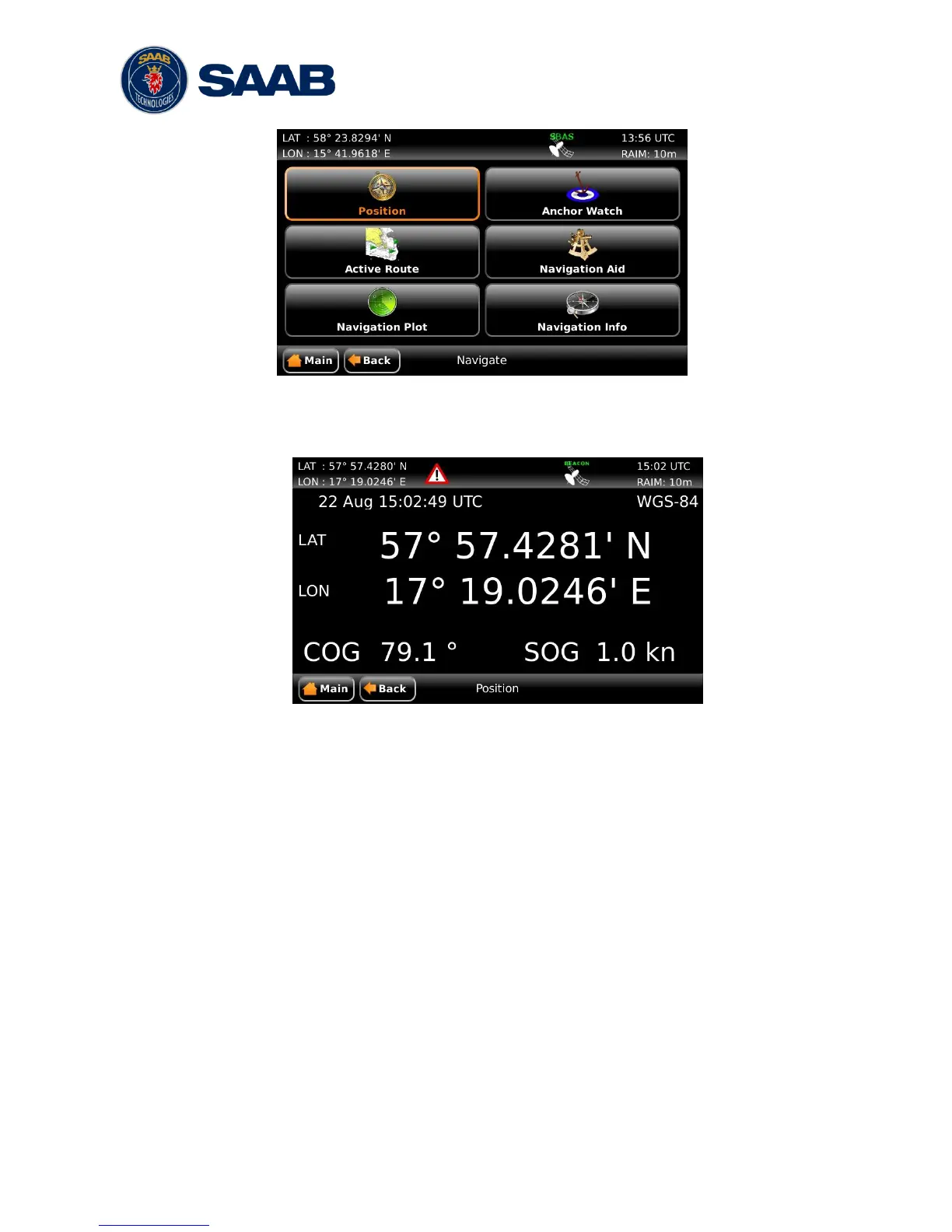
Figure 27 – Navigate Menu
5.8.1 Show Current Position
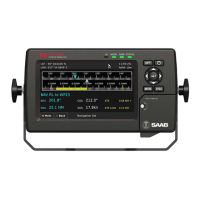
Figure 28 – Position View
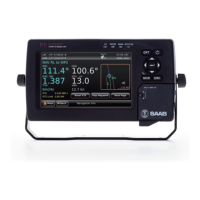
The R5 SUPREME Navigation System will power up in the Position view. The Position
view shows current position, speed over ground (SOG) and course over ground (COG)
as reported by the R4 Navigation Sensor. The position is represented by latitude and
longitude. Current date and time, in UTC or local time, is also displayed.
If the navigation system is not able to calculate new position information, the latest
valid information is shown in conjunction with the time when it was calculated. The red
satellite icon in the status bar will indicate that no new position information is available.
See section Error! Reference source not found. ―Error! Reference source not
found.‖ for further details on the icons.
Note: COG is based on track angle which requires that the ship is moving. Thus, COG
data is not displayed when the SOG value is below 0.3 knots.
5.8.2 Anchor Watch
The Anchor Watch view provides functionality for activation of an alarm when the dis-
placement from a reference position exceeds a certain limit. The view is accessed from
Main Menu Navigate Anchor Watch. In order for an external or audible anchor
watch alarm to be generated, the anchor watch alarm must be enabled in the Alarm
Config view accessed from Main Menu Maintenance Configuration Alarm.


 To Next Page