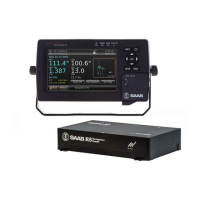
R5 SUPREME - Navigation System
OPERATION
7000 118-301, A Page 73
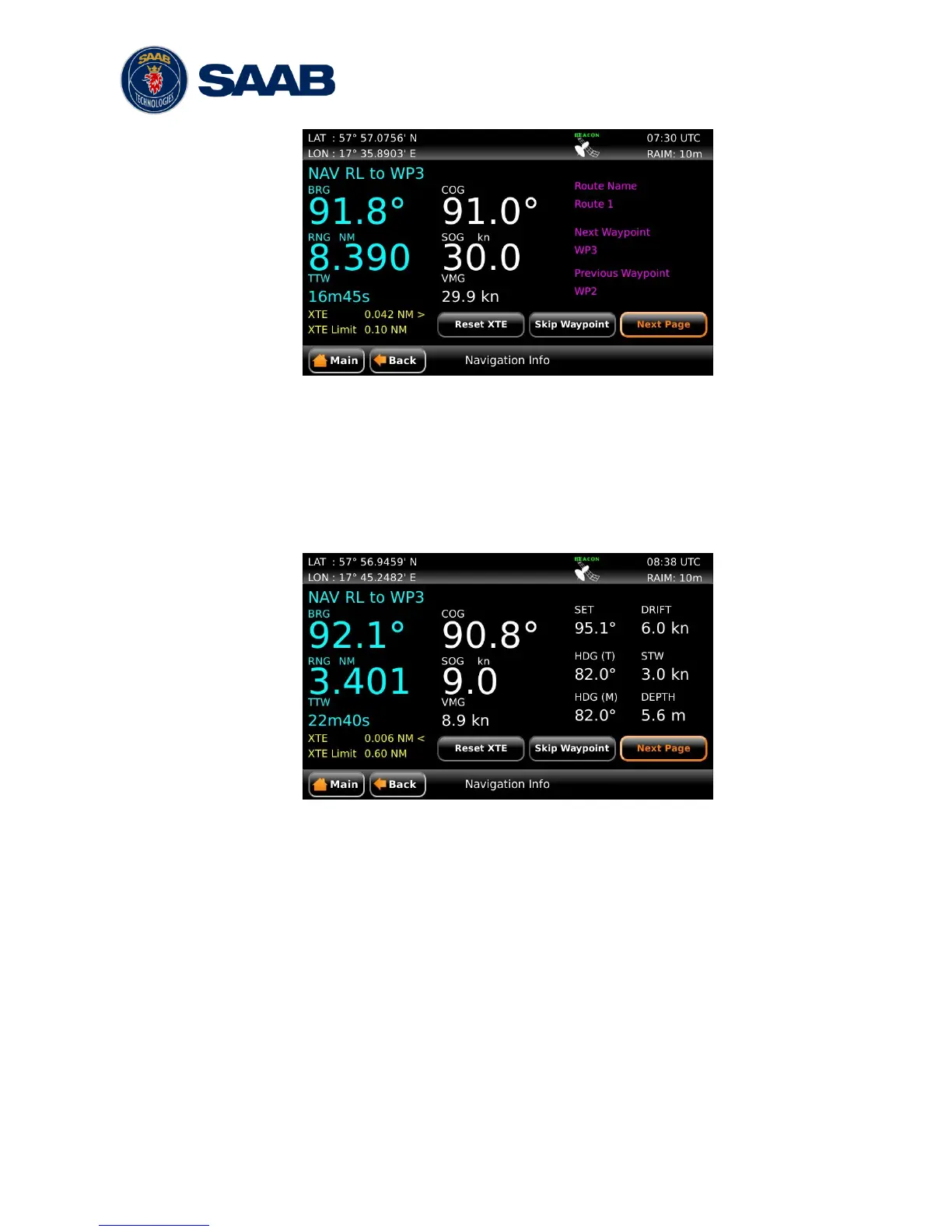
Figure 42 – Navigation Info View – WPT Info
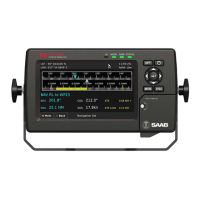
5.8.6.5 Set and Drift
The Set and Drift sub view show information received from heading sensors, depth
sensors and speed sensors. This information together with SOG and COG is also
used to calculate set and drift. To receive information from heading and depth
sensors, the input ports must be configured. See section 4.2.14 Compass Data Port
and 4.2.15 Depth Data Port for more information.
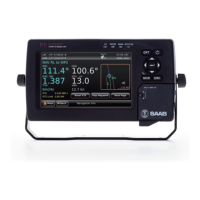
Figure 43 – Navigation Info View – Set and Drift
Note: Set and Drift calculations require speed through water and heading sensor
inputs, as well as valid SOG and COG readings.
5.8.6.6 Next Waypoint Plot
This sub view shows a plot of the remaining part of the current leg as well as the
next leg. The plot will automatically adjust the zoom level when the ship is closing on
the next waypoint. To view a more detailed plot of the entire route and to zoom
manually, see section 5.8.5.


 To Next Page