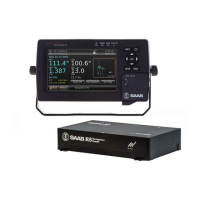
R5 SUPREME - Navigation System
OPERATION
7000 118-301, A Page 75
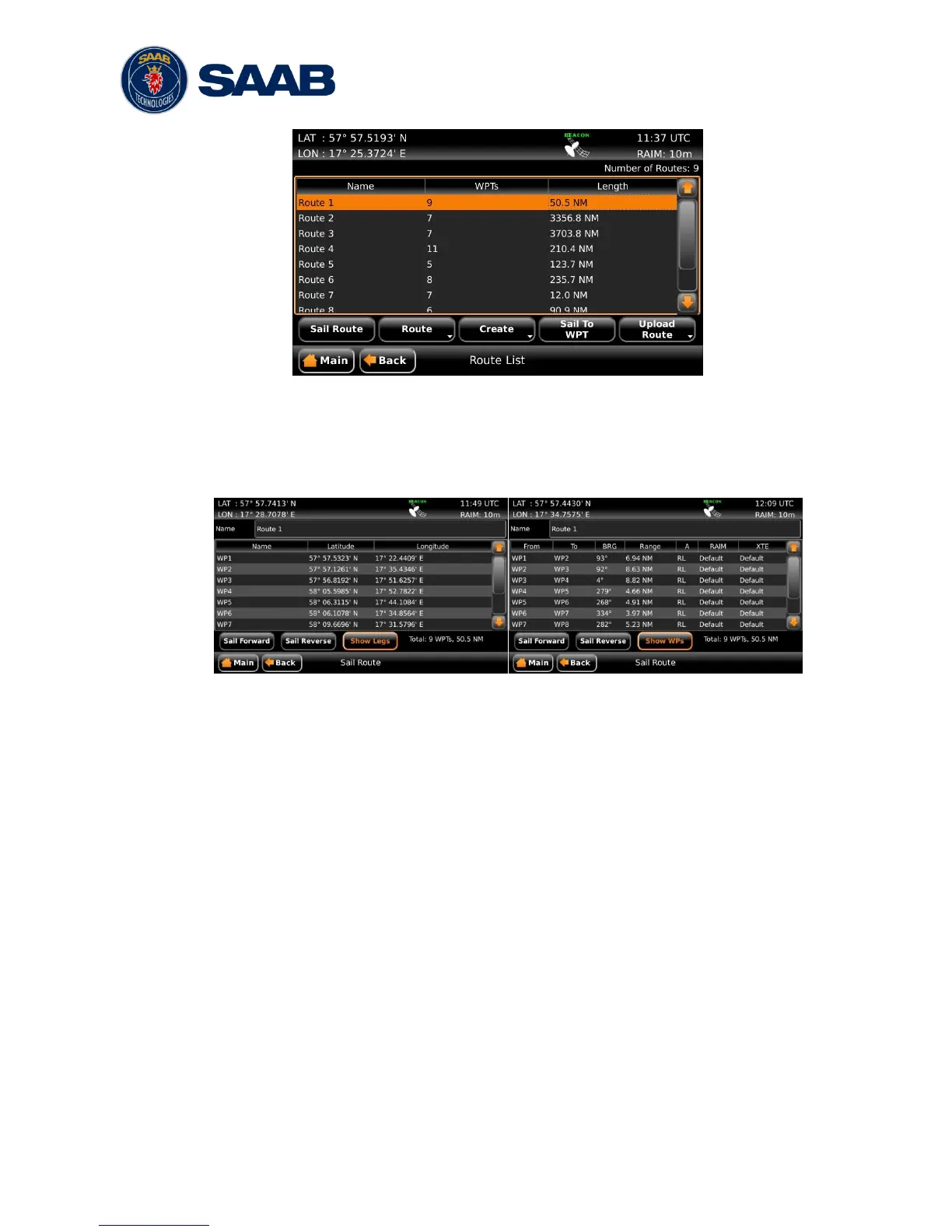
Figure 46 – Route List
5.9.1.1 Sail a Route
To start sailing a route, select the desired route in the Route List view and press the
button ‖Sail Route‖. The Sail Route view will be shown.
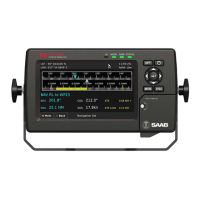
Figure 47 – Sail Route View
This view shows details of the selected route, including name, length, legs and
waypoints. It provides functionality for sailing the route in forward or reverse
direction. The view can either display the waypoints or the legs of the route. When
viewing the legs, the specific leg settings for navigation algorithm, RAIM level and
XTE limit are shown. The navigation algorithm can be either GC (Great Circle) or RL
(Rhumb Line). The navigation algorithm used when sailing towards the first waypoint
in a route or towards a single waypoint is determined by the default navigation
algorithm parameter set in the Navigation Configuration view described in section
4.2.1.
The RAIM level and XTE limit can be set to a specific value for the leg or using the
default settings determined by the parameters in the Navigation Configuration view.
Press the button ―Sail Forward‖ to sail the route from the first waypoint to the last.
Press the button ―Sail Reverse‖ to sail the route from last waypoint to the first. A
valid position is required to start sailing a route.
5.9.1.2 Sail Directly to a Specific Location (Waypoint)
In the Route List view, press the button ―Sail To WPT‖ to show the Sail To view,
which is used to sail from current position to a destination waypoint.


 To Next Page