GB GB
85
84
Program and function instruction
1. Power on
Connect your appliance to the mains supply, all indicator lights of
the display board will light up and then enter the initial standby
mode. During the initial standby mode, the system clock is always
on.(Refer to picture 3 for the display effect)
When oven is powered on, the oven door lock will start to self-
inspection. During the self-inspection, the door lock will run back
and forth automatically.If there is no abnormal alarm within 20
seconds, then self-inspection is completed. Or if it shows fault
code “E-3” during the self-inspection, please refer to protection
function for problem analysis, you can touch Switch KB or K2
bottom “ ” to cancel the fault code and return to standby
mode.
2. Time setting
• Under the standby status, touch “ ” once to enter clock
adjustment state. As this time hour icon of the clock “:” not
flash, hour and minute digital will flash(including “h” icon and
“min” icon, 1 time/second), and set the time by pressing “+” and
“-”(0:00~23:59~0:00).
Note: long press “+/-” to incrementally /subtract by 5 min, and
short press “+/-” to incrementally/ subtract by 1min.
• After well set the system time, you can wait 10 seconds to
automatically confirm, or re-touch “ ” to confirm(at this time
the alarm clock time setting will be entered).
• Adjust hour, hour icon “h” flash; adjust minutes , minute icon
“min” flash. When the clock setting is complete, if not touch
“ ” within 10 seconds to confirm, the system defaults to
complete the clock setting and exit clock setting. If the power is
off , the clock will be reset.
• When the time setting is not entered, the standby status
displays the system clock, and the working status shows the
working time countdown.
Note: during setting the time, long press “-”or “+” can quickly
adjust the time, but long pressing “-”or “+” will stop at a point
in time, to prevent accidental touch.
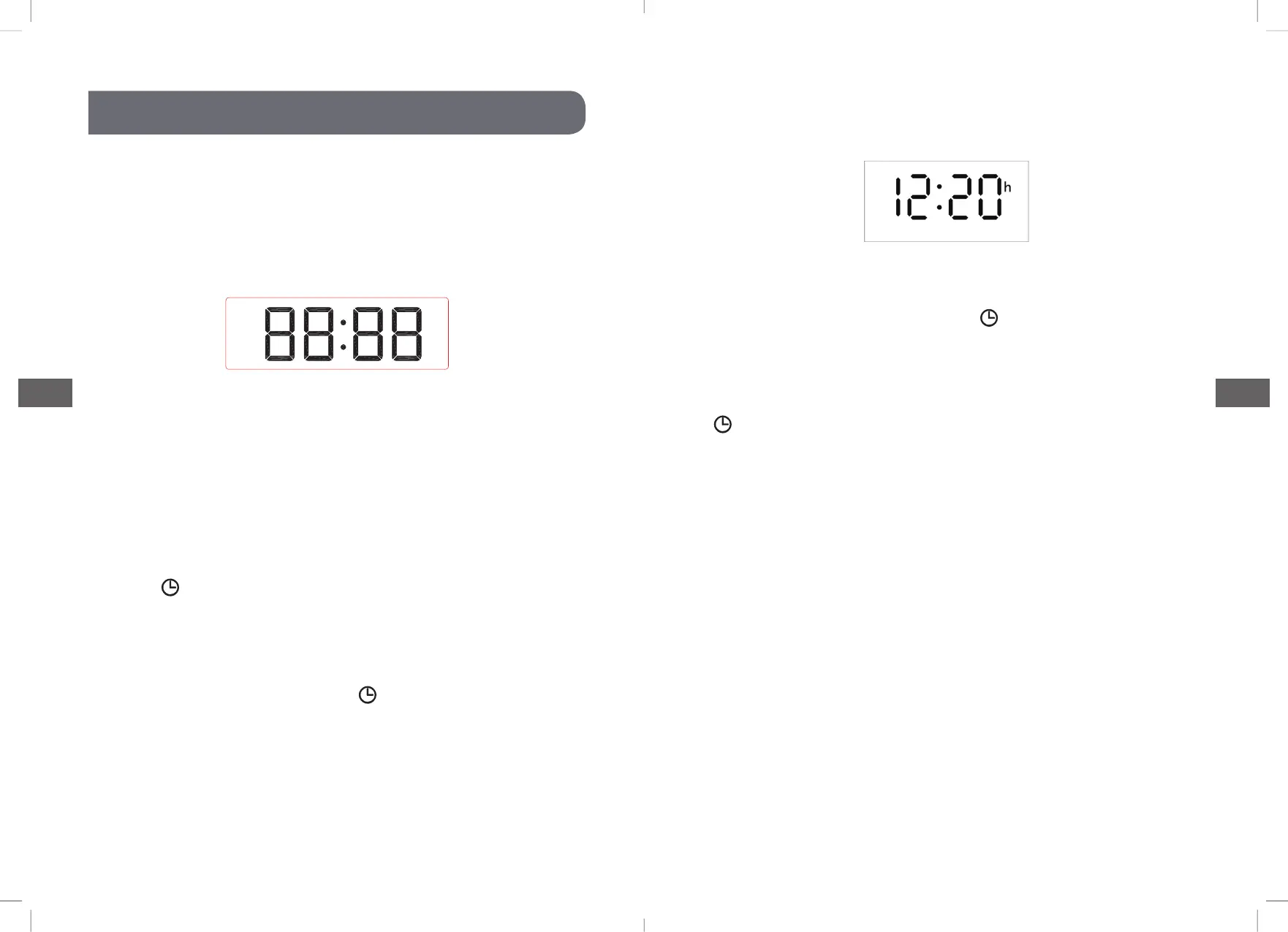
Pic 3:Initial standby mode
Pic 5 Hour and Minute adjustment display effect



 To Next Page