19
Italiano
come descritto nel capitolo “7.5 Modifica e memorizzazione dei
parametri”.
Utilizzare i tasti “UP” e “DOWN” per passare ad una ulteriore
voce “
PREZZO…:…
”.
Ripetere la sequenza delle operazioni per ogni prezzo a cui si
vuole modificare i valore.
Funzione che consente di associare ad ogni bevanda uno dei
prezzi precedentemente impostati in “VALORE PREZZI”.
Premere “ENTER” per accedere alla visualizzazione delle voci
Questo livello visualizza, in sequenza, le associazioni Prezzo/
Bevanda impostate in ogni singola voce.
Importante
Nel modello D.A. 3P la seconda riga del display visualizza
solo le lettere
abc
dovendo associare il prezzo a sole 3 be-
vande.
Premere “ENTER” per modificare le associazioni Prezzo/Bevan-
da.
Nella seconda riga del display, compare un primo gruppo di cifre
“
1- 0200…
” non modificabili in questa funzione perchè sono
i prezzi precedentemente impostati.
Il secondo gruppo di cifre “
…:abcde
” riporta le bevande eroga-
bili, modello D.A. 5P tasti erogazione A - B - C - D - E (rif. 3, fig.
17), modello D.A. 3P tasti erogazione A - B - C (rif. 3, fig. 17),
alle quali si possono associare i prezzi.
N.B:
LE LETTERE MINUSCOLE indicano che quella bevanda
NON E’ associata al prezzo visualizzato, viceversa, LE
LETTERE MAIUSCOLE indicano che quella bevanda E’
associata al prezzo visualizzato.
- Utilizzare i tasti “UP” e “DOWN” per far scorrere tutti i valori
di prezzo disponibili.
- Premere “ENTER” per modificare l’associazione del Prezzo/
Bevanda.
Compare il cursore lampeggiante sotto alla prima lettera.
Se si vuole associare al prezzo visulizzato una delle cinque
bevande possibili, occorre trasformare da minuscola a maiu-
scola la lettera scelta, utilizzando i tasti “UP” e “DOWN”.
- Premere “ENTER” per memorizzare.
Il cursore passa automaticamente alla seconda lettera.
- Eseguire la stessa procedura per impostare le restanti lettere.
- Utilizzare i tasti “UP” e “DOWN” per passare ad una ulteriore
voce di “
PREZZI BEVANDA
”.
Per uscire dalla funzione premere il tasto D (rif. 3, fig. 6).
Rappresenta la quantità di prodotto solubile utilizzata nella bevan-
da C (rif. 3, fig. 17).
Premendo il tasto “DOWN” si passa alla voce successiva.
Rappresenta la quantità di acqua calda erogata nella bevanda C
con il prodotto solubile.
Premendo il tasto “DOWN” si passa alla voce successiva.
Indica la velocità con cui il prodotto solubile del contenitore (rif. 1,
fig. 18) e l’acqua, vengono erogati nella bevanda C (rif. 3, fig.
17).
Premendo il tasto “DOWN” si passa alla voce successiva.
Rappresenta la quantità di caffè macinato utilizzata nella bevan-
da C (rif. 3, fig. 17).
Premendo il tasto “DOWN” si passa alla voce successiva.
Quarta voce principale
del menù di programmazione
Premere “ENTER” per accedere alle funzioni di questa voce.
Funzione che consente di impostare un valore ad ogni prezzo.
Gli step ed il range sono preimpostati.
Premere “ENTER” per accedere alla visualizzazione dei valori dei
prezzi.
Questo livello visualizza in sequenza i prezzi ed il loro valore.
Premere “ENTER” per accedere alla modifica dei singoli valori.
Nella seconda riga del display, compare, accanto alla voce
“
PREZZO 01:00200
”, il valore attualmente assegnato (es.
200).
Per far scorrere i valori, ed eventualmente modificarli, procedere
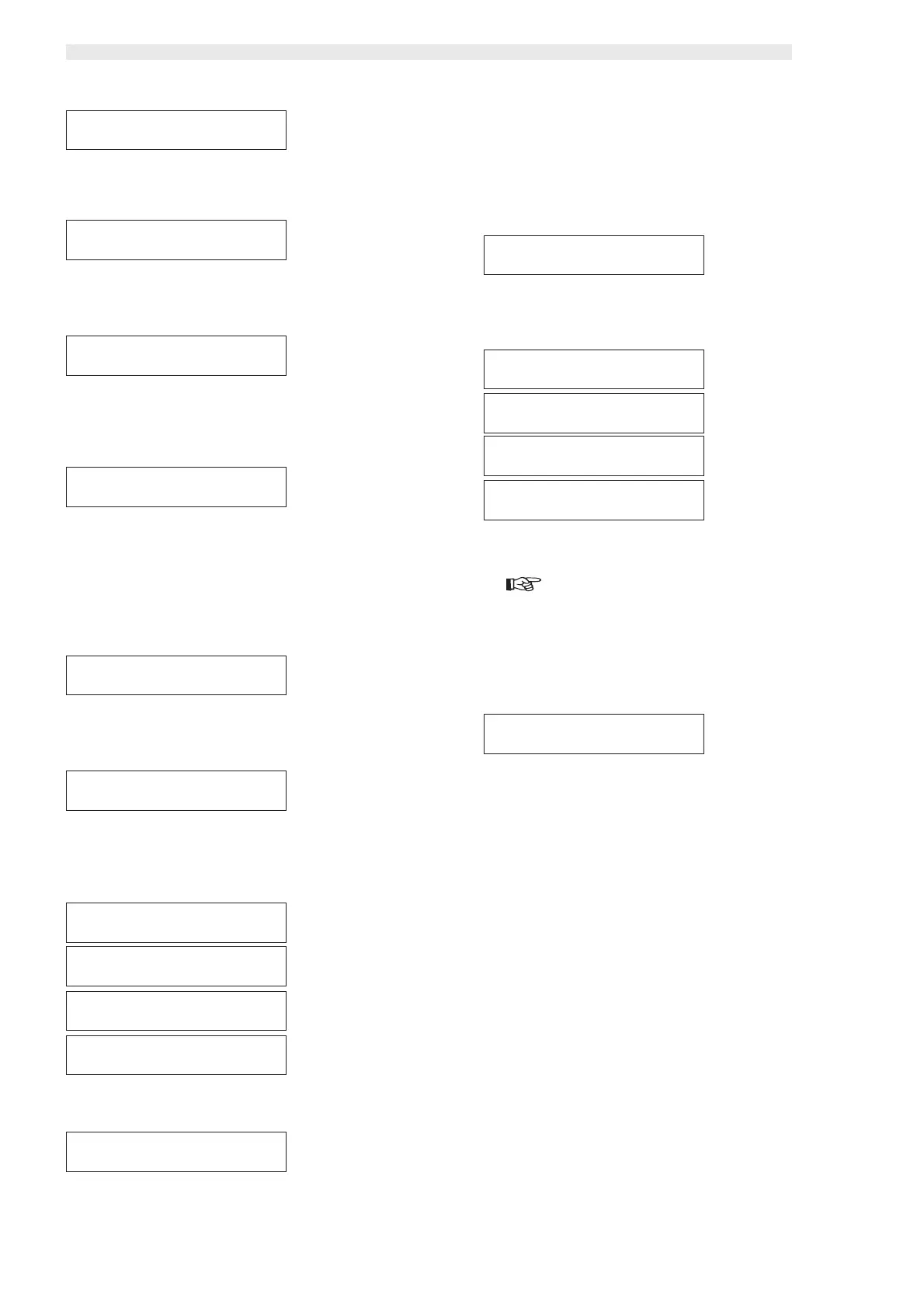
GESTIONE VENDITEGESTIONE VENDITE
GESTIONE VENDITEGESTIONE VENDITE
GESTIONE VENDITE
VALORE PREZZIVALORE PREZZI
VALORE PREZZIVALORE PREZZI
VALORE PREZZI
VALORE PREZZIVALORE PREZZI
VALORE PREZZIVALORE PREZZI
VALORE PREZZI
PREZZO 01: 00000PREZZO 01: 00000
PREZZO 01: 00000PREZZO 01: 00000
PREZZO 01: 00000
VALORE PREZZIVALORE PREZZI
VALORE PREZZIVALORE PREZZI
VALORE PREZZI
PREZZO 02: 00000PREZZO 02: 00000
PREZZO 02: 00000PREZZO 02: 00000
PREZZO 02: 00000
VALORE PREZZIVALORE PREZZI
VALORE PREZZIVALORE PREZZI
VALORE PREZZI
PREZZO 03: 00000PREZZO 03: 00000
PREZZO 03: 00000PREZZO 03: 00000
PREZZO 03: 00000
VALORE PREZZIVALORE PREZZI
VALORE PREZZIVALORE PREZZI
VALORE PREZZI
PREZZO 04: 00000PREZZO 04: 00000
PREZZO 04: 00000PREZZO 04: 00000
PREZZO 04: 00000
VALORE PREZZIVALORE PREZZI
VALORE PREZZIVALORE PREZZI
VALORE PREZZI
PREZZO 01: 00000PREZZO 01: 00000
PREZZO 01: 00000PREZZO 01: 00000
PREZZO 01: 00000
BEVANDA CBEVANDA C
BEVANDA CBEVANDA C
BEVANDA C
CAFFÈ: 050CAFFÈ: 050
CAFFÈ: 050CAFFÈ: 050
CAFFÈ: 050
PREZZI BEVANDAPREZZI BEVANDA
PREZZI BEVANDAPREZZI BEVANDA
PREZZI BEVANDA
BEVANDA CBEVANDA C
BEVANDA CBEVANDA C
BEVANDA C
ACQUA 1: 030ACQUA 1: 030
ACQUA 1: 030ACQUA 1: 030
ACQUA 1: 030
BEVANDA CBEVANDA C
BEVANDA CBEVANDA C
BEVANDA C
SOLUBILE 1: 012SOLUBILE 1: 012
SOLUBILE 1: 012SOLUBILE 1: 012
SOLUBILE 1: 012
BEVANDA CBEVANDA C
BEVANDA CBEVANDA C
BEVANDA C
%SOLUB. 1: 160%SOLUB. 1: 160
%SOLUB. 1: 160%SOLUB. 1: 160
%SOLUB. 1: 160
PREZZI BEVANDAPREZZI BEVANDA
PREZZI BEVANDAPREZZI BEVANDA
PREZZI BEVANDA
1- 0000 :1- 0000 :
1- 0000 :1- 0000 :
1- 0000 :
abcdeabcde
abcdeabcde
abcde
PREZZI BEVANDAPREZZI BEVANDA
PREZZI BEVANDAPREZZI BEVANDA
PREZZI BEVANDA
2- 0000 :2- 0000 :
2- 0000 :2- 0000 :
2- 0000 :
abcdeabcde
abcdeabcde
abcde
PREZZI BEVANDAPREZZI BEVANDA
PREZZI BEVANDAPREZZI BEVANDA
PREZZI BEVANDA
3- 0000 :3- 0000 :
3- 0000 :3- 0000 :
3- 0000 :
abcdeabcde
abcdeabcde
abcde
PREZZI BEVANDAPREZZI BEVANDA
PREZZI BEVANDAPREZZI BEVANDA
PREZZI BEVANDA
4- 0000 :4- 0000 :
4- 0000 :4- 0000 :
4- 0000 :
abcdeabcde
abcdeabcde
abcde
PREZZI BEVANDAPREZZI BEVANDA
PREZZI BEVANDAPREZZI BEVANDA
PREZZI BEVANDA
1- 0200 :1- 0200 :
1- 0200 :1- 0200 :
1- 0200 :
abcdeabcde
abcdeabcde
abcde




 To Next Page