EasyManua.ls Logo

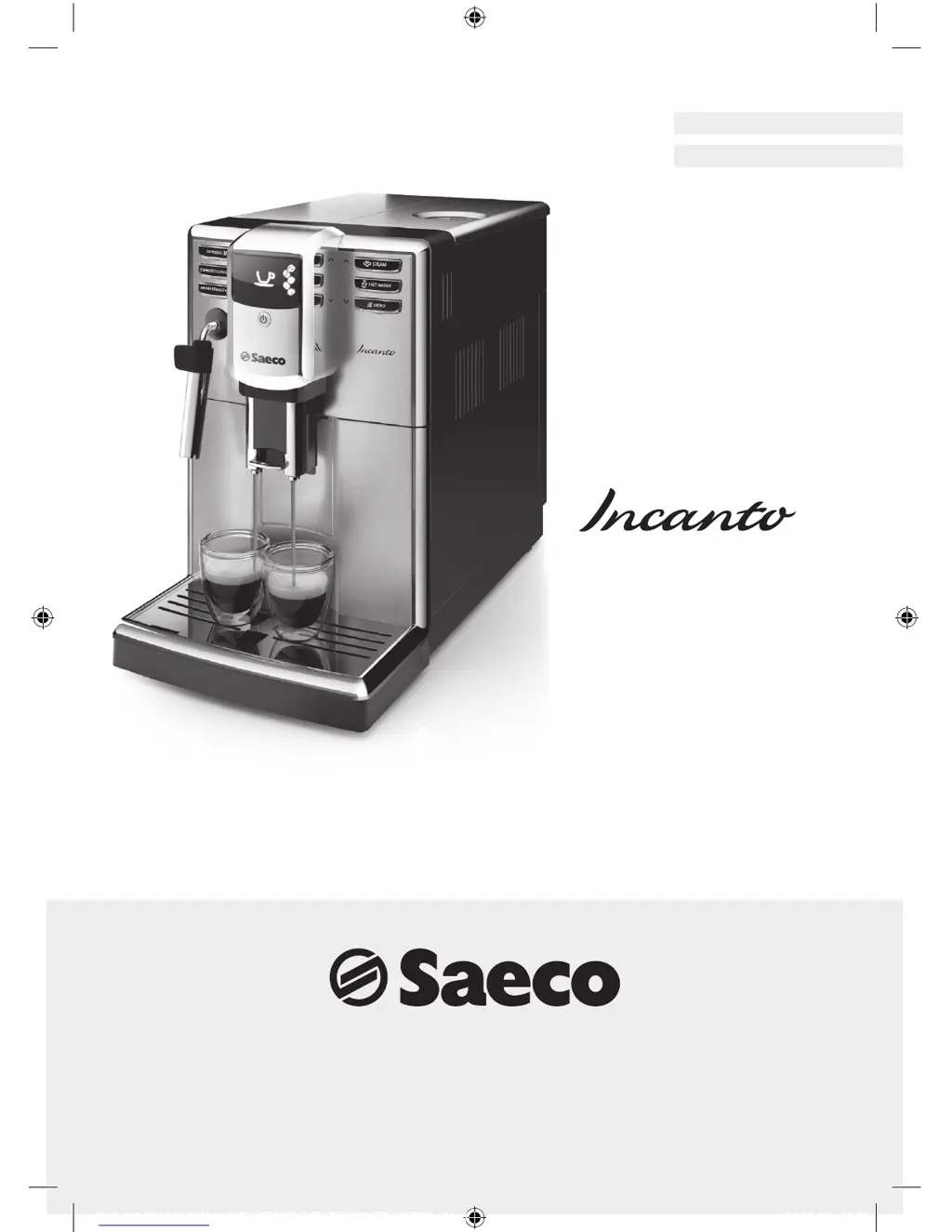
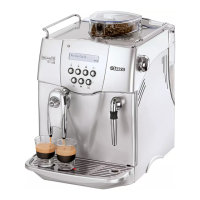
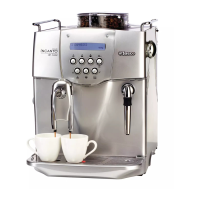
Saeco Incanto HD8911 - User Manual

Saeco Incanto HD8911
72 pages
Print Icon
To Next Page IconTo Next Page
Loading...
Register your product and get support at
www.saeco.com/welcome
Type HD8911
ENGLISH
DEUTSCH
4219.460.2541.2 HD8911 INCANTO CMF EN,DE COVER A5 BW.indd 1 24-03-16 14:55

Table of Contents

Other manuals for Saeco Incanto HD8911

Questions and Answers

  • R
    ryanjulieSep 23, 2025
    What to do if I cannot activate the AquaClean filter on my Saeco Incanto HD8911?
    • L
      Lindsay MckaySep 23, 2025
      If you cannot activate the AquaClean filter and the machine asks for descaling, it may be because you have already replaced the AquaClean filter 8 times. Descale your machine first, then install the AquaClean filter. Remember to always activate the AquaClean filter in the menu, especially when replacing the filter.
  • S
    stephanie95Aug 23, 2025
    Why does the drip tray fill up so quickly on my Saeco Incanto HD8911?
    • S
      Samantha TorresAug 23, 2025
      The drip tray on your Saeco Coffee Maker might fill up quickly because the machine rinses and warms itself by flushing water into the drip tray to ensure a perfect coffee. To resolve this, empty the drip tray regularly. You can also place a cup below the dispensing spouts to catch the rinsing water.
  • Q
    qolsonAug 25, 2025
    Why does coffee come out so slowly from my Saeco Coffee Maker?
    • R
      Robert MillerAug 26, 2025
      If coffee is coming out slowly from your Saeco Coffee Maker, it could be that the coffee is ground too finely. Consider changing the coffee blend or adjusting the grinding settings.
  • M
    Michael GardnerAug 26, 2025
    Why is my Saeco Incanto HD8911 grinding beans but not brewing coffee?
    • A
      Amanda GrahamAug 27, 2025
      If your Saeco Coffee Maker grinds the coffee beans but no coffee comes out, the brew group may be dirty. Clean the brew group.
  • J
    Joshua GoldenAug 27, 2025
    What to do if there is water under my Saeco Coffee Maker?
    • R
      Robert WilsonAug 27, 2025
      If you notice water under your Saeco Coffee Maker, it's likely that the drip tray is too full and has overflowed. Make sure to empty the drip tray when the 'drip tray full' indicator pops up.
  • M
    megancastroSep 17, 2025
    How to make coffee hotter with my Saeco Coffee Maker?
    • R
      Raymond BrownSep 17, 2025
      If your coffee is not hot enough when using your Saeco Coffee Maker, set the temperature to 'high' in the menu. Also, preheat your cups by rinsing them with hot water before brewing.
  • J
    Jonathon SmallSep 14, 2025
    Why is the coffee from my Saeco Coffee Maker watery or has too little crema?
    • L
      Lindsay MosleySep 14, 2025
      If the coffee from your Saeco Coffee Maker is watery or has too little crema, it could be due to the grinder being set too coarse. Adjust the grinder to a finer setting. Alternatively, the coffee blend you are using might not be suitable, so try changing the coffee blend.
  • J
    John LittleSep 15, 2025
    Why does the drip tray fill up so quickly in my Saeco Coffee Maker?
    • C
      Connor GeorgeSep 16, 2025
      It is normal for the drip tray to fill up quickly in your Saeco Coffee Maker. The machine uses water to rinse the internal circuit and brew group, and some of this water flows directly into the drip tray. You can place a cup under the dispensing spout to collect rinsing water.
  • E
    Erica ChambersSep 6, 2025
    What to do if brew group incorrectly positioned in Saeco Incanto HD8911?
    • G
      georgemoonSep 6, 2025
      If the brew group is incorrectly positioned in your Saeco Coffee Maker, close the service door. Turn the machine off and back on again. Wait for the ‘Ready for brewing’ signal and then remove the brew group.
  • L
    Lauren Sanders MDSep 3, 2025
    Why is milk not frothing in my Saeco Incanto HD8911?
    • P
      Pamela TerrySep 3, 2025
      If the milk is not frothing correctly in your Saeco Coffee Maker, the milk frother might be dirty or incorrectly placed. Clean the milk frother and ensure it is correctly inserted into the machine.

Summary

Introduction and Safety

Important Safety Warnings

Covers essential safety instructions, warnings, and cautions for machine operation.

Machine Overview

User Interface

Details the buttons, display, and controls of the coffee machine.

First Installation Guide

Initial Setup Procedures

Manual Rinsing Cycle

Instructions for rinsing water and coffee circuits before first use.

AquaClean Filter Setup

Guide to preparing, installing, and activating the AquaClean water filter.

Water Hardness Settings

Brewing Coffee

Beverage Options and Brewing Basics

Describes beverage types, lengths, spout adjustment, and basic bean brewing.

Advanced Brewing and Milk Frothing

Covers brewing two cups, pre-ground coffee, and frothing milk.

Adjusting Coffee and Taste

Dispensing Hot Water

Instructions for dispensing hot water from the machine.

Adjusting Taste Settings

Covers Saeco Adapting System and adjusting coffee length.

Adjusting Strength and Grinder

Guides on setting coffee strength and grinder fineness.

Maintenance and Cleaning

Cleaning Drip Tray and Grounds Container

Procedure for cleaning the drip tray and coffee grounds container.

Cleaning Water Tank, Bean Hopper, Brew Group

Instructions for cleaning key internal components like water tank, bean hopper, and brew group.

Advanced Brew Group Maintenance

Covers monthly cleaning and lubrication of the brew group.

Cleaning the Milk Frother

Descaling Procedure

Handle Descaling Interruption

Steps to take if the descaling process is interrupted.

Warning Icons and Error Codes

Troubleshooting and Error Codes

Error Code Meanings

Explanation of specific error codes and their causes.

Product Information and Support

Demo Mode, Accessories, Specifications

Covers demo mode, ordering accessories, and technical specifications.

Recycling and Guarantee

Information on product recycling and warranty support.

Saeco Incanto HD8911 Specifications

General IconGeneral
Pump Pressure15 bar
ProgrammableYes
Removable Brew GroupYes
Milk FrotherYes
Number of Coffee Strengths5
Adjustable Coffee TemperatureYes
Adjustable Milk TemperatureYes
Pre-Brew Aroma SystemYes
Automatic Rinsing and CleaningYes
Automatic Shut-OffYes
Energy Saving ModeYes
TypeEspresso Machine
Coffee Beans Capacity250 g
Water Tank Capacity1.8 L
Milk SystemIntegrated milk frother
Weight23.1 lbs
Bean Hopper Capacity250 g
Dimensions (inches)13.4 x 10.2 x 17.3
Weight (pounds)23.1

Related product manuals