EasyManua.ls Logo

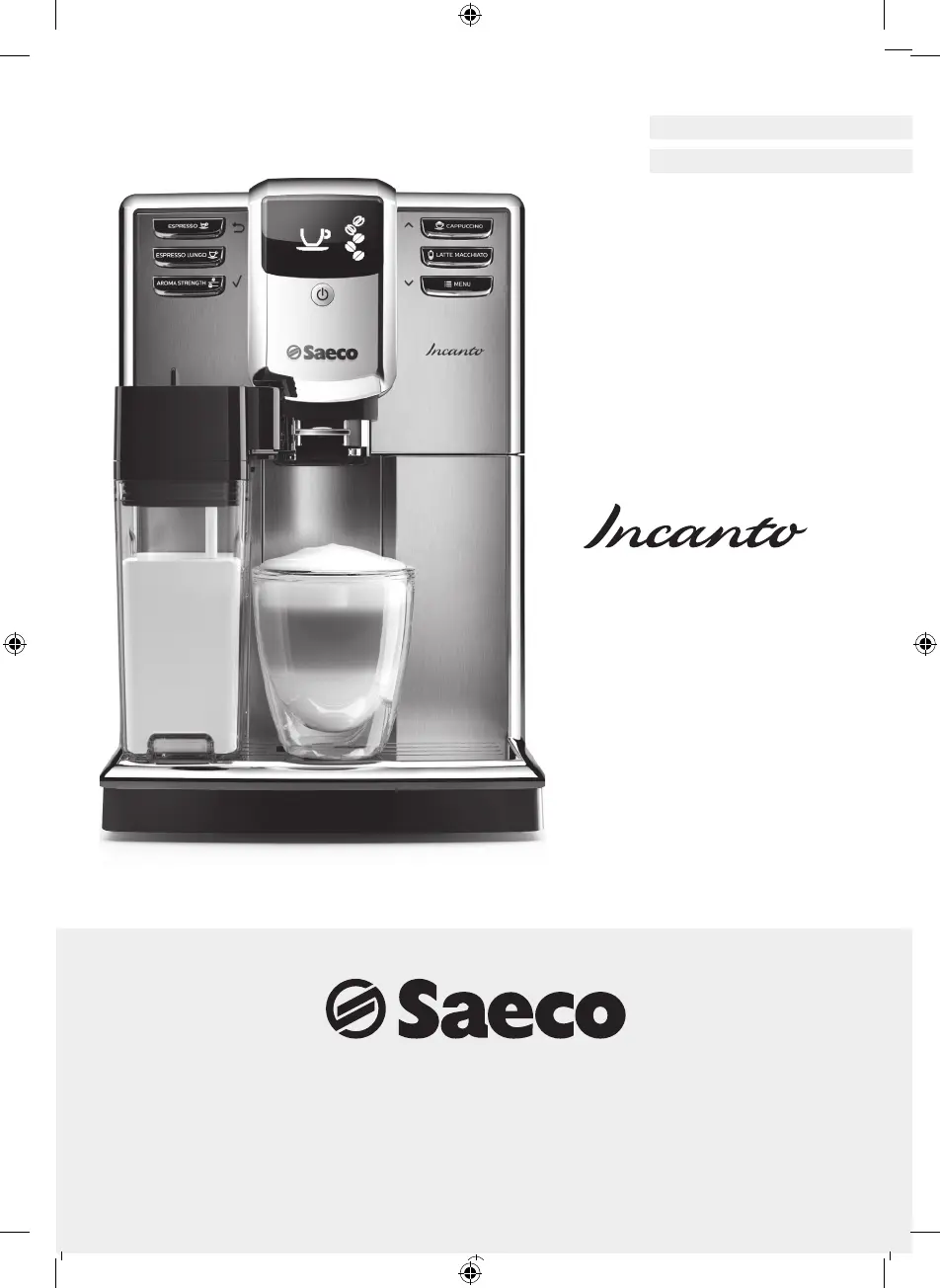
Saeco Incanto HD8917 - User Manual

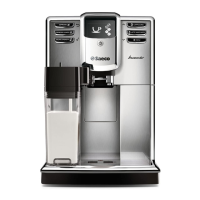
Saeco Incanto HD8917
80 pages
Print Icon
To Next Page IconTo Next Page
Loading...
Register your product and get support at
www.saeco.com/welcome
Type HD8917
EnglisH
Français (CanaDa)
HD8917_4219_460_3631_1_BOOKLET_A5_bl_FRONTCOVER.indd 1 05-08-16 13:53
Register your product and get support at
www.saeco.com/welcome
Type HD8917
EnglisH
Français (CanaDa)
HD8917_4219_460_3631_1_BOOKLET_A5_bl_FRONTCOVER.indd 1 05-08-16 13:53
Register your product and get support at
www.saeco.com/welcome
Type HD8917
EnglisH
Français (CanaDa)
HD8917_4219_460_3631_1_BOOKLET_A5_bl_FRONTCOVER.indd 1 05-08-16 13:53
4219_460_3631_2_Lux_Booklet_A5_v2.indd 1 21/07/17 14:30

Table of Contents

Other manuals for Saeco Incanto HD8917

Questions and Answers

  • M
    Matthew MoralesSep 18, 2025
    Why is the coffee from my Saeco Incanto HD8917 watery or has too little crema?
    • T
      Teresa BaileySep 18, 2025
      If the coffee from your Saeco Coffee Maker is watery or has too little crema, it could be due to the grinder being set too coarse. Adjust the grinder to a finer setting. Alternatively, the coffee blend you are using might not be suitable, so try changing the coffee blend.
  • T
    Tina HartAug 25, 2025
    What to do if my Saeco Incanto HD8917 Coffee Maker does not switch on?
    • P
      Phillip HowardAug 25, 2025
      If your Saeco Coffee Maker doesn't switch on, check if the mains cord is correctly inserted. Also, ensure that the main switch is in the 'on' position (I). If the issue persists, try switching the machine off and then on again using the main switch located on the back.
  • M
    martinezmarieAug 25, 2025
    Why my Saeco Coffee Maker does not turn on?
    • A
      April DavisAug 26, 2025
      If your Saeco Coffee Maker isn't turning on, ensure it's properly plugged in and that the main switch is in the ON position.
  • J
    Jessica LeeAug 26, 2025
    Why the filter cannot be activated and the machine asks for descaling on Saeco Incanto HD8917?
    • R
      Richard HenryAug 26, 2025
      If the filter cannot be activated and the machine asks for descaling on your Saeco Coffee Maker, it means that the series of 8 filter is completed. Descale your machine first as described in the '7.5 Descaling cycle' chapter. Thereafter the filter can be installed as described in the '10.2.1 AquaClean installation' chapter.
  • J
    James GordonSep 22, 2025
    Why does the drip tray fill up so quickly in my Saeco Incanto HD8917 Coffee Maker?
    • A
      Ashlee MillerSep 22, 2025
      It is normal for the drip tray to fill up quickly in your Saeco Coffee Maker. The machine uses water to rinse the internal circuit and brew group, and some of this water flows directly into the drip tray. You can place a cup under the dispensing spout to collect rinsing water.
  • A
    Adam LopezSep 23, 2025
    What to do if I cannot activate the AquaClean filter on my Saeco Incanto HD8917?
    • R
      Robert HoustonSep 23, 2025
      If you cannot activate the AquaClean filter and the machine asks for descaling, it may be because you have already replaced the AquaClean filter 8 times. Descale your machine first, then install the AquaClean filter. Remember to always activate the AquaClean filter in the menu, especially when replacing the filter.
  • R
    Richard KnightSep 9, 2025
    Why is the frothed milk too cold from my Saeco Coffee Maker?
    • W
      Wesley MartinezSep 9, 2025
      If the frothed milk from your Saeco Coffee Maker is too cold, try warming the cups with hot water before frothing the milk.
  • S
    Susan BurgessSep 12, 2025
    What does water circuit error mean for Saeco Incanto HD8917 Coffee Maker?
    • G
      George BarkerSep 12, 2025
      If your Saeco Coffee Maker displays a water circuit error, it may be due to air in the water circuit. Remove and restore the water tank a couple of times, making sure it is correctly positioned. Also, check that the water tank seat is clean.
  • J
    Joanna BryantSep 3, 2025
    What to do if brew group locked and cannot be taken out from Saeco Incanto HD8917 Coffee Maker?
    • C
      Charles MillerSep 3, 2025
      If the brew group of your Saeco Coffee Maker is locked and cannot be taken out, it may be incorrectly positioned. Close the service door, turn the machine off and back on again. Wait for the 'Ready for brewing' signal, and then try removing the brew group.
  • R
    Robert CamposSep 1, 2025
    Why is my Saeco Incanto HD8917 grinding beans but not brewing coffee?
    • C
      Cindy BaldwinSep 1, 2025
      If your Saeco Coffee Maker is grinding coffee beans but no coffee is coming out, the brew group might be dirty. Clean the brew group as described in the '7.2.1 Weekly brew group cleaning cycle' chapter.

Summary

Introduction and Safeguards

Important Safeguards

Critical safety rules to ensure safe operation and prevent harm.

Safety Precautions

General Cautions and Power Cord

Warnings on appliance use, water, hot surfaces, and power cord handling.

Operational Warnings

Important Cautions and Advice

Key advice on machine placement, materials, and temperature for safe use.

General Warnings and EMF

General Warnings and EMF Compliance

Covers critical operational warnings and electromagnetic field compliance.

Machine Overview

Component Identification

Identifies all parts of the machine using numbered references.

First Installation

Machine Placement and Setup

Guides through unpacking, placement, and initial water tank filling.

Initial Setup Procedures

Power-Up and Spout Setup

Details filling bean hopper, powering on, and inserting hot water spout.

Filter and Water Management

AquaClean Filter Activation

Guides on activating the AquaClean filter in the machine menu.

AquaClean Filter Replacement

Replacing the AquaClean Filter

Instructions for removing and installing a new AquaClean filter.

Brewing Coffee

Brewing with Beans

Step-by-step guide for brewing coffee using whole beans.

Milk-Based Beverages

Using the Milk Carafe

Details on filling, installing, and preparing the milk carafe.

Milk Drinks and Hot Water

Brewing Milk Drinks and Froth

Steps for brewing cappuccinos, latte macchiatos, and milk froth.

Beverage Customization

Brew Group Maintenance

Milk Carafe Maintenance

Descaling Procedure

Initiating Descaling

Steps to start the descaling process when prompted by the machine.

Descaling Procedure Completion

Completing the Descaling Cycle

Guides through the descaling solution dispensing and rinsing phases.

Warning Icons and Error Codes

Warning Icons Explained

Explains the meaning of various warning icons displayed on the machine.

Meaning of Error Codes

Error Code Solutions

Provides a list of error codes and their corresponding causes and solutions.

Troubleshooting Common Issues

Troubleshooting Filters

AquaClean Filter Troubleshooting

Solutions for activation, replacement, and fitting issues with the AquaClean filter.

Saeco Incanto HD8917 Specifications

General IconGeneral
Water Tank Capacity1.8 L
Bean Container Capacity250 g
Milk FrotherYes
Pump Pressure15 bar
Adjustable Coffee StrengthYes
Weight7.2 kg
Built-in GrinderYes
Hot Water DispenserYes
Removable Brewing UnitYes
Removable Water TankYes
ColorBlack
Power1850 W
Voltage230 V
ProgrammableYes
Adjustable Coffee TemperatureYes
Removable Brew GroupYes
Automatic Rinsing and DescalingYes
Cup WarmerYes
Number of Pre-Programmed Beverages6
GrinderCeramic
MaterialPlastic
Adjustable Grinder SettingsYes, 5 settings

Related product manuals