English
33
8
8PROGRAMMING MENU
8
Thischaptercontains
instructionsonhowtoset
andchangethe
programmingparameters
of the appliance.
88
Thereforeitisnecessaryto
carefullyreaditandto
understandtheexact
sequenceofoperations
before performing them.
88
Alltheoperations
describedinthischapter
mustbeperformed
exclusivelybytheservice
provideroraspecialised
technician,whoshall
organisealltheoperating
stepsanduseonlysuitable
meanstoensurestrict
compliancewiththesafety
regulations in force.
88
Thespecialisedtechnicianortheserviceprovidercan
changesomeofthemachineoperatingparametersto
suit the needs of the users.
88
Notes
on
programming
8
Theelectroniccontrolunitoftheapplianceallows
manyfunctionstobeused.Abriefexplanationof
thesemainfunctionsislistedbelow.Theyareuseful
forbettermanagingtheappliance'soperationbutare
notnecessarilyinthesameorderastheyaredisplayed
in the menu.
8
Somefunctionsthatarespecifictocertainfunctional
unitsmaybelisted;functionalunitsthatdiffer
according to the model.
8
Thelayoutoftheicons/screensinthismanualis
indicativeonlyandmayvaryfromthosedisplayedon
theappliance,dependingonthesettings(layouts,
themes, and/or icons).
88
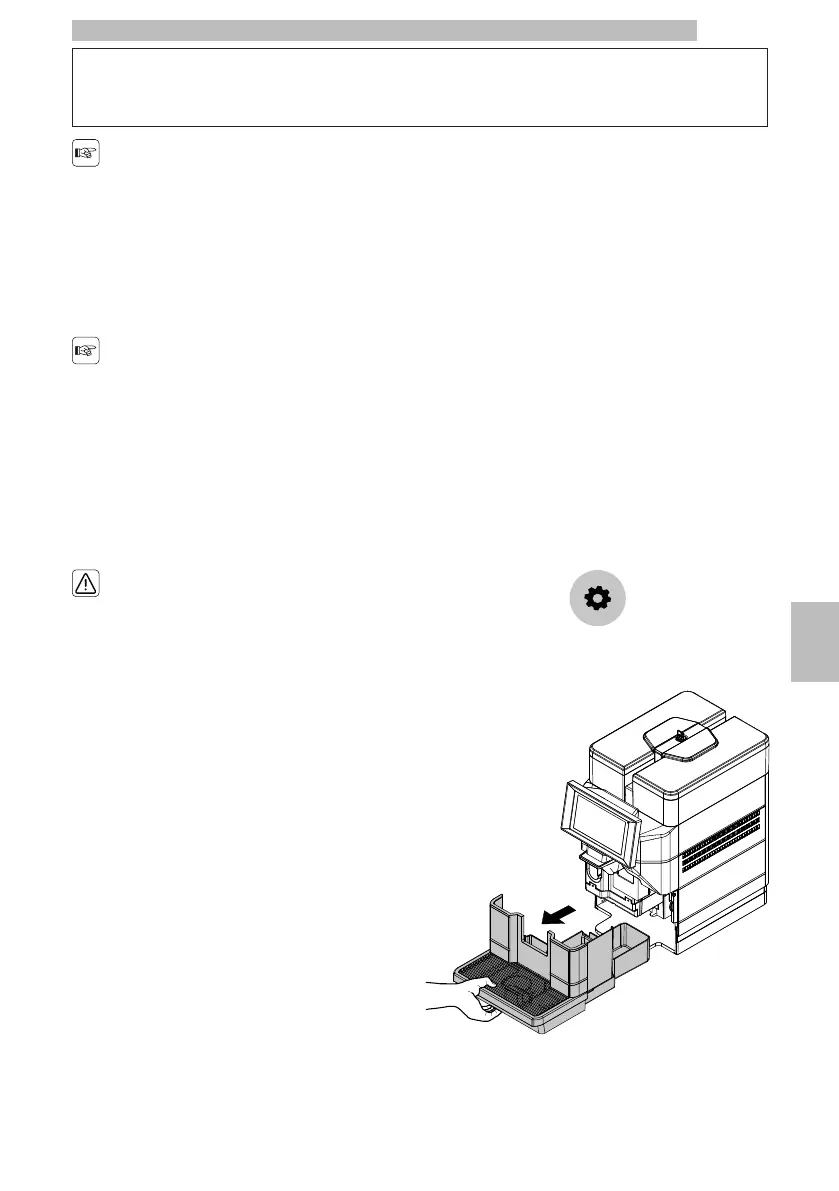
8.1Accessing the programming
menus
8
Access the programming menus as follows:
8
withthedooroftheserviceareaclose,tapthe
"settings" icon;
8888
or
8
Remove the drip tray.
8888










 To Next Page