English
52
999
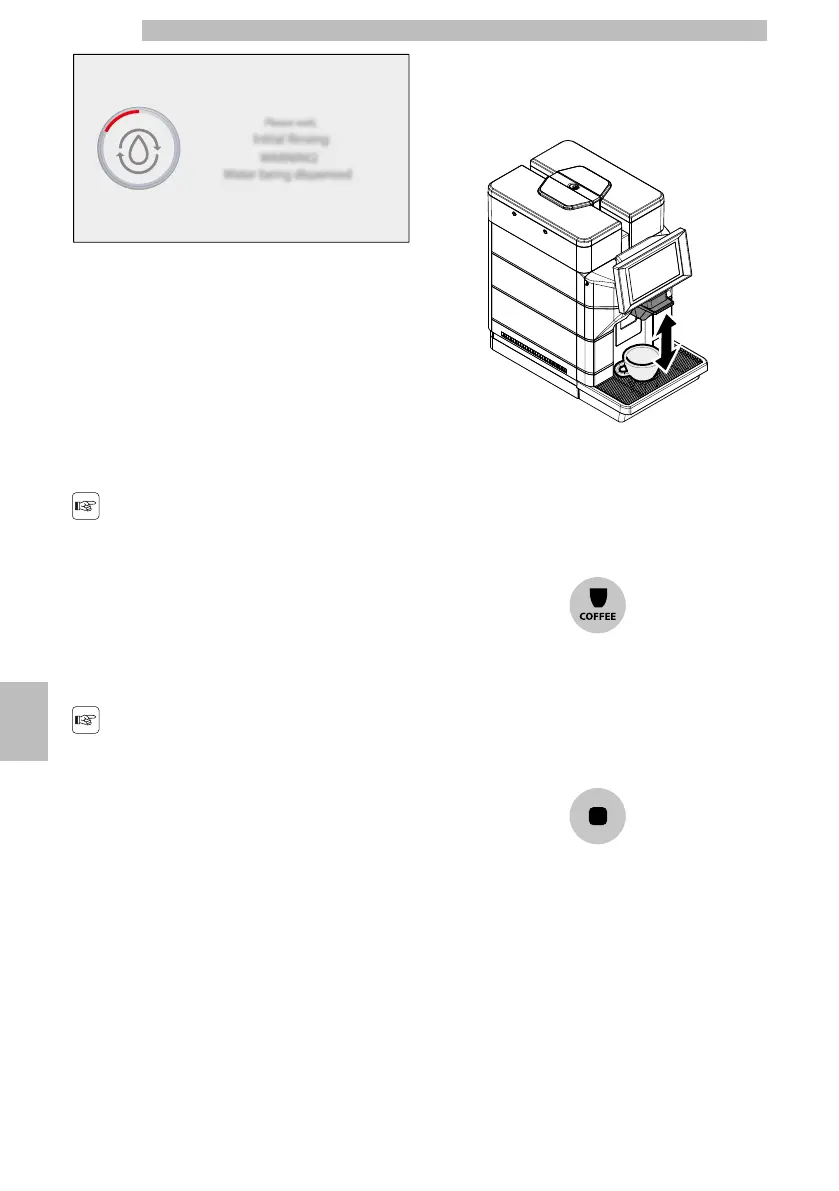
Wait for this cycle to be completed automatically.
99
9.4Energy Saving mode
9
Themachinecanbesettoenergysavingmode.Ifset
toenergysavingmode,afteracertainperiodof
inactivitysincethelastdelivery,themachineturnsoff
automatically.Thisperiodoftimeissetbythe
operator in the programming menu.
99
Duringtheturn-offphase,
themachinewillperforma
rinsecycleifacoffee
product has been brewed.
9
Timecanbeprogrammed
accordingtoyourneeds
(seeinstructionsinchapter
"Programming Menu").
99
Torestartthemachinesimplytapthecontrolpanel;
themachinewillrinsethecoffeecircuit;themachine
willalsorinsethemilkcircuitifatleastonemilk
product was dispensed before going into stand-by;
99
9.5Dispensing beverages coffee
only
9
Insert the cup or glass under the dispenser.
9999
Todispenseacoffeebeveragetouchtheiconofthe
coffeebeveragedesired.Ifthecoffeebeveragesare
notvisibleonthebeverageselectionscreen,tapthe
"COFFEE"iconontheleftofthebeverageselection
screeninthecontrolcolumnandsubsequentlytapthe
icon of the coffee beverage desired.
99999
Startthedispensingcycle.Oncetheprebrewingcycle
hasbeencompleted,coffeebeginstocomeoutofthe
dispensingspout.Coffeebrewingstopsautomatically
whenthepresetlevelisreached.itisinanycase
possibletointerruptthedispensingbytappingthe
"STOP" icon.
99999










 To Next Page