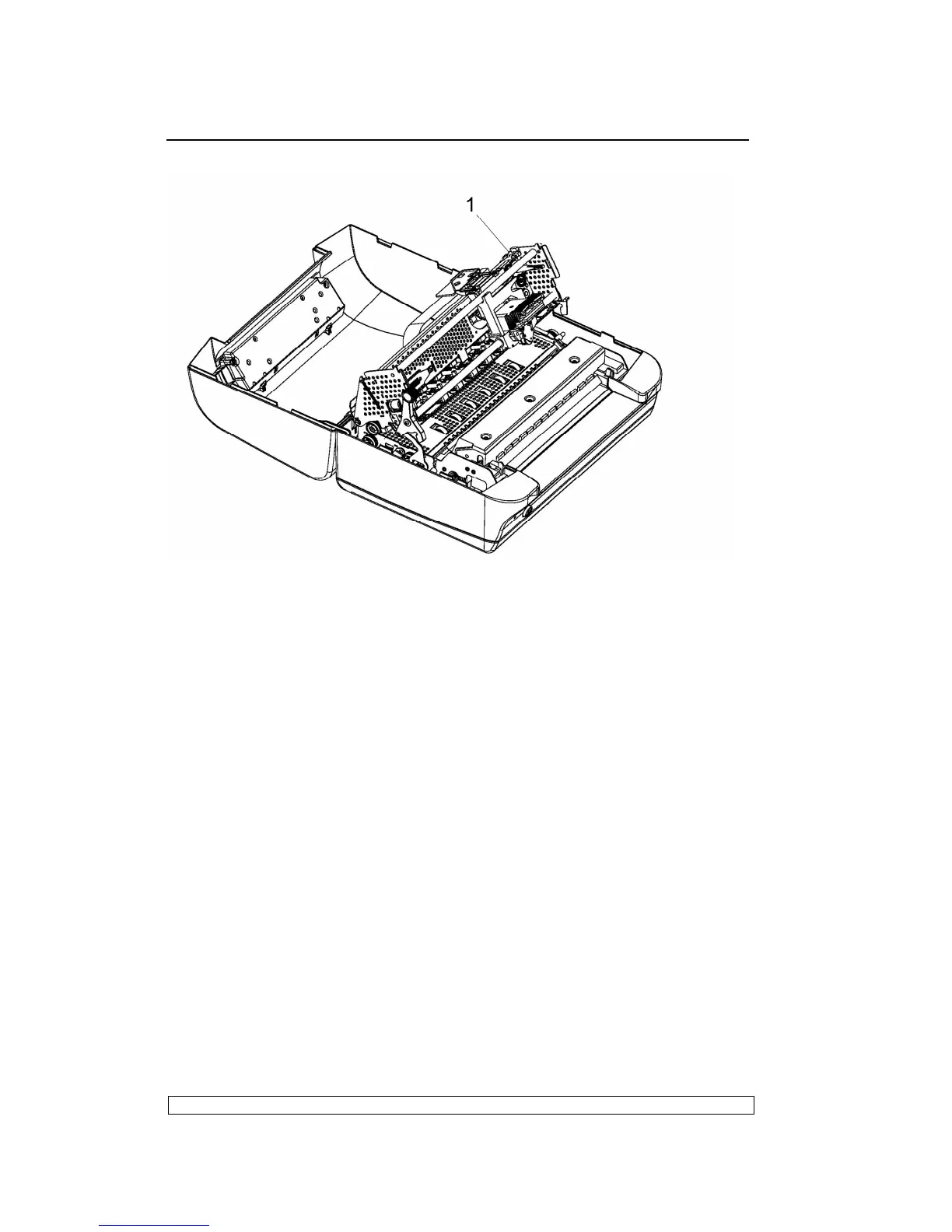
Fig. 6-8
6.3.13. ROLLER SUPPORT TRAY DISASSEMBLY/REASSEMBLY
- Remove the printer case (6.3.1)
- Remove the mechanical assembly (6.3.4)
- Remove the upper part of the mechanical assembly (6.3.5).
- Remove the six screws and then extract the tray.
6.3.14. MAIN BOARD DISASSEMBLY/REASSEMBLY
- Power off the machine and unplug the power cord from the electrical
outlet.
- Remove the mechanical assembly (6.3.4)
- Unplug the power supply cable that connects the main board to the
power supply assy.
- Remove the optional interface card (if installed).
- Remove the five screws that secure the main board to the base.
- Unscrew the two connection screws of the standard serial port.
- Remove the iron shield.
- Extract the main board from the base of the printer.
NOTE:
During reassembly, make sure to correctly reposition the connectors.



 To Next Page