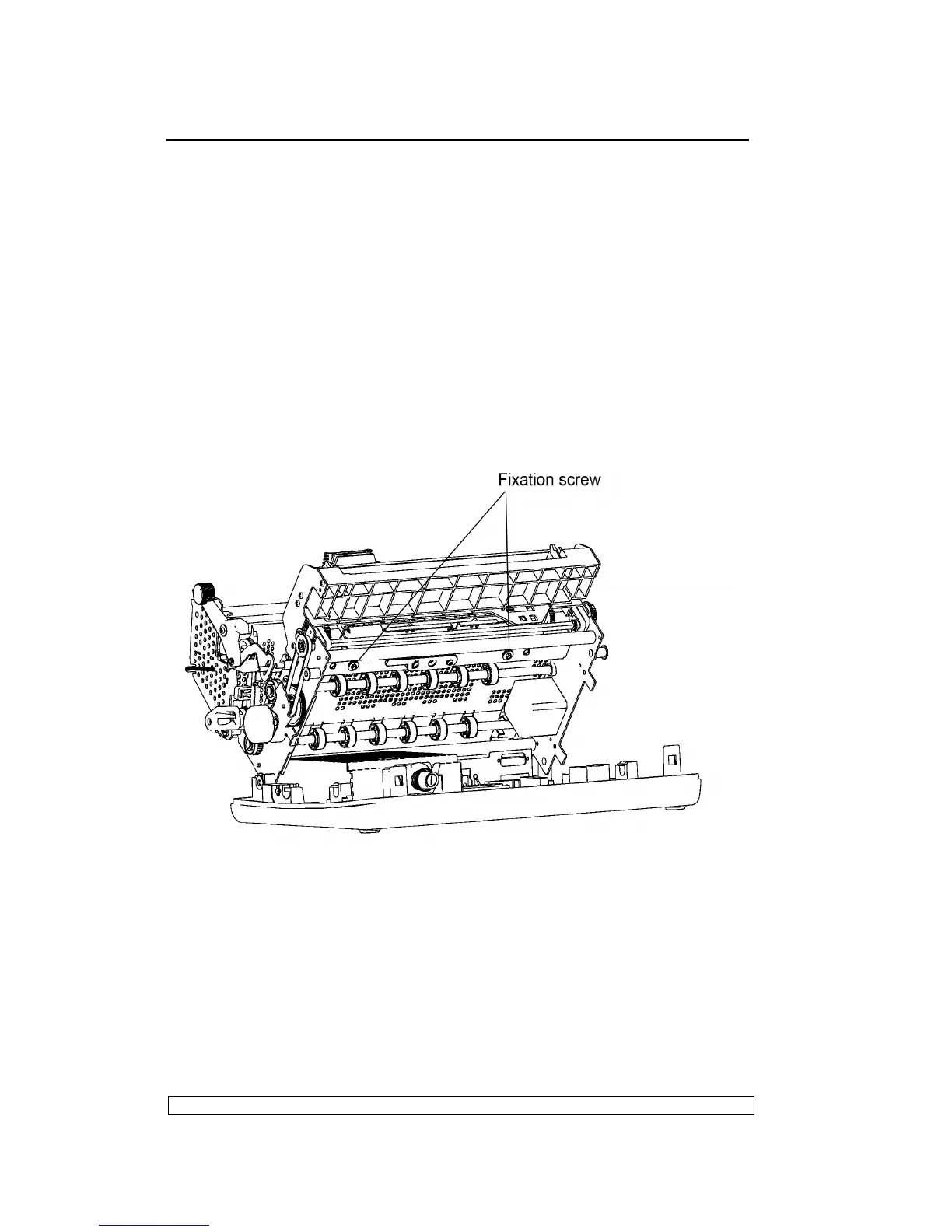
6.3.17. PRINT BAR DISASSEMBLY/REASSEMBLY
- Remove the printer case (6.3.1)
- Lift the front part of the mechanical assembly off the base of the printer,
partly rotating it until you are able to reach the connectors on the main
board.
- Unplug all the cables with the exception of the printhead cables.
- Unscrew the two nuts that secure the print bar and then slide it off from
the top.
Note:
After reassembly, adjust the distance between the printhead and print
bar.
Fig. 6-9



 To Next Page