One of the following two optional interface cards can be installed in the slot
on the rear of the printer:
- RS 232C serial interface + USB interface card
- RS 232C serial interface card.
- Centronics parallel interface card
In its dual-port configuration, and therefore configured with the standard
serial interface and serial interface + USB interface card or with the standard
serial interface and parallel interface card, the printer can operate in
run-time mode on the available interfaces so as to satisfy specific
application requirements.
2.4.1. RS 232C SERIAL INTERFACE (STANDARD)
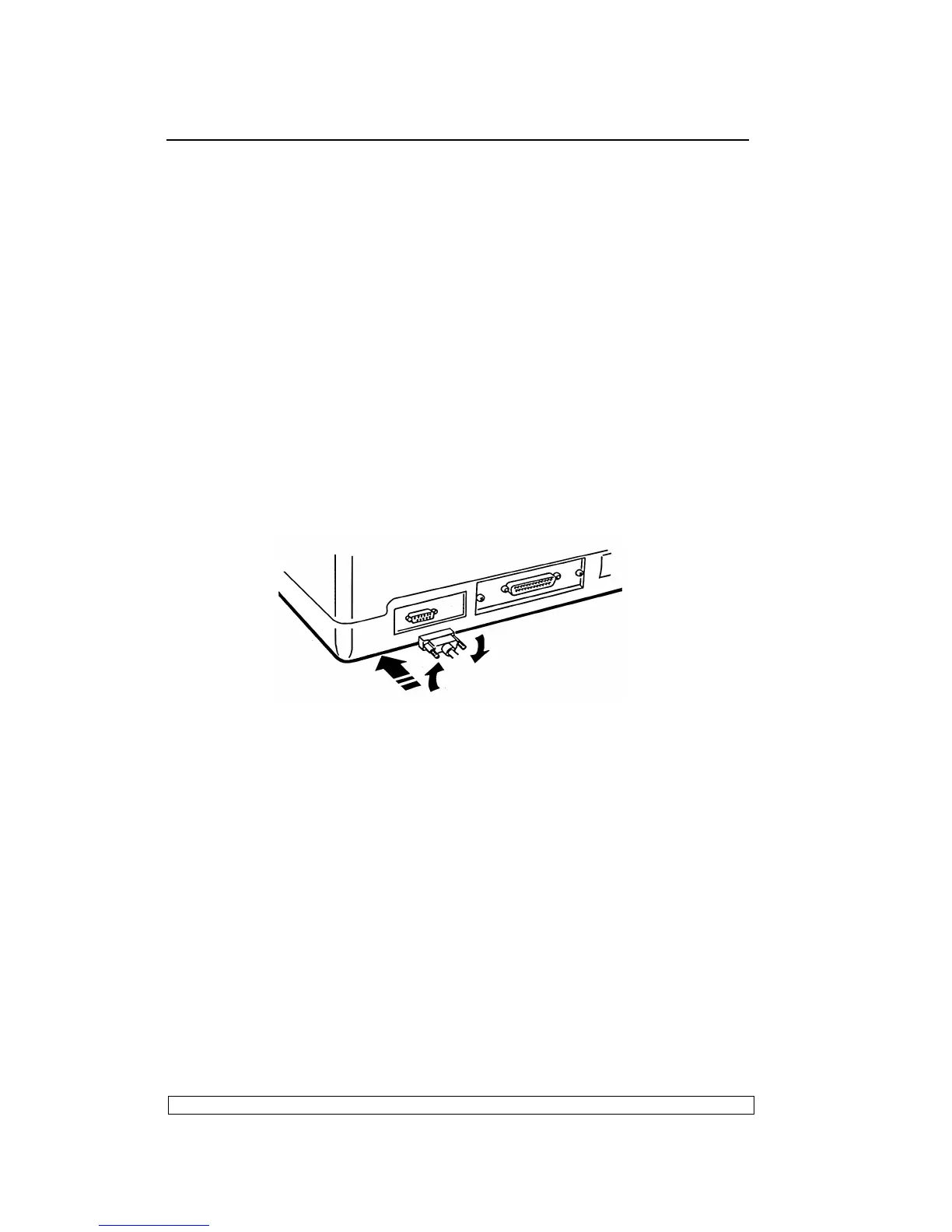
Attach the serial cable to the interface located on the rear of the printer.
Via Set-up (Section 3.2) program the following interface parameters:
BAUD RATE; BIT/CHAR; PARITY; STOP BIT and DSR.
Fig. 2-3 Standard RS232 C Serial Interface
2.4.2. OPTIONAL SERIAL INTERFACE + USB INTERFACE CARD
The optional serial interface + Universal Serial Bus (USB) interface card
hosts both interfaces and is installed in the specific slot alongside the
standard first serial interface on the rear of the printer.
2.4.3. OPTIONAL PARALLEL INTERFACE CARD
The optional parallel interface card hosts a 36-pin Centronics parallel
interface. It is installed in the specific slot alongside the first serial interface
on the rear of the printer. It is suggested to use an interface cable up to 1.5
meters long. The ECP data exchange protocol is used.



 To Next Page