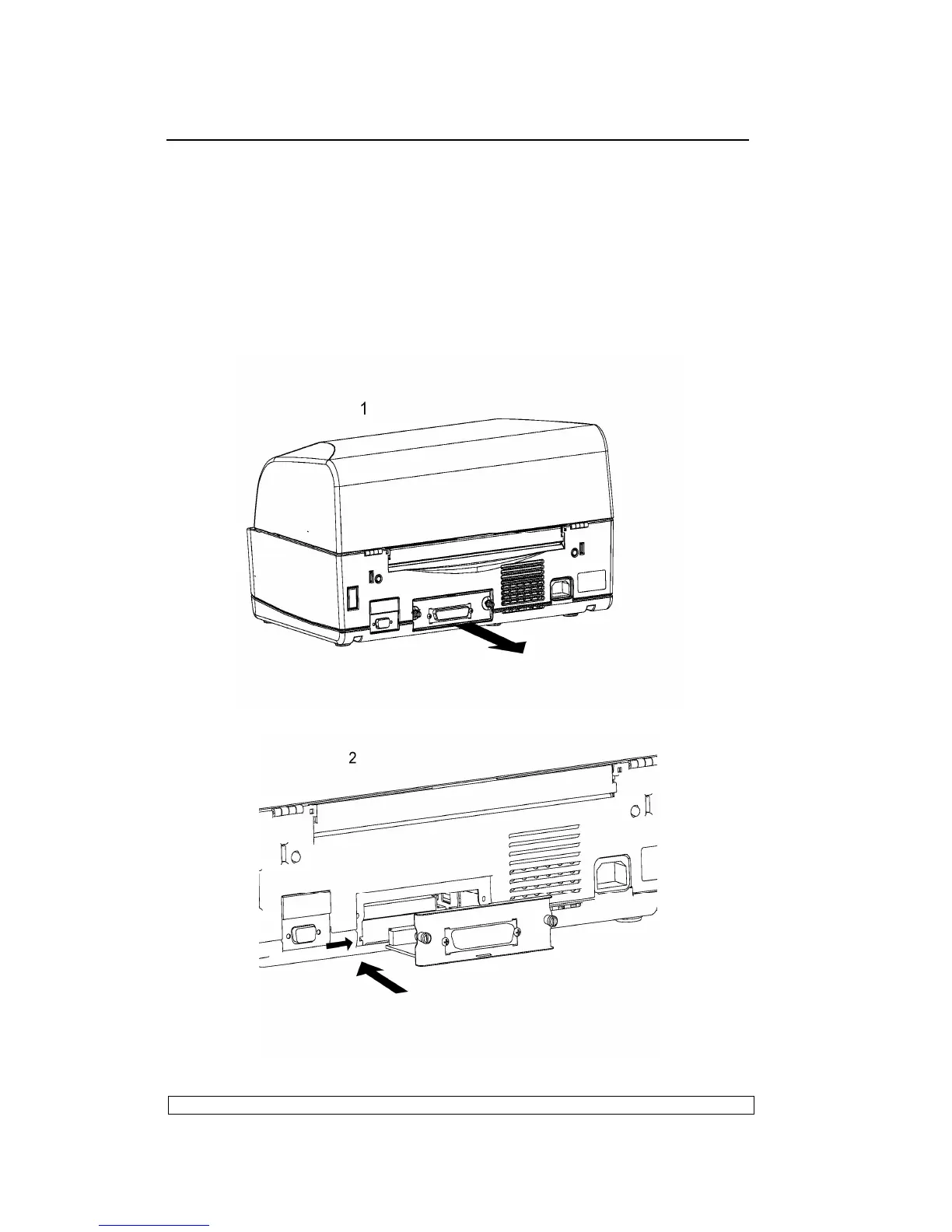
Proceed as follows to install this optional card:
- Power off the printer.
- Using a screwdriver, break off the slot cover of the optional serial
interface on the rear of the printer.
- Insert the interface card in the slot and slide it along the guideways until it
plugs into the related connector on the main board. Push firmly to ensure
proper connection.
- Tighten the card's two side screws to secure it in place.



 To Next Page