pressing STATION2 key to go back to the previous menu level until
back to the top level
3.3.1. MENU SETUP
Notes:
Menu setup was classified into 10 modules (SELECT CURRENT
MACRO, SELECT MACRO TO SETUP, CONFIGURATION, OLIVETTI
MENU, OKI MENU, IBM MENU, LQ MENU, IBM9068 MENU,
LANGUAGE, SAVE PARAMETERS), modify various module’s
parameters you should enter corresponding module.
Because the printer can provide different macros selection, you should
make sure which macro you want to modify. That means you should
enter “Select macro to setup” and select which macro to setup, if not,
the modification of set-up you made will be the current macro.
The modified parameters of macro can be valid except the macro is
not current macro.
The operator can select the language condition of printer when
entering the module “LANGUAGE”, and you can select “CHINESE ”
or “ENGLISH”
The content the LCD displays on the first line is the current level, and
these on the second line is the next level.
If you have pressed the STOP▉ key to confirm “save parameter”
item , the parameters will be save into the FLASH and the printer will
be reset automatically. Otherwise, the parameters will be saved in the
RAM, which will not be valid. If restart the printer or exit the off-line
operation, all the modification you have made will be invalid.
If modified parameter but not save it, before you exit off-line
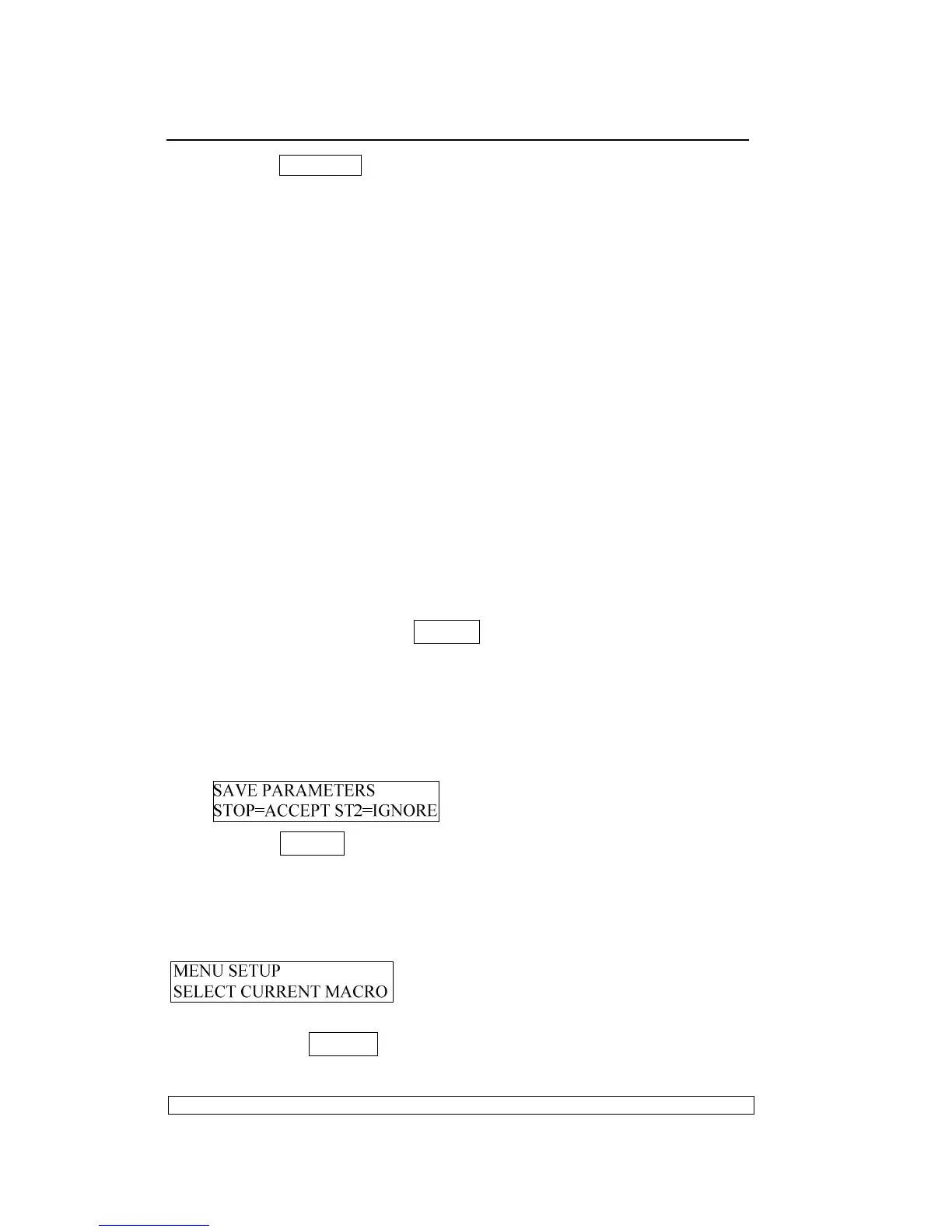
operation, the LCD will show:
Pressing STOP▉ key to save parameters, other keys will be ignored.
WARNING: All operation should accord the LCD shows.
3.3.1.1. SELECT MODULE
Entering the menu setup, the LCD shows:
You can begin to select module of menu setup
If Pressing STOP▉ key, enter the module “SELECT CURRENT
MACRO”, LCD shows:



 To Next Page