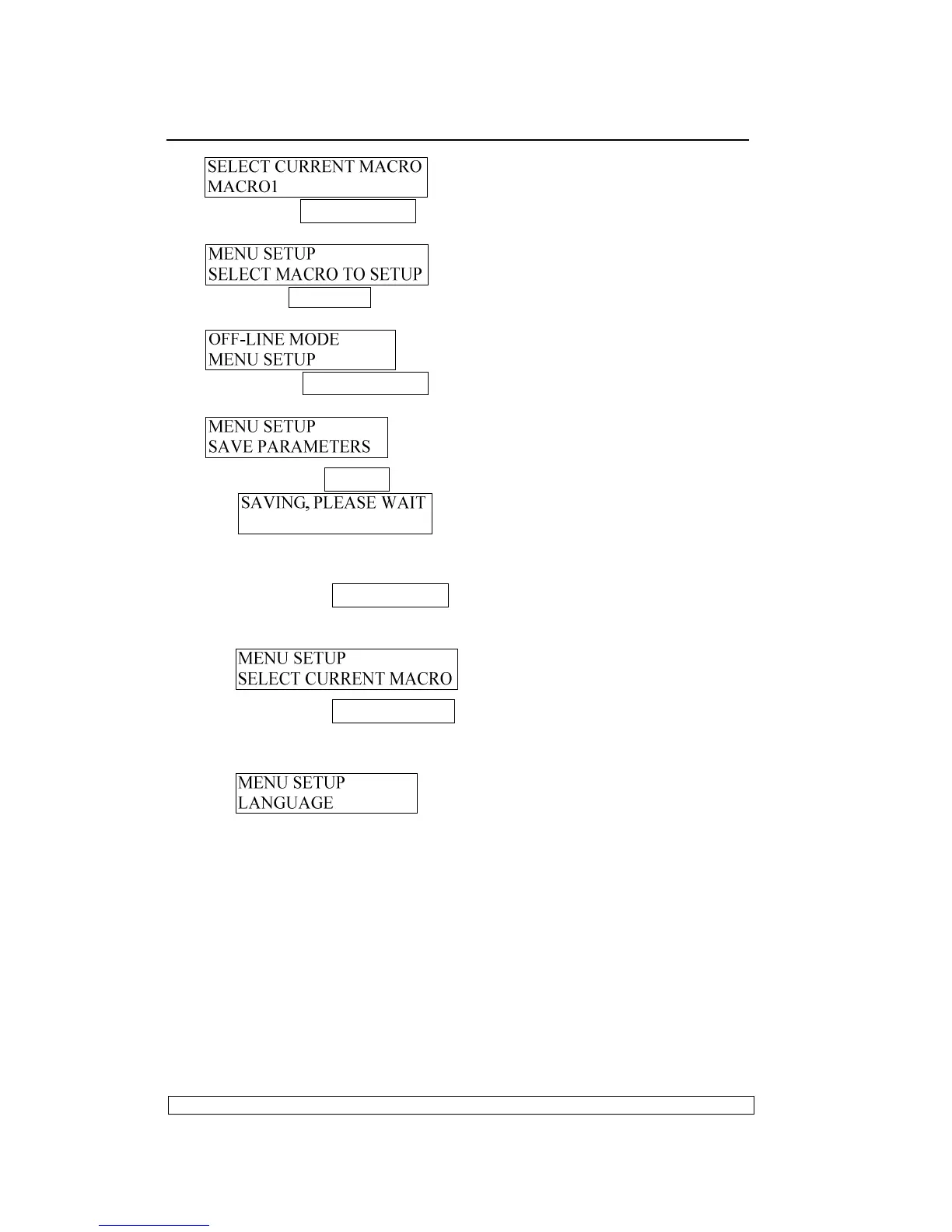
If pressing COMPRESS▼ key, enter the module “SELECT MACRO
TO SETUP”, LCD shows:
If pressing STATION2 key, it will return to the upper level directly, LCD
will show:
If pressing FEED/EJECT▲ key, enter saving parameter, LCD will
show:
If pressing STOP▉ key, saving parameters , LCD will show:
After saving, the printer will reset automatically, and the modified
parameters will be saved into the Flash.
If pressing COMPRESS▼ key, the printer will do not save the
modified parameter and it will enter the next item, the LCD will
show:
If pressing FEED/EJECT▲ key, the modified parameter will do
not be saved and it will return to the upper item, the LCD will
show:



 To Next Page