The inquiry of the photosensor can be classified into “FOTO
VALUE-SET” and “FOTO VALUE-ACTUAL”.
You can inquire 7 class photosensor values :
Paper Intro1
Paper Intro2
Paper Alline 1
Paper Alline 2
Paper Alline 3
Paper Alline 4
PAP. EDGE
You can check each photosensor‘s value by pressing COMPRESS
▼
key (means move downwards) or FEED/EJECT▲ key (means
upwards)
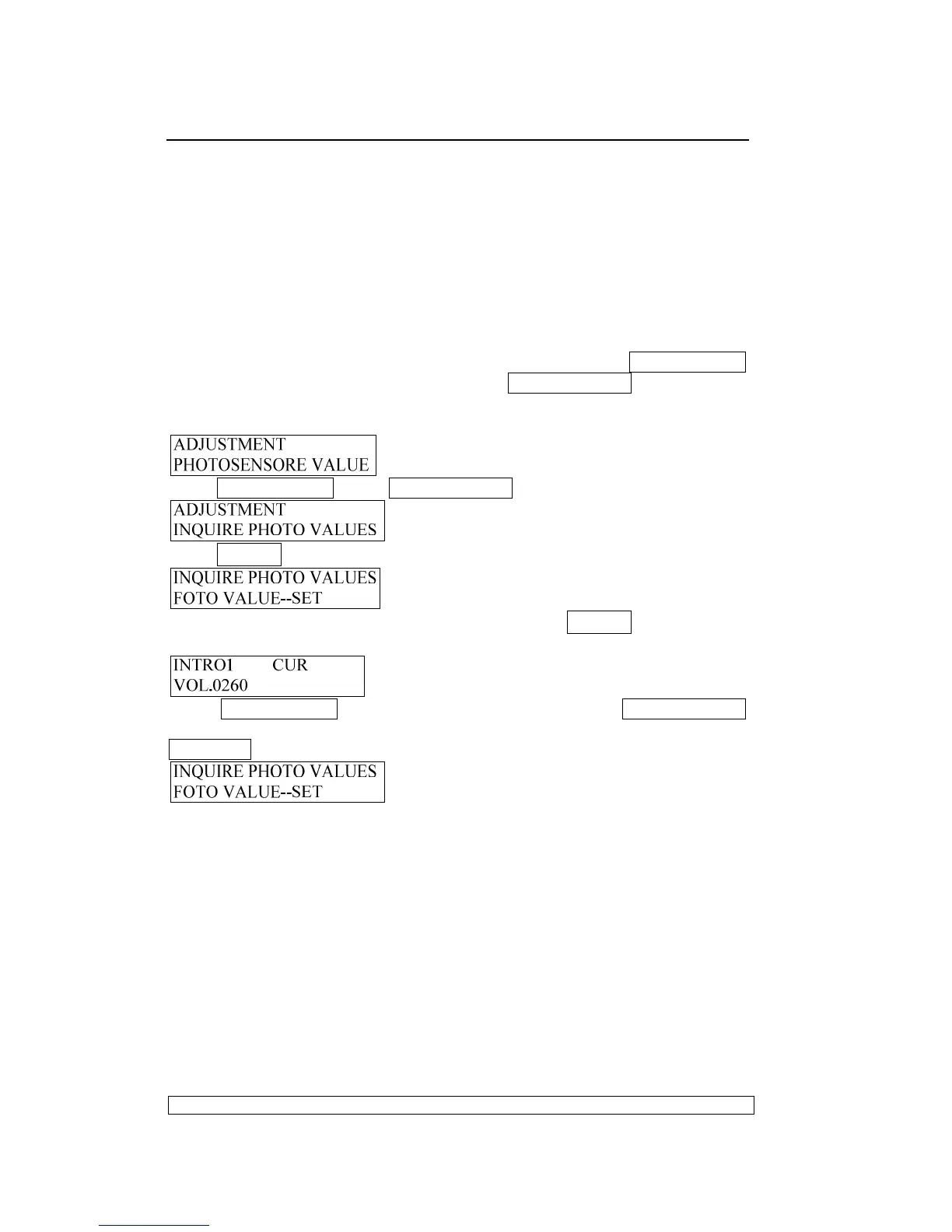
Entering the adjustment, LCD shows:
Press COMPRESS▼ key or FEED/EJECT▲ key until the LCD shows:
Press STOP▉ key to accept, LCD shows:
If you want to inquire the photosensor values, Press STOP▉ key to accept,
LCD shows:
Press COMPRESS
▼
key (means move downwards) or FEED/EJECT
▲
key (means upwards) to check various values .If you want to exit , pressing
STATION2 key , The LCD shows :
Now you can select other operations you want.
3.3.4.8. RESUME HARDWARE PARAMETER:
This adjustment mainly used to resume the default value of the following
hardware parameters:
Left margin
Top margin
Bi-direction alignment
Once this item was selected, then the correspondent value will be
replaced by the default value and saved into the Flash.
Entering the adjustment, LCD shows:



 To Next Page