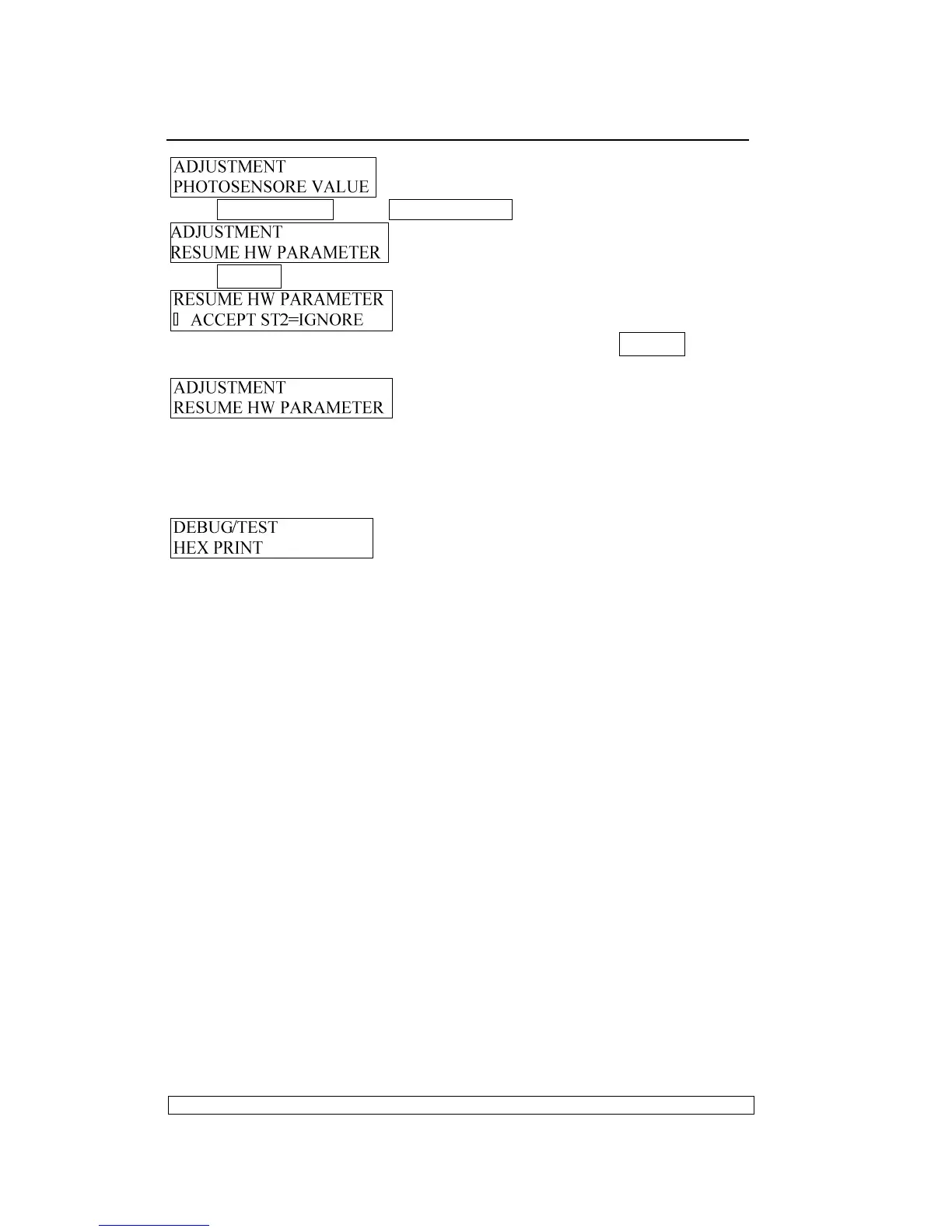
Press COMPRESS▼ key or FEED/EJECT▲ key until the LCD shows:
Press STOP▉ key to accept, LCD shows:
If you want to resume the hardware parameter, Press STOP▉ key to
accept, after finishing resume, LCD shows:
Now you can select other operations you want.
3.3.5. DEBUG/TEST:
Entering the offline-operation, select the Debug-test, the LCD shows:
Start to select the debug/test
3.3.5.1. CLASSFICATION
3.3.5.1.1. HEX printing:
can classified into “Data backup”、”Printing backup
data” and “Directly Dump”.
3.3.5.1.2. MAGNEITC TEST:
can be classified into “READ MAGNEITC”
and “WRITE MAGNEITC”.
3.3.5.2. HEX PRINTING
NOTICE:
HEX printing can classified into “Data backup”、 “Printing backup
data” and “Directly Dump”
“Data backup”: The printer can be used for normal operation while all
the codes received will be preserved in RAM.
”Printing backup data”: After the normal transaction having been
treated ,if you need print all saved data in Hex format, entering off-line
mode again, and selecting “Printing backup data of HEX printing, put A4
sheet into the printer, all the previously transacted data will be printed in
Hex format(NOTE: the first two bytes are the length of the data ), if
finished, the printer will enter “Data backup” automatically
”Direct DUMP”: The printer will print all the receiving data in Hex format
after A4 sheet in inserted.
NOTE:
More sheets are needed if there are too much data. Sheet will be



 To Next Page