Need help?
Do you have a question about the Sagem MF 5401 and is the answer not in the manual?
Safety guidelines for power connection, operation, and hazard awareness.
Location of warning labels and explanation of power switch symbols.
Guidelines for selecting an installation location and safe operating practices.
Advice on paper types, loading, humidity control, and EP cartridge care.
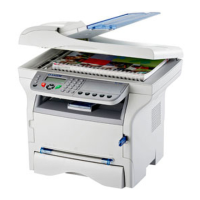
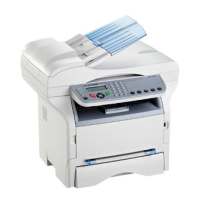
Identification of external parts and overview of the command panel.
Methods for accessing and navigating the machine's menu functions.
Unpacking, device setup, and inserting paper into the feed cassette.
Step-by-step instructions for unpacking and installing the toner cartridge.
Introduction to the software, system requirements, and installation process.
Detailed steps and screenshots for installing the Companion Suite Pro software.
Connecting the machine via USB and setting up wireless printing.
Routine cleaning advice and detailed steps for replacing the toner cartridge.
Troubleshooting smart card errors and cleaning the scanner reading system.
Procedures for clearing paper jams from the machine.
 General
| Brand | Sagem |
|---|---|
| Model | MF 5401 |
| Category | All in One Printer |
| Language | English |

 To Next Page