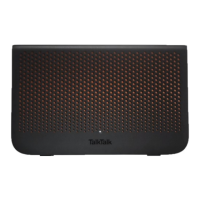
TalkTalk Wi-Fi Hub (Sagemcom FAST 5364)
Port Forwarding status
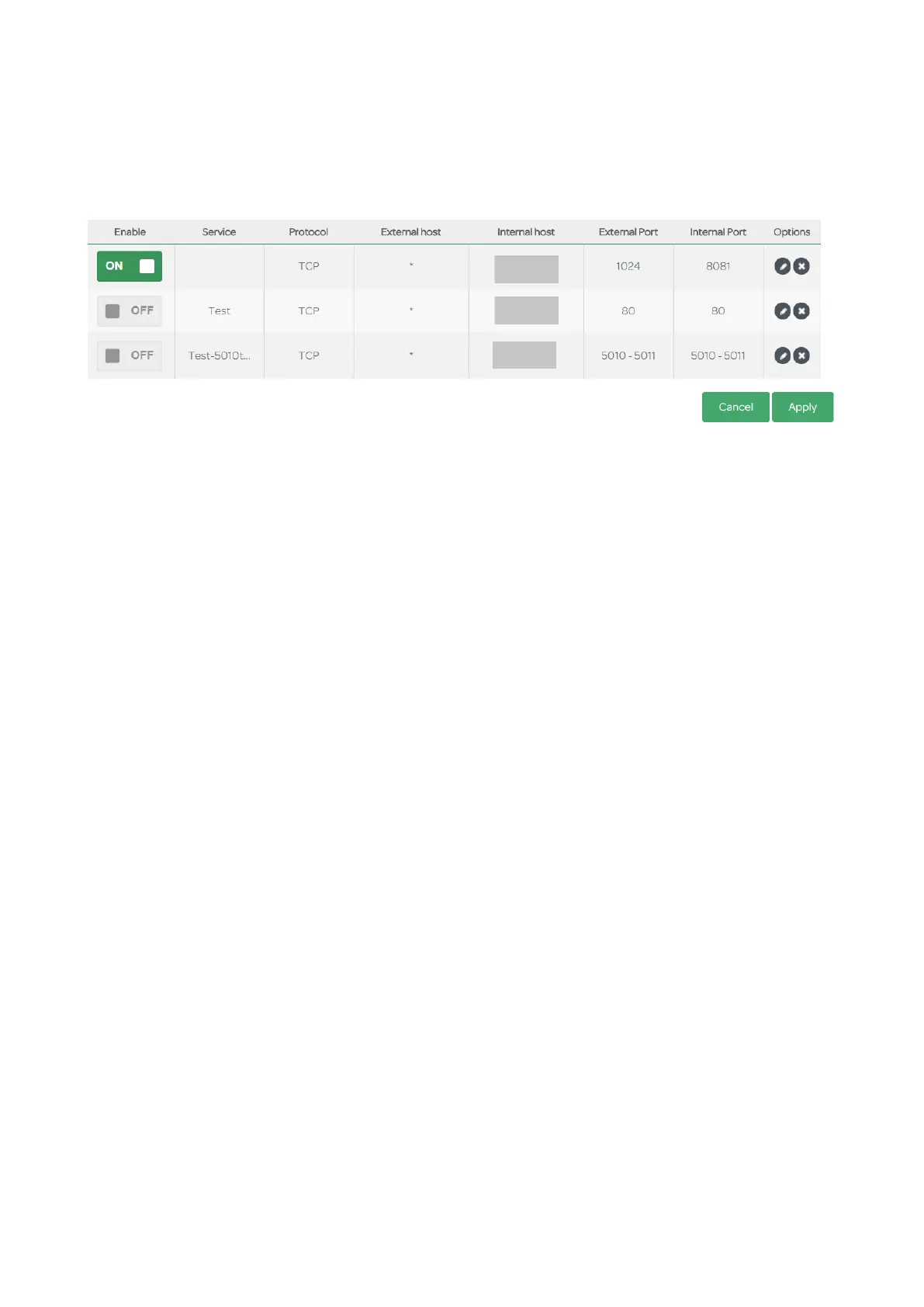
A summary list of any configured port forwarding rules can be seen at the bottom of the page:-
The status of a rule can be On or Off in the Enable coloumn. Each rule can be edited or deleted via
the icons in the Options column.
Note1: if you arrived at the port forwarding via Dashboard > My Devices, then clicked on the the
device to be forwarded to, you will only see the summary of rules applicable to that device. Any
rules for other devices will not be seen in that summary.
Note2: if you have a TalkTalk TV YouView box you will probably see the same rule as above (it
may not always be the first rule) that forwards external 1024 to internal 8081 with the IP address of
the YouView box. It is not always displayed, it would seem to add it whenever it is required.
Port forwarding testing
This works well, ports 80 & 443 do not need to be translated at all, unlike the HG633. When
opening a range of ports, testing each port is individually forwarded. For instance if 5010-5011 are
forwarded, with 5010 closed & 5011 open on a PC, a port checker site reports 5010 closed & 5011
open.
Page 31 of 38 Date: 25/06/2018


 To Next Page
 Loading...