18
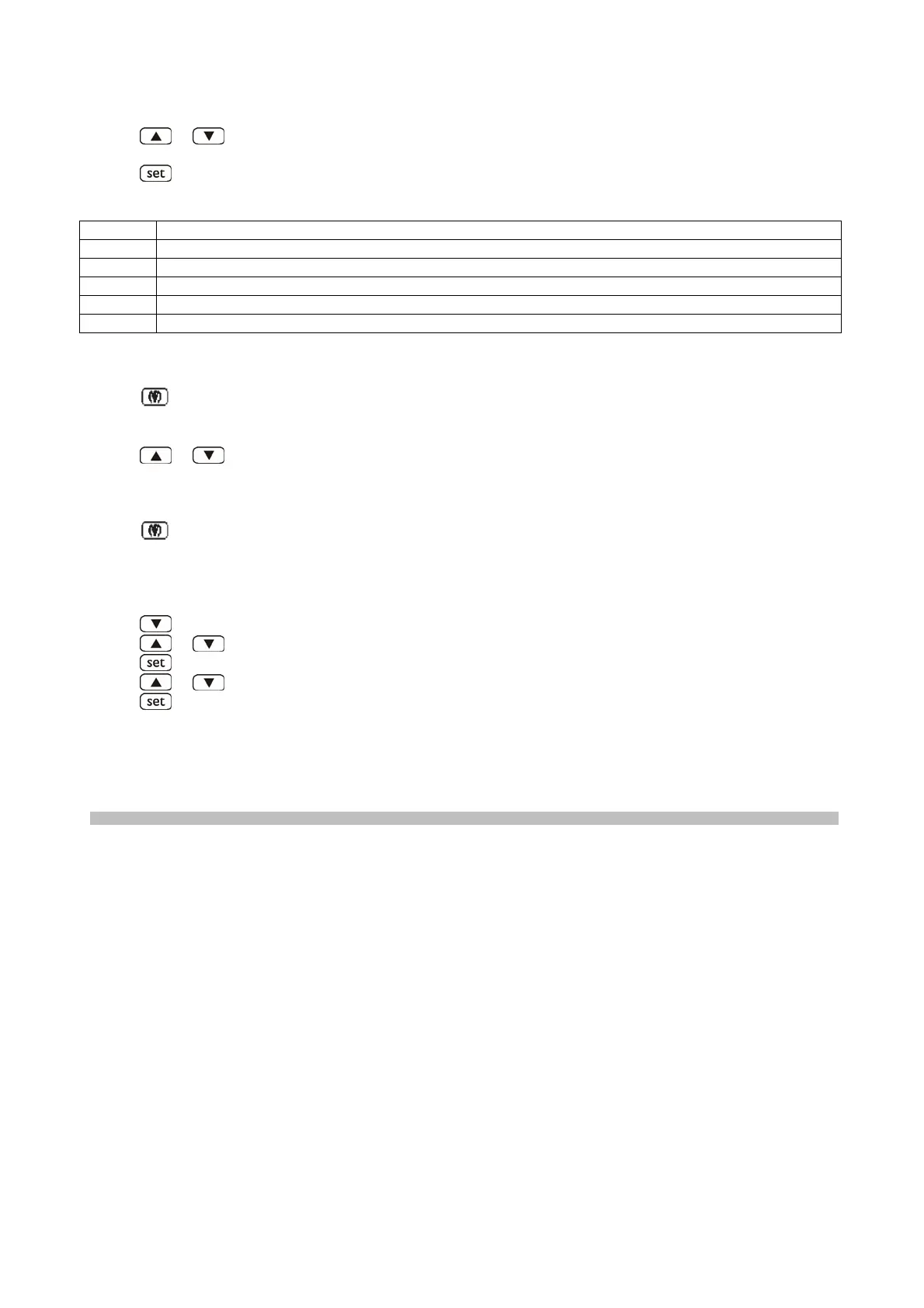
To select an alarm:
• press
or (to select "AH" for example).
To display the information relating to the alarm:
• press
the HACCP LED will stop flashing and remain on and thedisplay will show the following
information in succes-sion (for example):
INFO MEANING
8
the critical value is 8.0 °C/8 °F
dur
the display is about to show the alarm duration
h01
the alarm lasted for 1 hour (continued ...)
n15
the alarm lasted for 1 hour and 15 minutes
AH
the selected alarm
The display shows each piece of information for 1 s.
To exit the information series::
• press
the display will show the selected alarm.
To exit the procedure:
• exit the information series
• press
or until the display shows the quantity assigned byparameter P5 or do not operate the
keypad for60 s.
Alternatively:
• exit the information series
• press
If the instrument has stored no alarm, the label “LS” will not be shown.
Deleting the HACCP alarm list
• ensure the keyboard is not blocked and that no procedures arerunning
• press
for 2 s: the display will show the first available label
• press
or to select “rLS”
• press
• press
or within 15 s to set “149”
• press
or do not operate the keypad for 15 s: the display will flash"- - - -" for 4 s and the HACCP LED
will be turned off, afterwhich the device will exit the procedure.
If the instrument has stored no alarm, the label “rLS” will not be shown.
WORKING IRREGULARITIES
In case of working irregularities, before to call the technical service in zone verify that:
− the main switch 1 is lighting and the current is present;(63)
− the regulated temperature is the wished one;(65)
− the doors are perfectly closed;
− the machine is not near heat sources;(38)
− the condenser is clean and the fan works regularly;
− an excess of hoarfrost does not cover the evaporating pannel.
In case of negative result, contact the nearest service centre indicating the model and the serial number
shown on the rating placed on the appliance instrument panel. (11)


 To Next Page