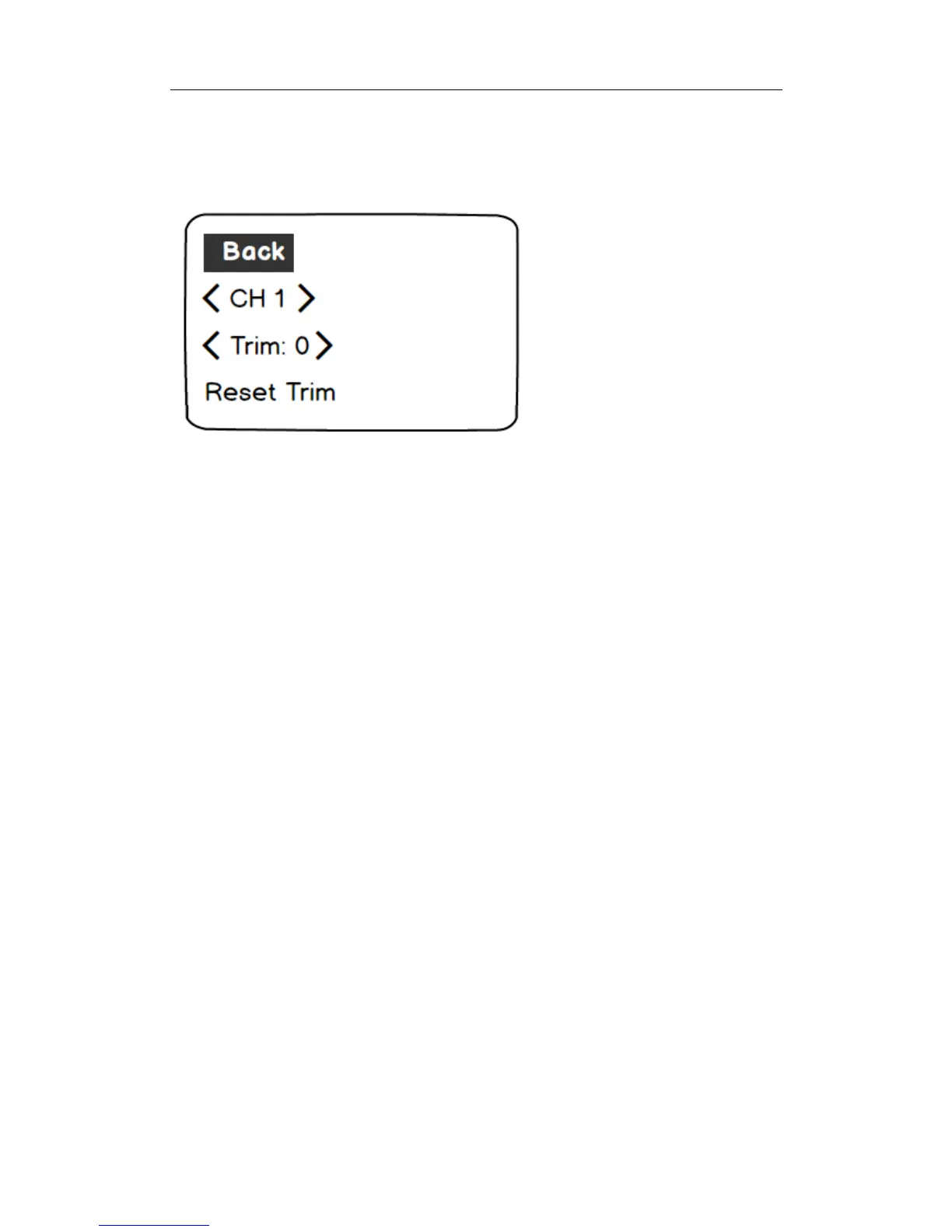
Forenteringsub-menu,press“MenuRightButton”whenundermain
menu.
Sub-menuOperation
A.Back:press“MenuLeftButton”toreturntoupperlevelmenu.Press
“MenuUp”and“MenuDown”buttonstoselectsub-menu.
B.Menuwithoutoptions:press“MenuLeftButton”toreturntoupper
levelmenu.Press“MenuRightButton”toentersub-menu.
C.Menuwithoptions:press“MenuLeft”and“MenuRight”button
tosettheparameters.
D.Theuparrowattheuprightcornerofthemenuscreenindicates
previouspageavailable.
E.Thedownarrowatthedownrightcornerofthemenuscreenindicates
nextpageavailable.
12













 To Next Page