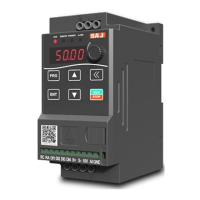
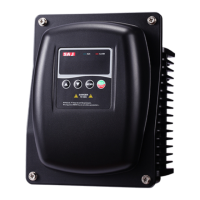
PDM20 Series
-9-
1.2 Indicator Light
(1) RUN: running indicator light
Steady light: running instruction
Blinking light: sleep instruction
Steady off: stop instruction
(2) ALAM :fault indicator light
Drive faults or alarms
1.3 Operation and display mode
(1) Status display mode:
When power on the SPD, it enters the status display mode. When it stops, it
displays pressure setting. Press "▲"or"▼"to modify pressure setting. When it is
running,it displays current pressure, operating frequency, and setting pressure.
Press the "▲"or"▼" to switch the display; press "MENU" for two seconds to
enter the parameter setting mode.
(2) Parameter setting mode:
To view or set the parameters, as starting from status display mode, press the
"MENU" for 2 seconds to enter the parameter setting mode, and then press the
"RUN / STOP" starts to set parameters. After you set the parameter press twice
"MENU" to exit parameter setting mode, and return to the status display mode.
(3) The alarm display mode:
Automatically enter this mode when a drive fault or warning arises; press the
"RUN / STOP" to reset, or it can automatically restored the previous mode after
the alarm is eliminated.


 To Next Page
 Loading...