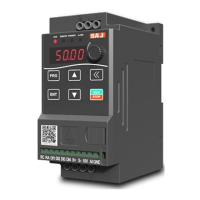
PDM20 Series
-19-
Chapter 3 Quick Start
3.1 Parameter Settings
According to different types of sensors, setting the parameters as follows:
Sensor works as this type. Taking 10V power supply voltage, 4-20mA feedback
signal, 1.6MPa pressure range, required water pressure of 4.0bar (4.0kgf/cm2) as
an example, the following parameters should be set:
P0.00 = 4.0 Pressure setting
P0.03 = 16.0 Maximum range of sensor
P0.04 = 1 Sensor feedback type (pressure transmitter)
P0.05 = 10.0 Input voltage of sensor
P0.14 = 11 Auto-start, fault self-reset
3.2 Pump Rotation Direction Confirmation
Make a short-time trial operation after setting parameters to see whether the
rotation direction is right or not. The direction can be changed by the following
two methods:
(1) Stop the drive and exchange arbitrary two phases of drive output power lines U,
V, W.
(2) Stop the drive and modify parameterP0.02.


 To Next Page
 Loading...