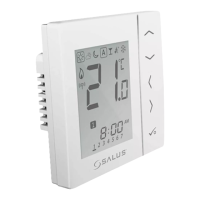
Installation – LCD Graphics
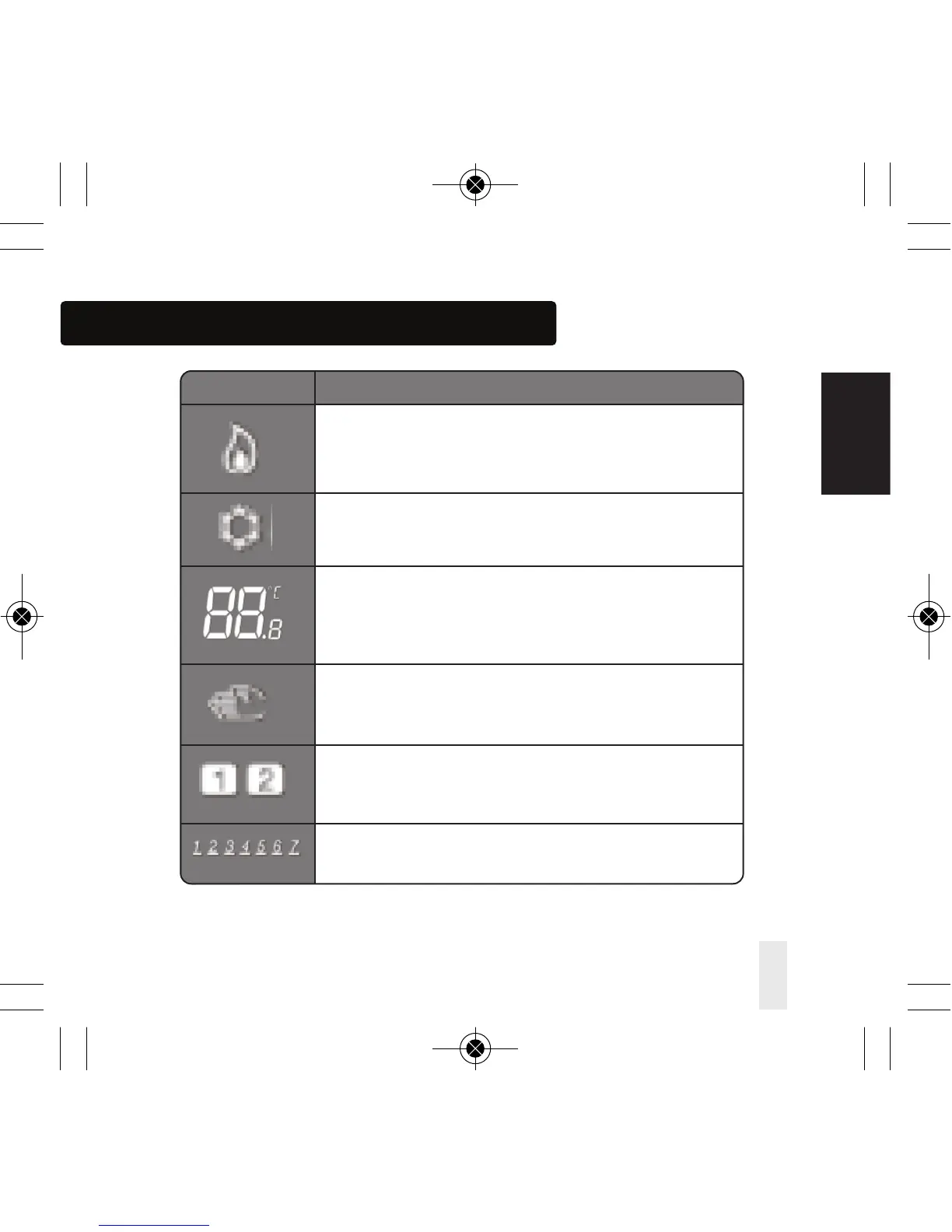
ICON FUNCTION
Heat indicator:
Indicates heat is required.
Cool mode indicator:
Indicates cooling is required (if applicable)
Temperature indicator:
Display the room temperature.
Display the set-temp.
Also used to show the other information.
Temporary manual override indicator:
If the set temperature is changed when in program mode,
the hand will appear until the next program start time.
Programs number indicator:
In AUTO program mode or Temporary override is running,
it means the current program running.
Day indication:
1 = Monday
VS10W and VS10B Installer Manual 23
INSTALLATION



 To Next Page