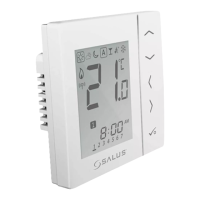
Installation – LCD Graphics
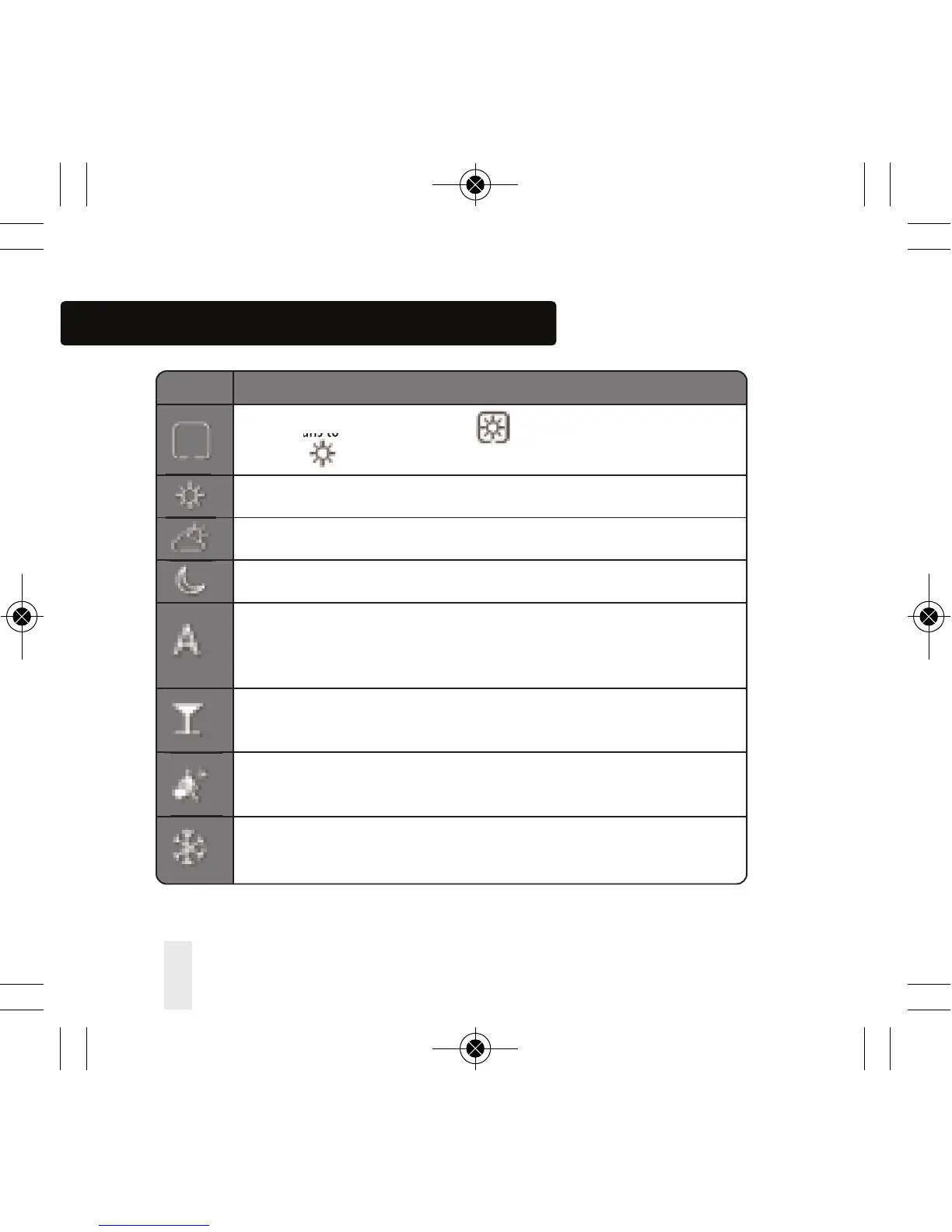
ICON FUNCTION
BOX means to select the mode e.g. means the current setpoint is
Hi temp, means the Hi temp is not selected.
Sunny: Hi comfortable temperature.
Cloudy: Middle comfortable temperature.
Moon: Low comfortable temperature.
Programmable thermostat Program mode indicator:
Indicates program is running, Auto On or Auto O. For group thermostat this
indicates that it is a member of a group.
Party indicator:
When Party mode is active.
Vacation indicator:
When Vacation mode is active
Frost protection indicator:
Frost protection is active, not available in cooling mode (if applicable)
22 VS10W and VS10B Installer Manual



 To Next Page