106 •
Program Mode Sam4POS 6600/4800II Program Manual v2.1
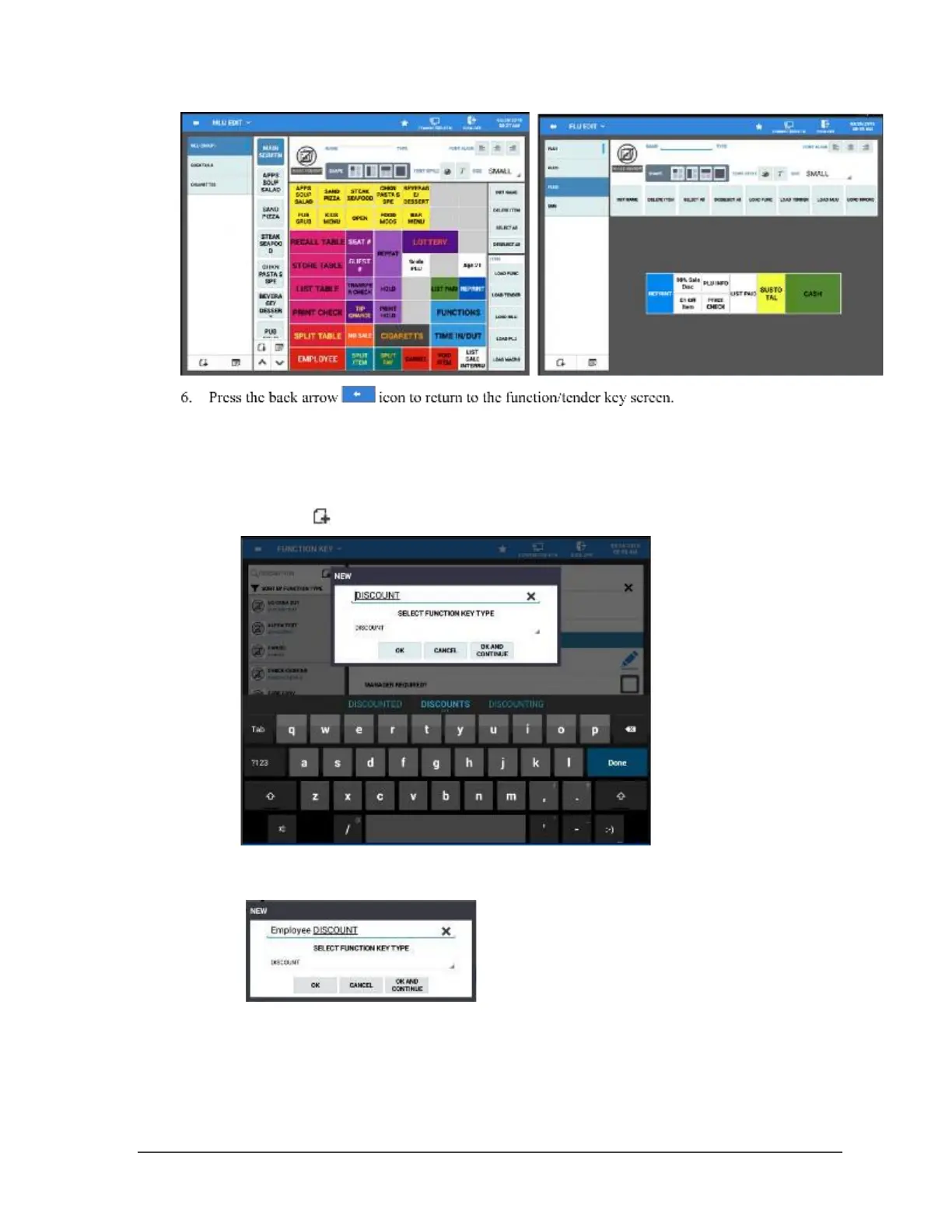
Add New FUNCTION/TENDER KEY
You can add additional functions or tender keys as your application requires.
1.
2. Type a descriptor for your new key at the Input Description field. The X at the end of the field, clears
the current descriptor.
3. Select a key type from the SELECT FUNCTION KEY TYPE drop down menu list.



 To Next Page
 Loading...

