166 •
Program Mode Sam4POS 6600/4800II Program Manual v2.1
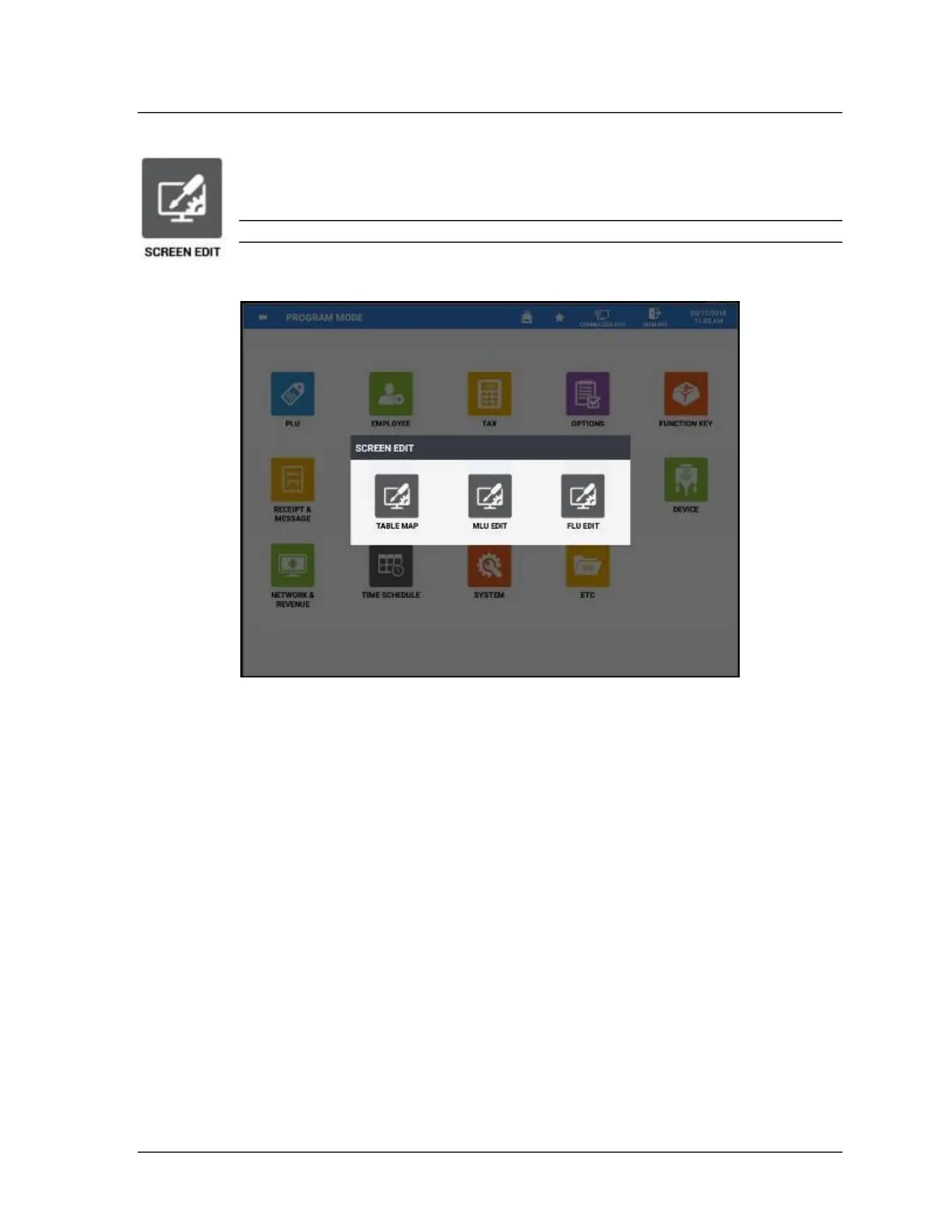
2. The SCREEN EDIT selection screen appears; choose the program area you wish to edit.
TABLE MAP
The table map allows you to create multiple tables in a grid formation for table service operations. We
can create multiple seating zones and tables to represent different seating areas and organize the
appearance of the tables with custom names and colors.
Enable the System Options “Show Table Map Icon” (to display the icon on the REGISTER Mode title
bar) and/or “Go Directly To The Graphic Table” (to display the table map immediately when accessing
the REGISTER Mode).
1. Press TABLE MAP on the SCREEN EDIT selection menu.



 To Next Page
 Loading...

