Index revision : C 12 6209
To change the current set point, press key 2 or 3
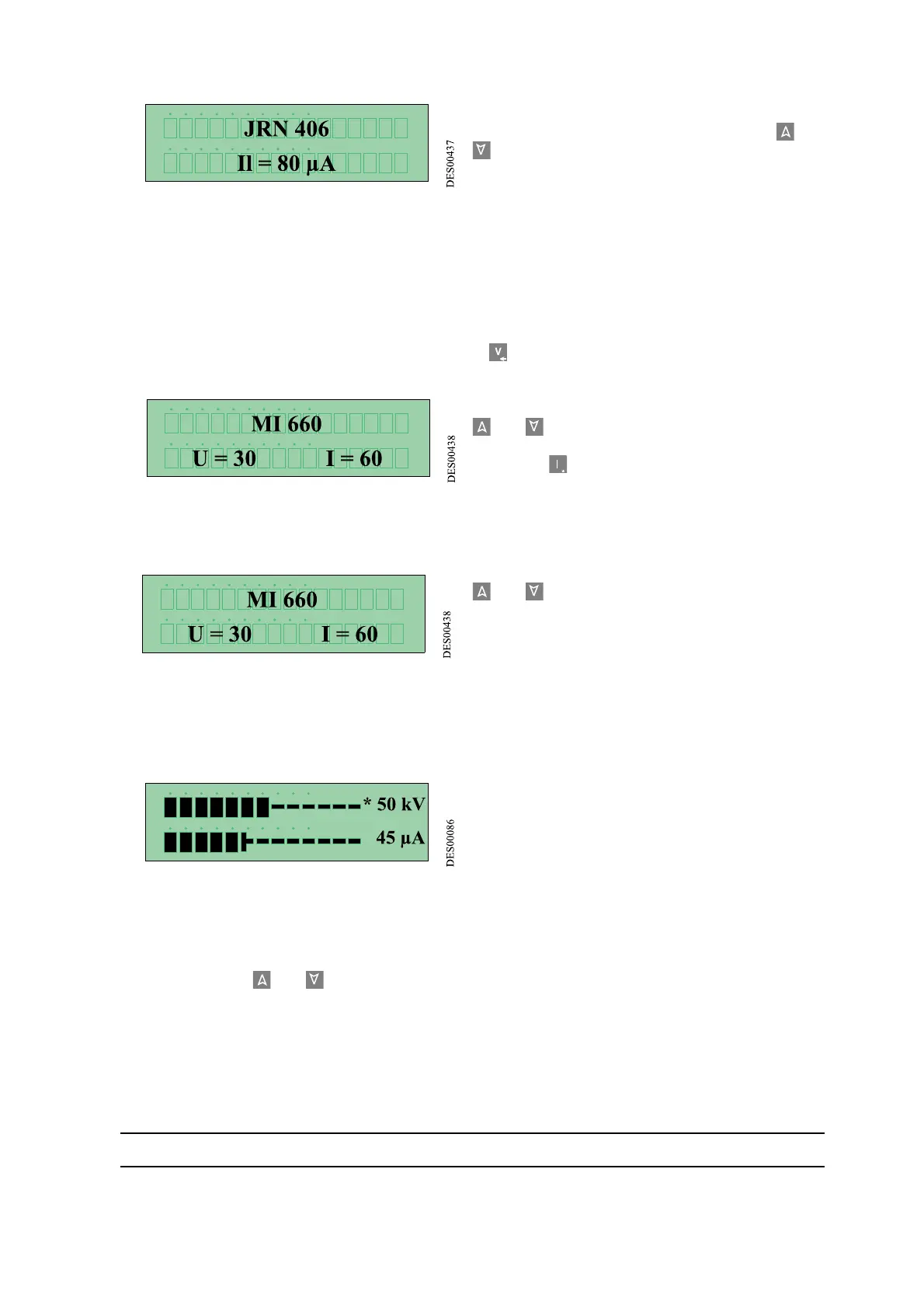
. The display will, for example, indicate:
4.4. Storing the set points
The GNM 100 can memorise 9 U and I value tables preset by the user as needed. These tables are ref-
erenced from J1 to J9.
To create a table:
• The gun trigger must be released.
• Adjust the high voltage (Vc) and the current limitation (Il) set point values according to the proce-
dure described in paragraph3.3, then press key .
the display will, for example, indicate:
•Choose a table (from J1 to J9) by pressing keys 2
or 3 (for example J2).
•Press key for three seconds. The U and I values
are stored in the table J2.
4.5. Using the values stored
When, for example, the display indicates:
Choose a table (from J1 to J9) by pressing keys 2
or 3 .
The set point values of the high voltage and the cur-
rent limitation used are memorised in the table cho-
sen.
4.6. Triggering the high voltage
The trigger has to be puller for the gun to be powered.
The display takes the form of a bar graph, indicating the high voltage and current values, for example:
Displayed at the end of each bar graph is the volt-
age value at the gun electrode (in kilovolts) and the
current debited by the gun's high voltage electrode
(in micro amps).
The position of the symbol (*) at the end of the bar graph indicates whether the module works by a high
voltage regulation or by a current limitation.
If no table is used when the trigger is pulled, the high voltage and current set point values can be modified
by pressing keys 2 or 3 .
If a table from J1 to J9 is used when the trigger is pulled, the values cannot be changed.
When the trigger is released for more than 3 seconds, the last value read is displayed.


 To Next Page