SAMLEX AMERICA INC. | 75
APPENDIX A
5.4 SAVING / UPLOADING PROGRAMMED PARAMETERS
5.4.1 Saving Programmed Parameters
All the programmed parameters can be saved on an SD Card (FAT 16 / FAT 32 Format, up to 16 GB capacity). The
parameters will be saved in File named “xxxx_yyy.cfg”, where the rst group of 4 digits xxxx is the Model No. e.g. 2212
or 2224 or 3012 or 4024 and the second group of 3 digits YYY is the Revision No. for that model.
• For saving, rst insert the SD Card in the SD Card Slot.
• Then, go to “Parameter Save” Screen (See Section 4.8.2.11). Steps are given below:
5.4.1.1 Programming Steps for Parameter "PARAMETER SAVE"
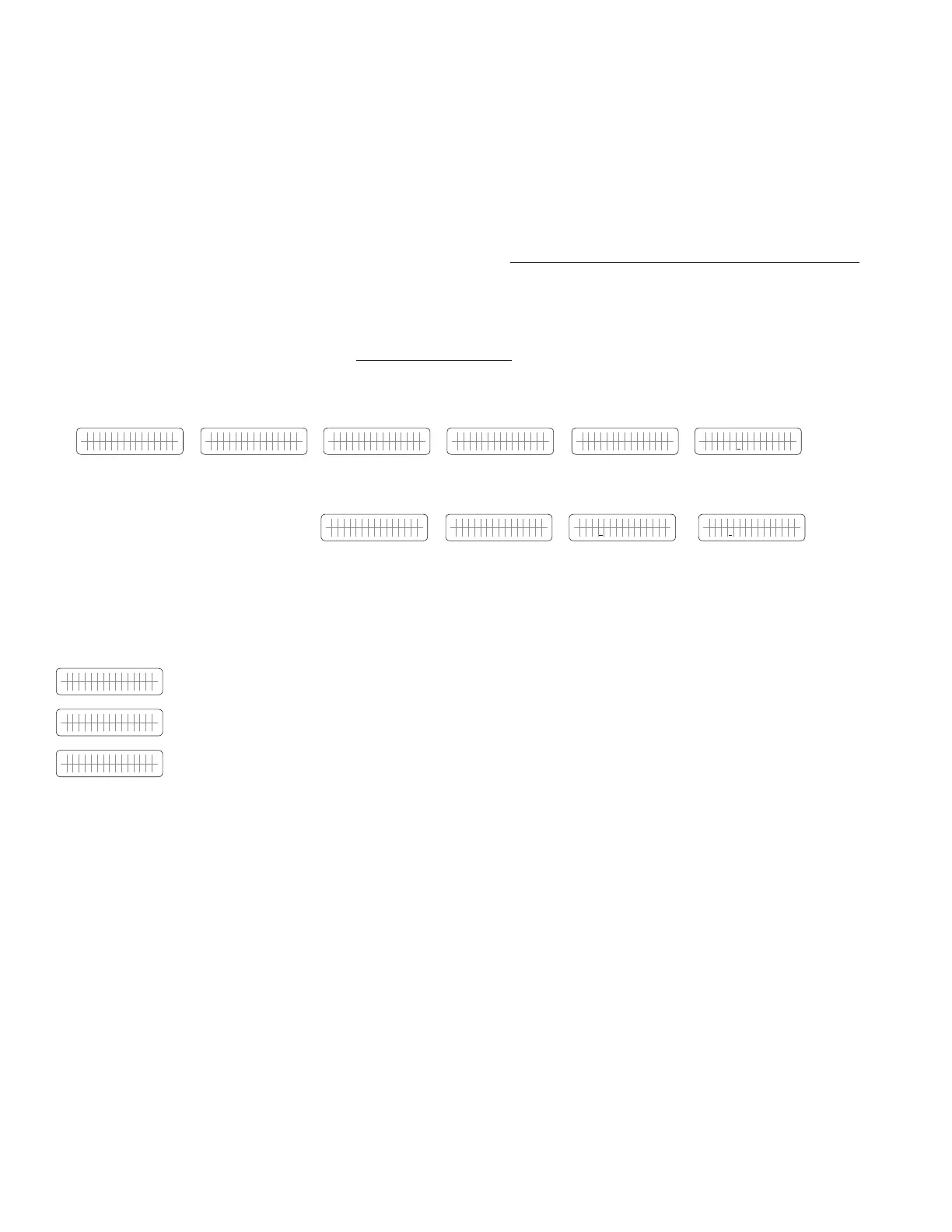
Enter Key Up Key x 4 times Enter Key Up Key x 10 times Enter Key
A N Y O P E R A T I N G
M O D E S C R E E N
ð
S E L E C T G R O U P
C H A R G E C U R V E
ð
S E L E C T G R O U P
O T H E R F U N C T I O N
ð
P OW E R S A V I N G
0 = D i s a b l e
ð
P A R A M E T E R S A V E
0 = N o
ð
K E Y I N P A S S W O R D
0 0 0 0
Password 8052
See Section 4.3.1
P A R A M E T E R S A V E
0 = N o
ï
ï
P A R A M E T E R S A V E
1 = Y e s
ï
P A R A M E T E R S A V E
0 = N o
5.4.2 Uploading Saved Parameters
If there is a “xxxx_yyy.cfg” le in the SD card with stored programmed parameters, then on inserting the card, the
Remote Control will ask to upload the Cong File. Press Enter Button to conrm or Back Button to cancel.
U P L O A D C O N F ?
Y E S = E N T E R K E Y
Asks to conrm upload.
U P L O A D C O N F ?
N O = B A C K K E Y
Asks to cancel upload.
Conguration uploading.
SECTION 5 | SD Card
ò
Up Key
Press Enter Key,
hold for 3 to 4
sec and release



 To Next Page