EasyManua.ls Logo

Samson Concert99 - User Manual

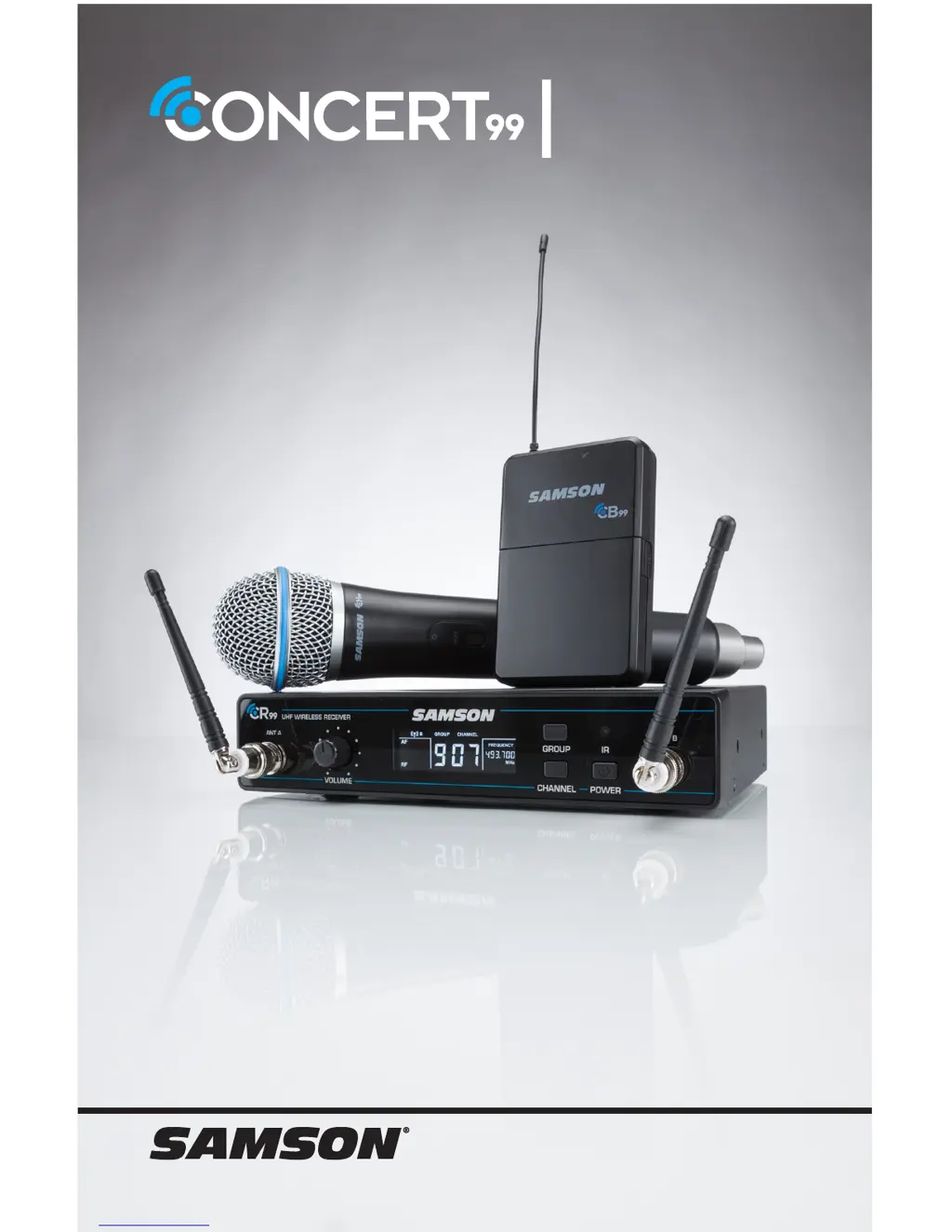
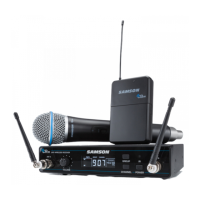
Samson Concert99
20 pages
Print Icon
To Next Page IconTo Next Page
Loading...
OWNER'S MANUAL
FREQUENCY-AGILE UHF
WIRELESS SYSTEM

Questions and Answers

  • S
    Stacey ReyesJul 27, 2025
    How to fix no audio on my Samson Concert99?
    • D
      Dr. Elizabeth LopezJul 27, 2025
      If you're experiencing a lack of audio with your Samson Microphone system, there are several things to check. First, ensure that both the transmitter and receiver are powered on. Next, verify that the transmitter's batteries are correctly installed and that the transmitter is not muted. Confirm that the CR99 receiver adapter is correctly connected and plugged into a working electrical outlet. Also, make sure the audio output cables are securely connected to the CR99 receiver. Ensure that the receiver and transmitter have a clear line of sight. Check the level controls on both the receiver and your audio input device. Finally, ensure that the transmitter and receiver are set to the same operating channel; if you're unsure, reset the channel by performing an IR set.
  • J
    Jennifer GriffinAug 1, 2025
    What to do if my Samson Concert99 has audio dropout?
    • V
      vmillerAug 2, 2025
      If you are experiencing audio dropouts with your Samson Microphone system, it could be due to a few reasons. The transmitter might be too far from the receiver; try moving it closer or repositioning the antennas. Also, remove any potential sources of RF interference, such as cell phones, cordless phones, lighting equipment, computers, or metal structures. Consider moving the receiver to the top of the equipment rack or placing it on top of other equipment to ensure a clear line of sight from the transmitter.
  • J
    Jacob DaltonAug 8, 2025
    Why is my Samson Concert99 audio distorted?
    • B
      Barry SolomonAug 8, 2025
      If you're getting distorted audio from your Samson Microphone system, the receiver output level or the audio input device level may be too high. Also, check the transmitter's batteries and replace them if they are low. The input gain on the transmitter or audio source level may also be too high.
  • J
    Jonathan MillerAug 14, 2025
    What to do if Samson Microphone system receiver will not power on?
    • M
      Mitchell LittleAug 14, 2025
      If the receiver of your Samson Microphone system will not power on, check the adapter to ensure it is properly connected and plugged into an outlet providing power.
  • S
    Steven SmithAug 20, 2025
    How to fix Samson Microphone system transmitter that will not power on?
    • M
      Mrs. Karen Moses MDAug 20, 2025
      If the transmitter of your Samson Microphone system will not power on, replace the transmitter batteries.

Summary

Important Safety Information

Safety Precautions

Comprehensive list of safety instructions for operating the wireless system.

CR99 Receiver Front Panel

Front Panel Controls and Indicators

Identifies and explains the function of front panel buttons and controls.

CR99 Receiver Rear Panel

CB99 Belt Pack Transmitter Components

CH99 Handheld Transmitter Components

Quick Start Guide

Setup and Operation Steps

Guides users through the basic setup and connection process for the system.

Troubleshooting Guide

Troubleshooting Common Issues

Addresses common problems like no audio, distortion, and interference with solutions.

Product Specifications

Samson Concert99 Specifications

General IconGeneral
BrandSamson
ModelConcert99
CategoryMicrophone system
LanguageEnglish

Related product manuals