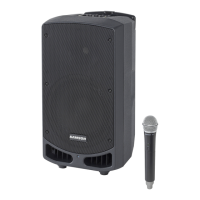
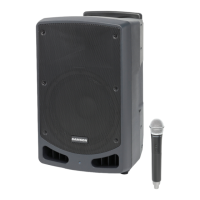
Follow these steps to connect a dynamic microphone to your Expedition loudspeaker:
• Set the Expedition XP112a/XP115a Power switch to the o position.
• Turn the VOLUME control fully counterclockwise to the o position.
• Connect the power cable to an AC socket.
• Using a standard XLR cable, plug a dynamic microphone into the Expedition’s XLR
INPUT.
• Set the SENSITIVITY switch to the MIC position.
• Switch the Power switch to the ON position.
• While speaking or singing into the microphone, slowly raise the VOLUME control
until you have reached the desired level.
• For larger sound reinforcement you can run several monitors using the Link Output
to daisy-chain one Expedition to another. Set the input Sensitivity on the additional
cabinets to the LINE level position.
Connecting a Microphone
8







 To Next Page