6. Operation
6.1 Operating controls
To access the operator controls, open the front cover of the controller.
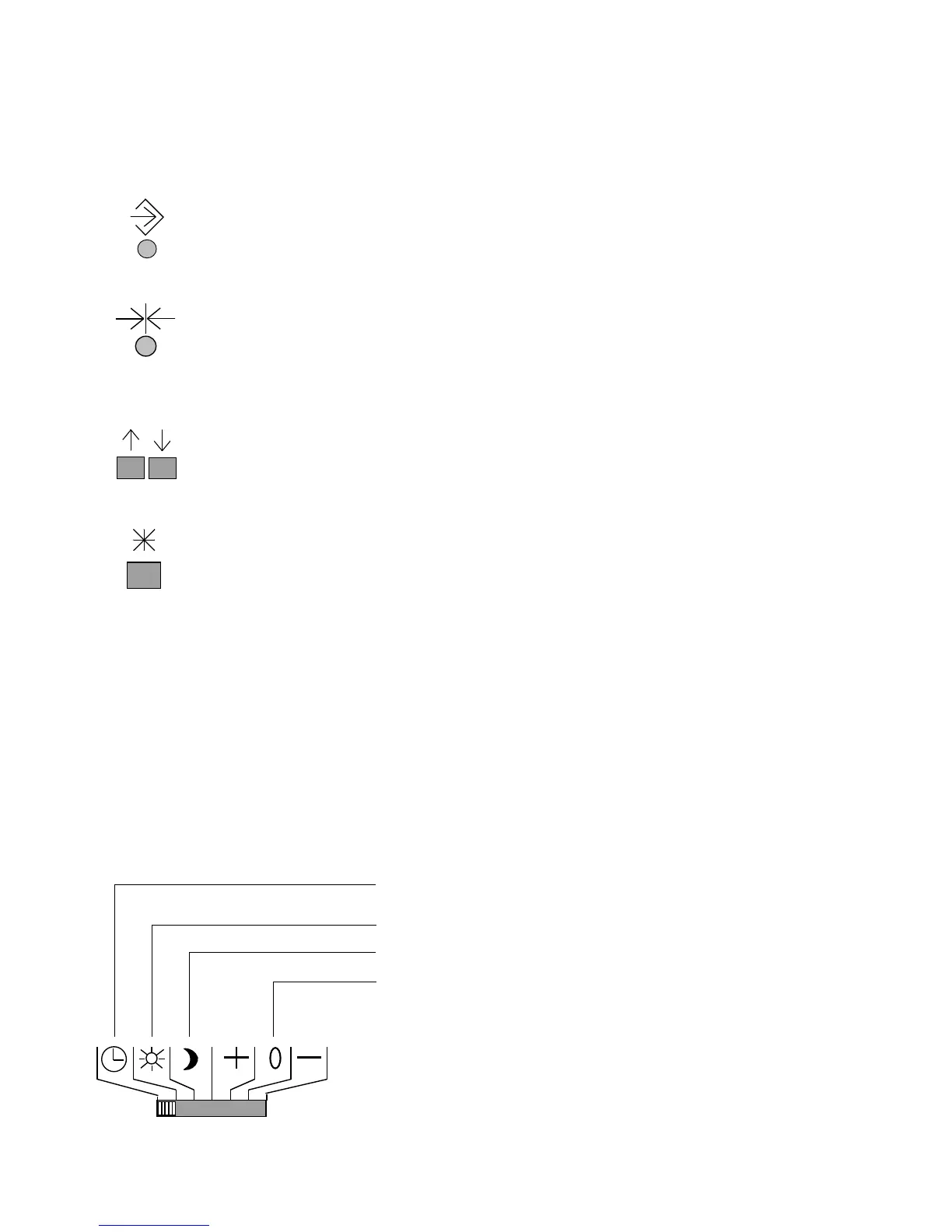
Besides the mode switches, the following keys can be used to configure the controller.
Changeover key
Lets you change from the operating level to the parameter level or configuration
level
Reset key
Lets you reset all freely accessible parameters to default values (factory setting)
This keys function is active only on the parameter level!
Arrow keys
These keys let you adjust the displays as well as retrieve and set data by moving
up and down
Enter key
Operating level: lets you view adjusted set points
Parameter level: lets you access and acknowledge entered values and data
Configuration level: lets you access and acknowledge adjusted system code
numbers and function blocks
6.2 Selecting the operating modes
Use the mode switch to select the mode for each control loop (heating circuit or drinking water
heating circuit). Time-controlled operation is used as the default setting. The switch positions
with the assigned symbols mean the following:
Mode switch for the heating circuit
Time-controlled operation with switchover between
rated operation and reduced or standby operation
Rated operation
Reduced or standby operation
Manual operation: *
Control valve opens inactive closes, UP on
(for on/off control: + = ON, 0 = OFF)
* If the controller only reacts to these switch positions as in reduced or
standby operation, the manual level is locked. See chapter 7.3 on page
57 for more details.
32



 To Next Page