10 Operating Instructions and Installation
10-1
10 Operating Instructions and Installation
10-1 Product Features
0
o
(Standard) 90
o
(Pivot) 180
o
(Pivot)
- Improved Response Time by Adopting RTA
: 12ms (Based on "Gray to Gray")
- Support Magic Color
- Magic Zone
- Magic Bright: 6 steps used
- Magic Tune 3.6 and Pivot software installed
- Auto Pivot: Screen automatic switch
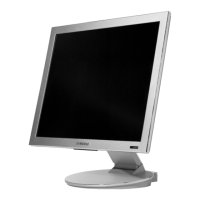
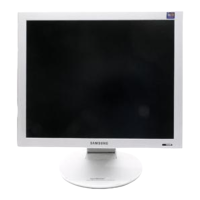
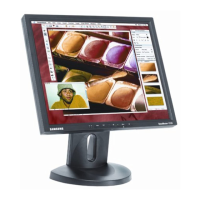
- Folder-type Dual Hinge stand with pivot (rotation)
& Swivel
- Auto power, Auto auto, Down Scaling(UXGA)
- VESA Mount 100 x 100mm & Custom Mounting
10-2 Component & Function
1. Power indicator
This light glows blue during normal operation, and
blinks blue once as the monitor saves your adjust-
ments.
2. Power button
Use this button for power the monitor on and off,
change the input source, or perform Auto
Adjustment.
-Power On/Off : Press the power button and listen
for one beep, to turn the monitor on or off.
-Input Source : Press the power button and listen
for two beeps, then release to switch the input
source to analog or digital.
-Auto adjustment : Press the power button and lis-
ten for three beeps, then release to activate the
Auto Adjustment feature. (Available only with an
analog source.)




 To Next Page