35
English
Cleaning and MaintenanceCleaning and Maintenance
Canceling Auto clean
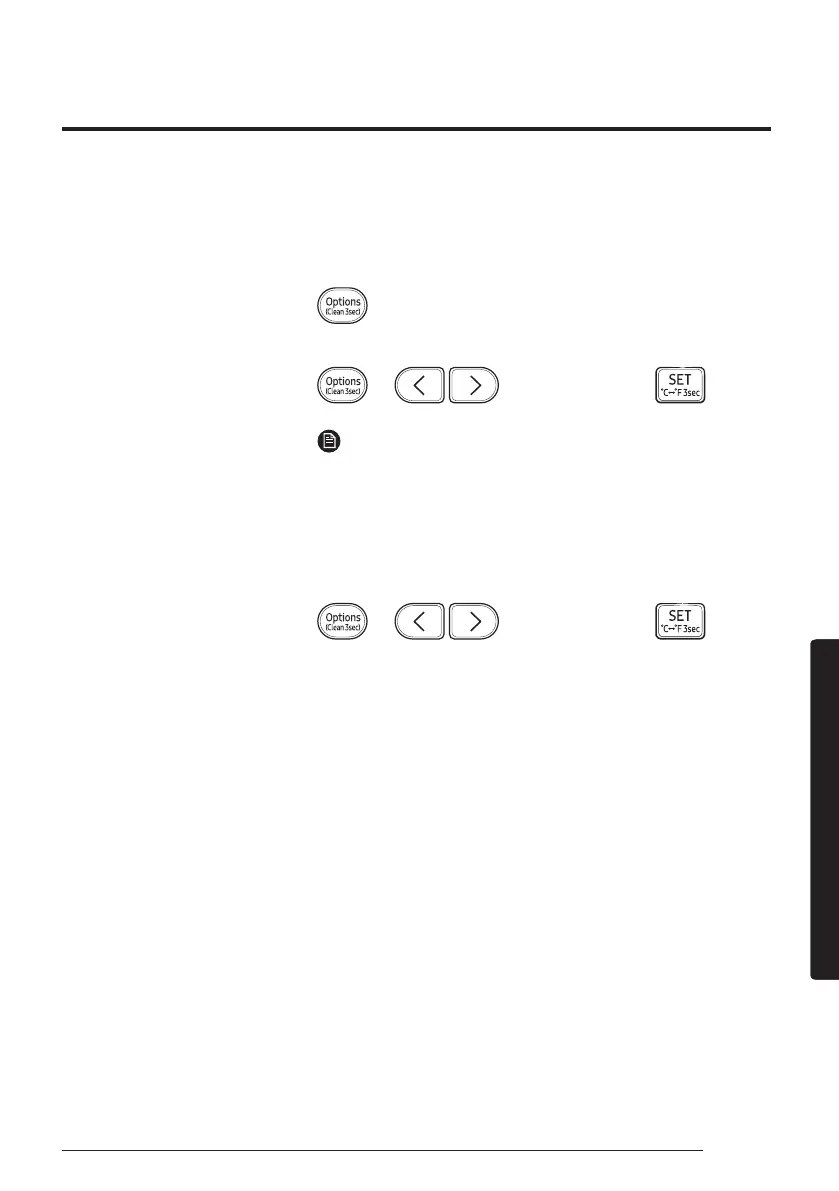
To cancel Auto clean while it is running, follow the procedure below:
▶ Press and hold for 3 or more seconds.
or
▶ ▶ Select Clean. ▶
NOTE
Canceling Auto clean does not deactivate it.
Deactivating Auto clean
To deactivate Auto clean, follow the procedure below while the air
conditioner is in operation or turned off:
▶ ▶ Select Clean. ▶



 To Next Page