8
ENGLISH
Quick look-up guide
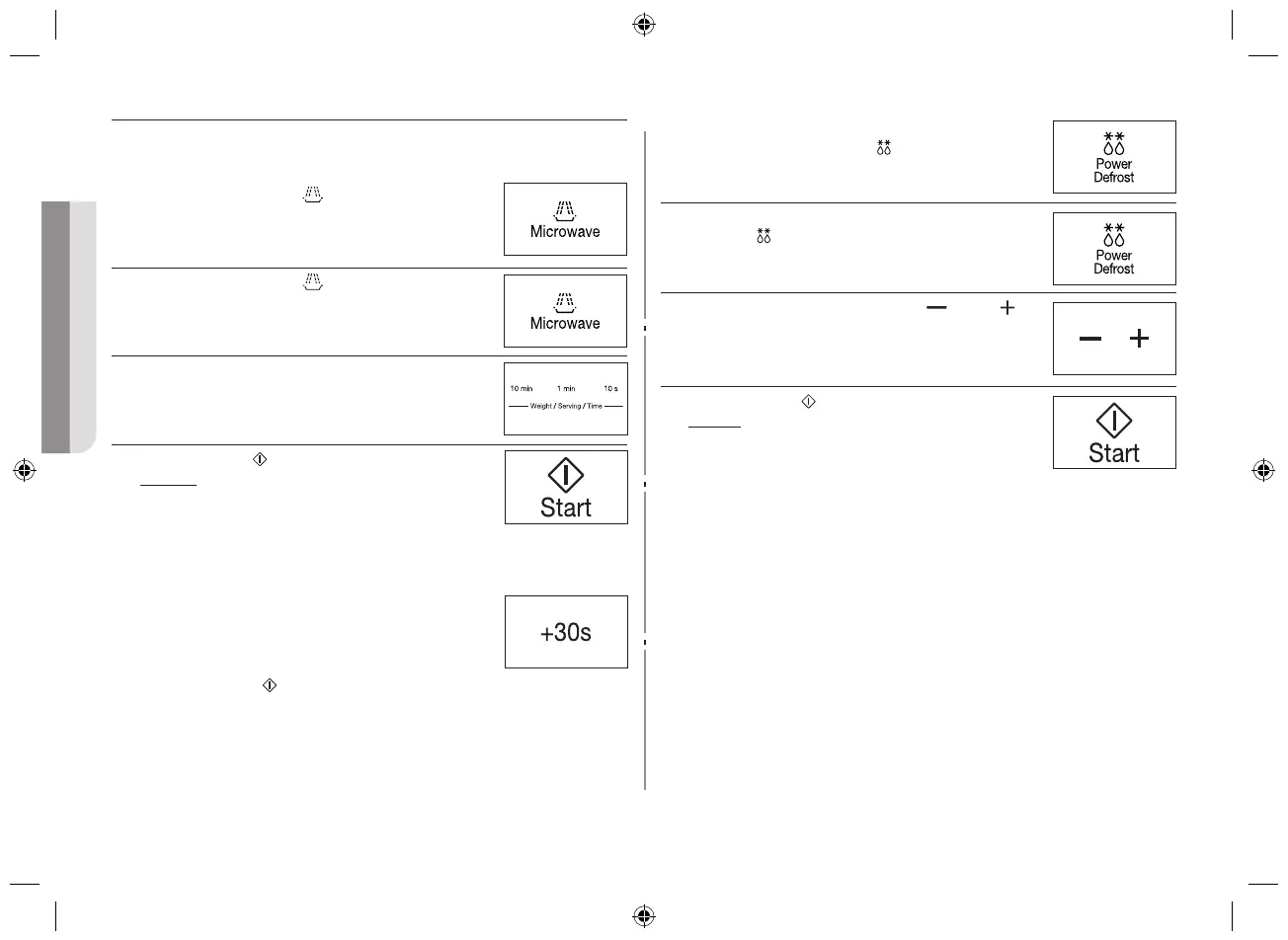
If you want to cook some food.
1. Press the Microwave (
) button.
2. Press the Microwave (
) button until the
appropriate power lever (100 - 800 W).
3. Select the cooking time by pressing the 10 min, 1
min and 10 s buttons as required. (Max 99 min)
4. Press the Start (
) button.
Result : Cooking starts.
When cooking has finished, the oven
will beep and flash “0” four times. The
end reminder signal will beep 3 times.
(once every minute)
If you want to add extra 30 seconds leave the food in the
oven.
Press +30s button one or more times for each extra 30
seconds that you wish to add.
Then press the Start (
) button.
If you want to Power Defrost some food.
1. Place the frozen food in the oven.
Press the Power Defrost (
) button.
2. Select the food category by pressing the Power
Defrost (
) button, until the desired food category
is selected. (Refer to 14 page)
3. Select the weight by pressing the (
) and ( )
buttons as required.
4. Press the Start (
) button.
Result: Defrosting starts.
When cooking has finished, the oven
will beep and flash “0” four times. The
end reminder signal will beep 3 times.
(once every minute)
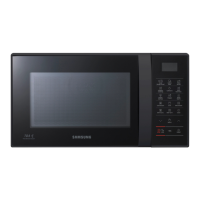
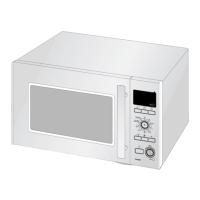
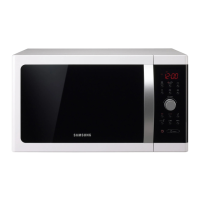
Oven features
OVEN
1. DOOR HANDLE
2. VENTILATION HOLES
3. GRILL
4. LIGHT
5. DISPLAY
6. DOOR LATCHES
7. DOOR
8. TURNTABLE
9. COUPLER
10. ROLLER RING
11. SAFETY INTERLOCK HOLES
12. CONTROL PANEL
CE74JD-CR_XTL_DE68-04168A-01_EN.indd 8 2014-05-16 �� 9:09:23


 To Next Page