18_ parts and features
THE KEY FEATURES OF YOUR APPLIANCE
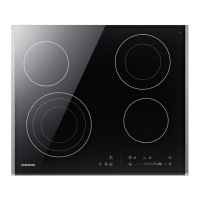
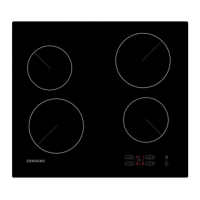
• Ceramic glass cooking surface : The appliance has a ceramic glass cooking
surface and four rapid - response cooking zones.
• Touch control sensors : Your appliance is operated using touch control sensors.
• Easy cleaning : The advantage of the ceramic glass cooking surface and the control
sensors is their accessibility for cleaning. The smooth, flat surface is easy to clean.
• On/Off sensor : The “On/Off” control sensor provides the appliance with a separate
mains switch. Touching this sensor switches the power supply on or off completely.
• Control and function indicators : Digital displays and indicator lights provide
information about settings and activated functions, as well as the presence of
residual heat in the various cooking zones.
• Safety shutoff : A safety shutoff ensures that cooking zones switch off automatically
after a period of time if the setting has not been changed.
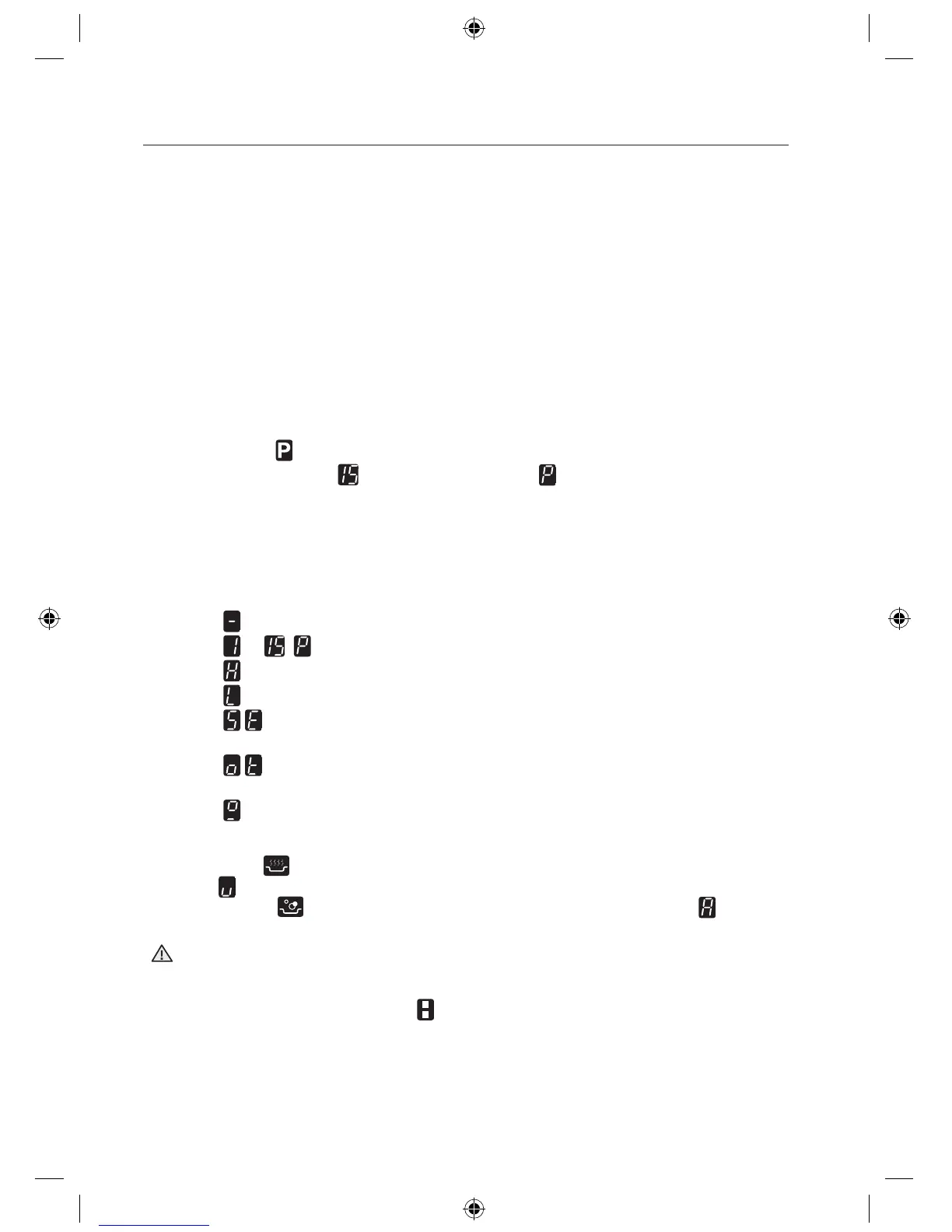
• Residual heat indicator : An icon for residual heat appears in the display if the
cooking zone is so hot that there is a risk of burning.
• Power Boost : Use this function to heat up the contents of the pan faster than
maximum power level ‘
’. (The display will show ‘ ’.)
• Auto Pan-Detection : Each cooking zone incorporates an automatic pan-detection
system, the system is calibrated in order to recognize pans of a diameter just slightly
smaller than the cooking zone. Pans must always be placed centrally on each
cooking zone. And you should use suitable cookware.
• Digital displays : The four display fields are assigned to the four cooking zones.
They show the following information:
-
the appliance has been switched on,
-
to ,
selected heat settings,
-
residual heat,
-
the child lock is activated; and
-
error message, the touch sensor button has been touched for longer
than 8 seconds.
-
error message, when the hob is overheated because of abnormal
operation. (example : operation with empty cookware)
-
error message, cookware is unsuitable or too small or no cookware has
been placed on the cooking zone.
• Keep warm
: Use this function to keep warm cooked food. (The display will
show ‘ ’.)
• Water boiling
: Use this fuction to boil water. (The display will show ‘
’.)
After completion, cooking zone will automatically reduce to a lower power level.
Use Water boiling fuction only to heat water.
Never leave the hob unattended when in use.
This may result in fire.
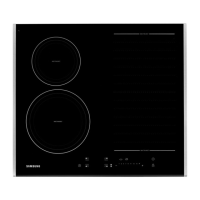
• Complete Bridge zone selector : Use this function to expand cooking zone into
complete right side.
WARNING
CTN464NC01_XEU_00344A-01_EN-121018.indd 18 2012-10-18 �� 9:40:11



 To Next Page