English - 17English - 17
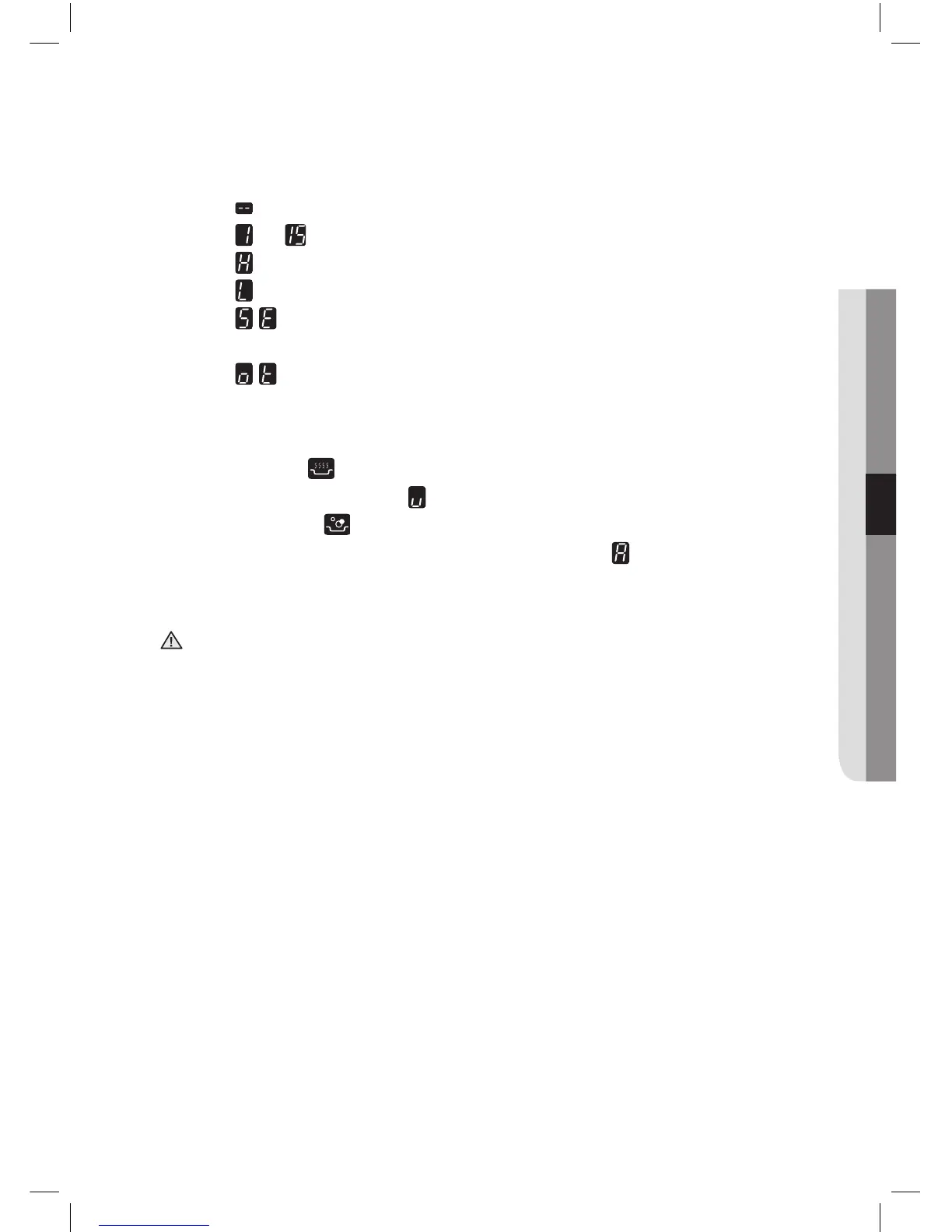
• Digital displays: The four display fields are assigned to the four
cooking zones.
They show the following information:
- the appliance has been switched on,
- to
selected heat settings,
- residual heat,
- the child lock is activated
- error message, the sensor has been touched for
longer than 60 seconds.
- error message, when the hob is overheated because
of abnormal operation. (example : operation with empty
cookware)
• Keep warm : Use this function to keep warm cooked food.
(The display will show ‘ ’.)
• Auto heat up
: Use this function to heat automatically at the
highest power level. (The display will show ‘ ’.)
After completion, cooking zone will automatically reduce to a
lower power level.
Use Auto heat up function only to heat water.
Never leave the hob unattended when in use.
This may result in fire.
WARNING



 To Next Page