English - 24English - 24
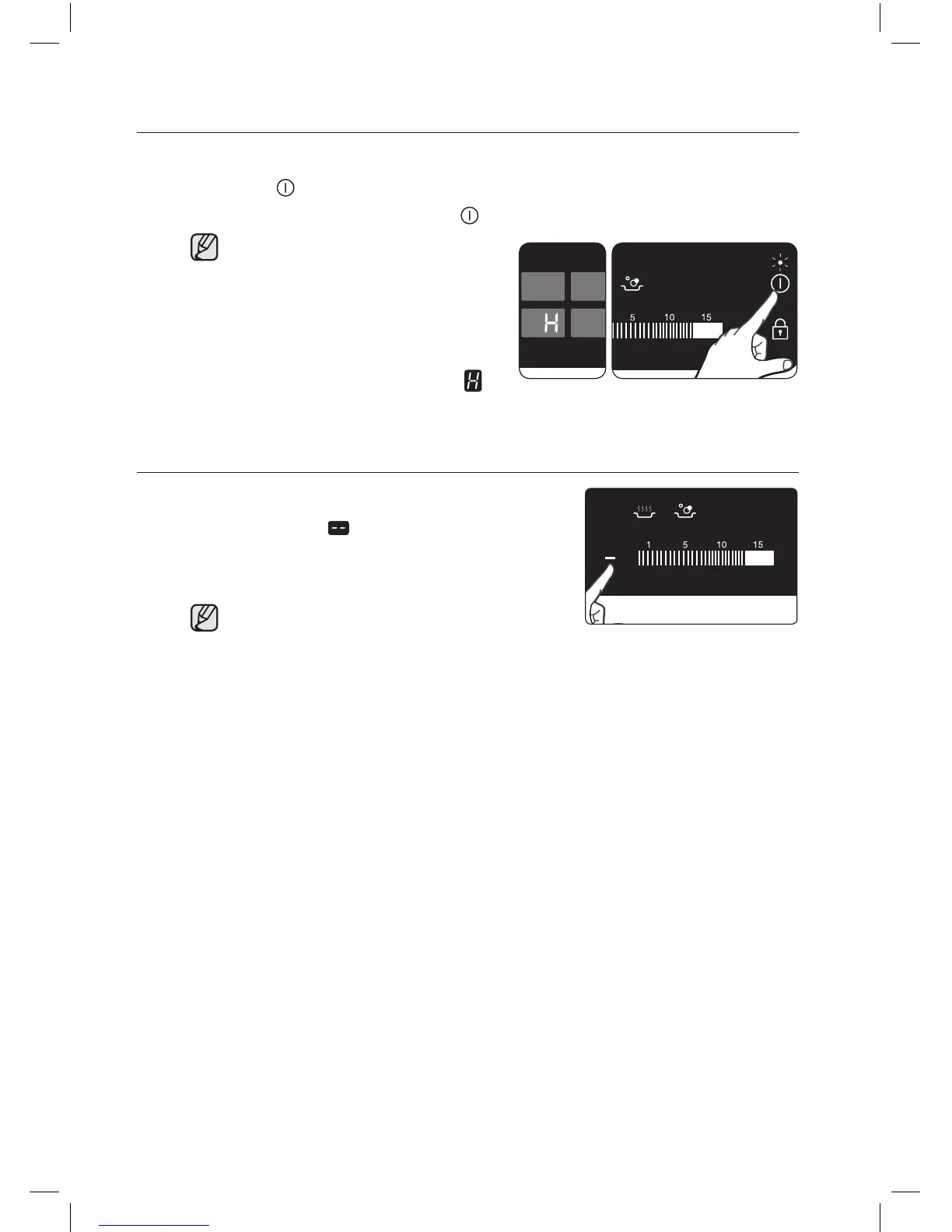
SWITCHING THE APPLIANCE OFF
To completely switch o the appliance, use the On/O
control sensor.
Touch the On/O control sensor.
After switching o a single
cooking zone or the
entire cooking surface,
the presence of residual
heat will be indicated in
the digital displays of the
corresponding cooking
zones in the form of an
(for “hot”).
SWITCHING A COOKING ZONE OFF
To switch o a cooking zone, return
the setting to by using the control
panel’s heat setting.
To switch o more quickly, touch
the corresponding cooking zone’s
key twice.
CTR264KC01_XFA DG68-00446A-02_EN.indd 24 2016-09-02 �� 1:29:05



 To Next Page