English - 23English - 23
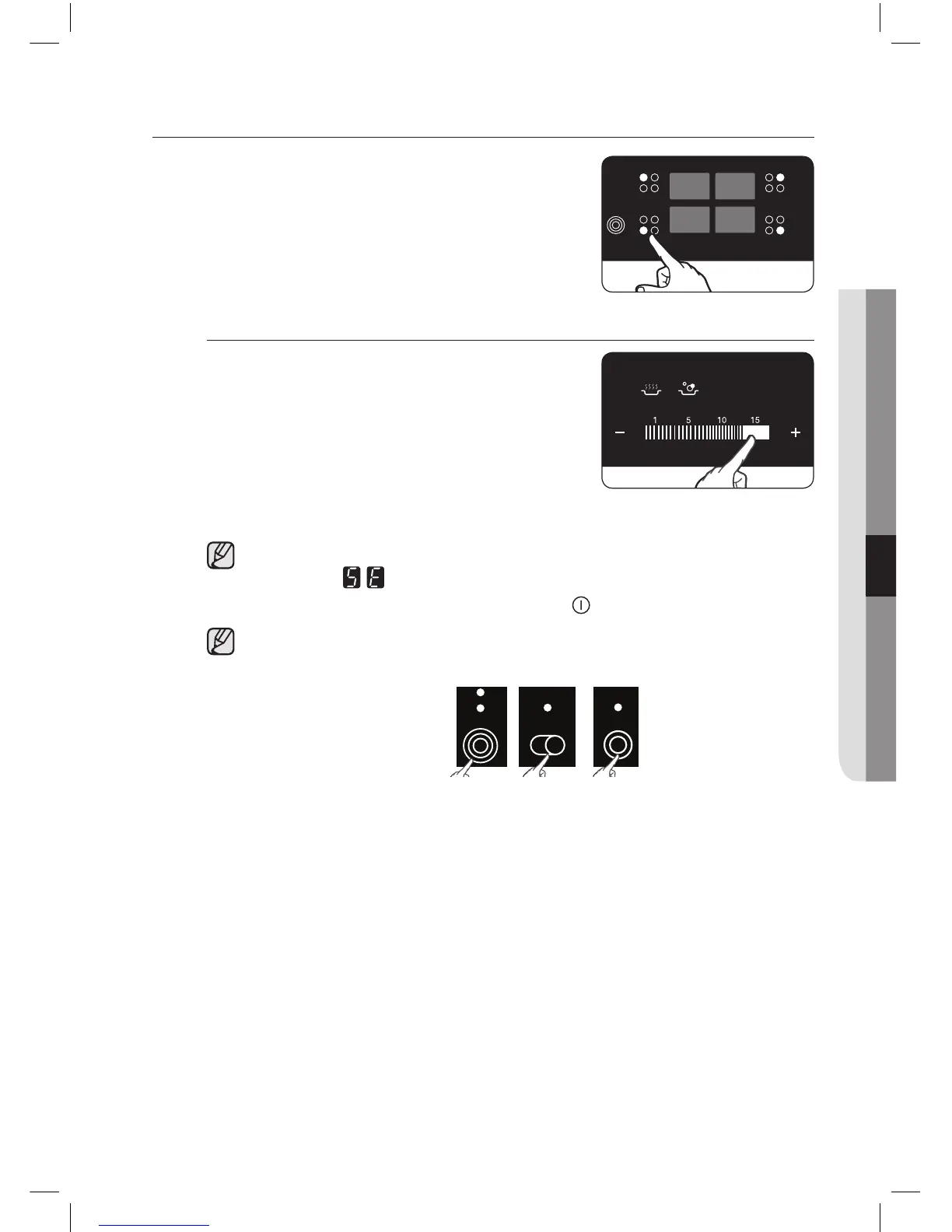
SELECT COOKING ZONE AND HEAT SETTING
1. For selecting the cooking zone,
touch the corresponding cooking
zone’s key.
2. For setting and adjusting the power
level for cooking, touch the Heat
setting selectors.
If more than one sensor is pressed for longer than 60
seconds, will show in the heat setting display. To
reset, touch the On/O control sensor.
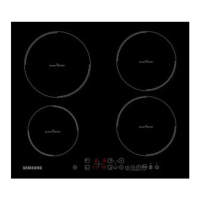
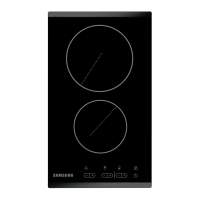
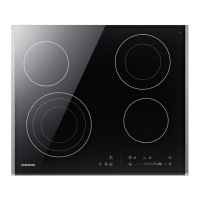
By using the triple zone, double zone or casserole zone,
touch the each zone control sensor.



 To Next Page